Product details
From detailed reports to eye-catching marketing materials, this printer lets you create documents in both A3 and A4 sizes. With the ability to print in A3, you can produce larger, more impactful documents that stand out.
Ultra-fast, durable printing
Get your documents printed quickly and efficiently with the patented MAXIDRIVE print chip. This advanced technology ejects ink droplets into a 40μm thick film, generating pressure through 1680 individual chambers for ultra-fast, precision printing.
Vibrant, professional colour prints
Make a lasting impression with vibrant, professional colour prints. The advanced colour printing technology ensures that your documents are not only accurate but also stand out, thanks to its ability to produce detailed and professional-looking prints.
Reliable performance for busy offices
Count on consistent performance with the robust design and long-life components of the Brother MFC-J5340DWE. This printer is built to handle high volumes, ensuring that your printing needs are met without interruption.
Remote printing and management
Stay productive and efficient with the remote print function on the Brother Mobile Connect app. Send print jobs from anywhere and receive notifications when they are completed, allowing you to focus on other tasks without worrying about the printer.
Personalised printing and scanning
Customise your printing experience with the Brother Mobile Connect app. Personalise frequently used printer functions, scan data directly to your mobile device, and check your scan history. You can also easily monitor ink levels and order supplies directly to your door, ensuring you never run out.
Key features:
Print in A3 and A4 for expanded business opportunities.|
Get ultra-fast, durable, precision printing with patented MAXIDRIVE print chip.|
Achieve vibrant, professional colour prints and accurate digital documents every time.|
Remote print function lets you send jobs from anywhere using the Brother Mobile Connect app.|
Set up job completion notifications to stay informed while you’re on the go.|
Personalise frequently used printer functions for a more efficient workflow.|
Check ink levels and order supplies directly from your mobile device for hassle-free management.|
MFCJ5740DWZU1
Brother MFC-J5740DW A3 INKJET WIRELESS
brother-mfc-j5740dw-all-in-one-inkjet-printer
Title:
Brother MFC-J5740DW A3 Inkjet Wireless
Overview:
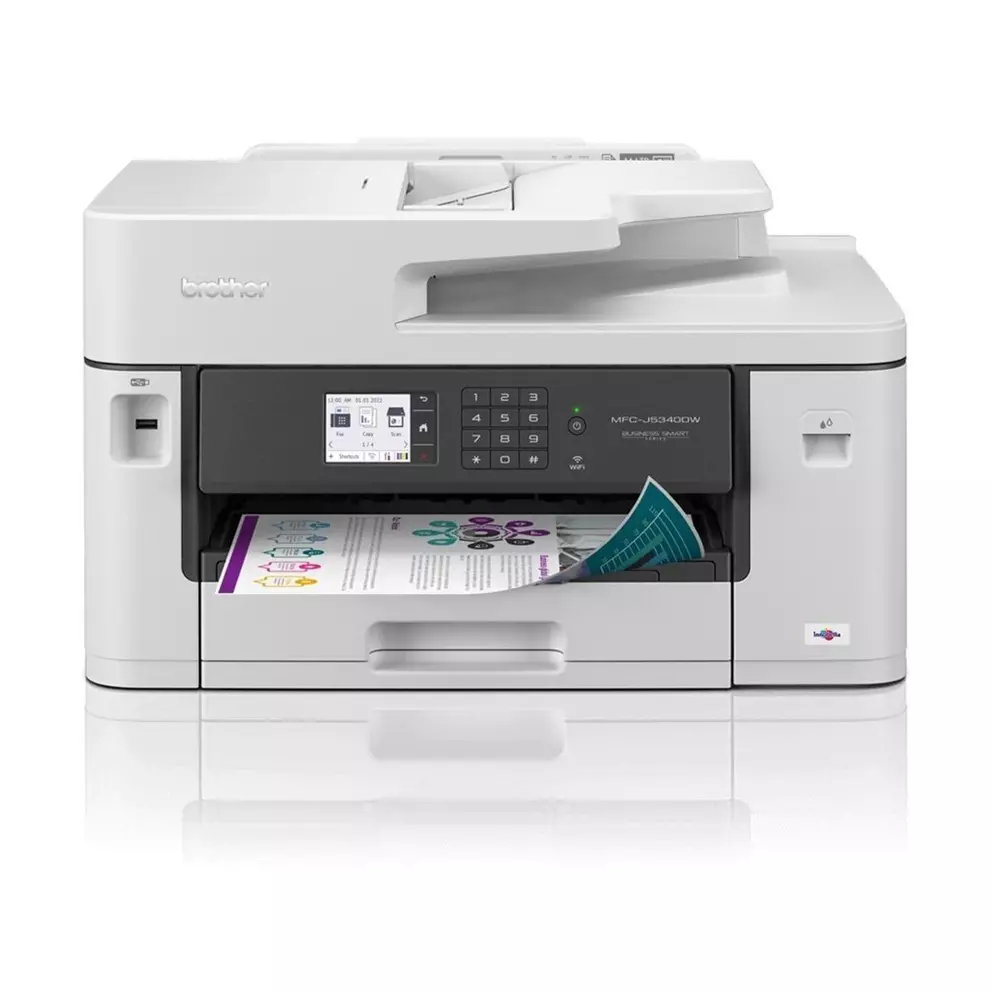
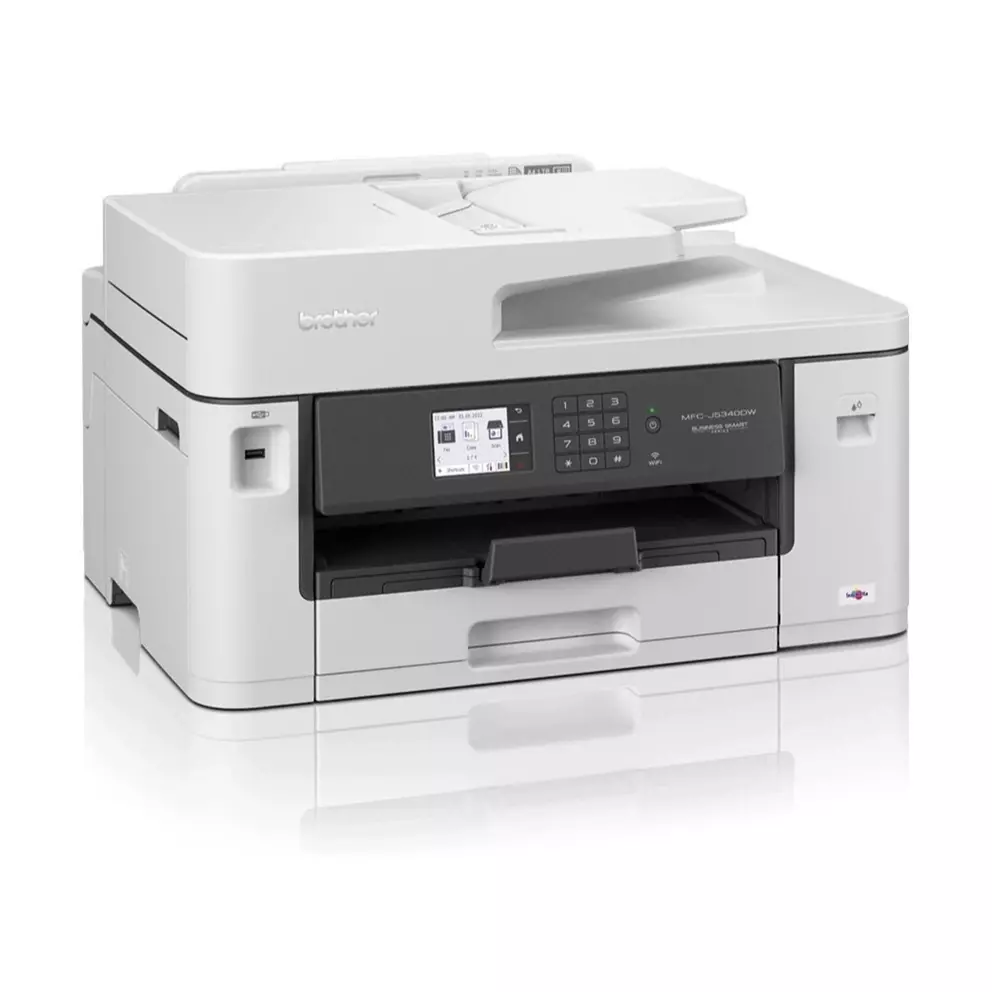
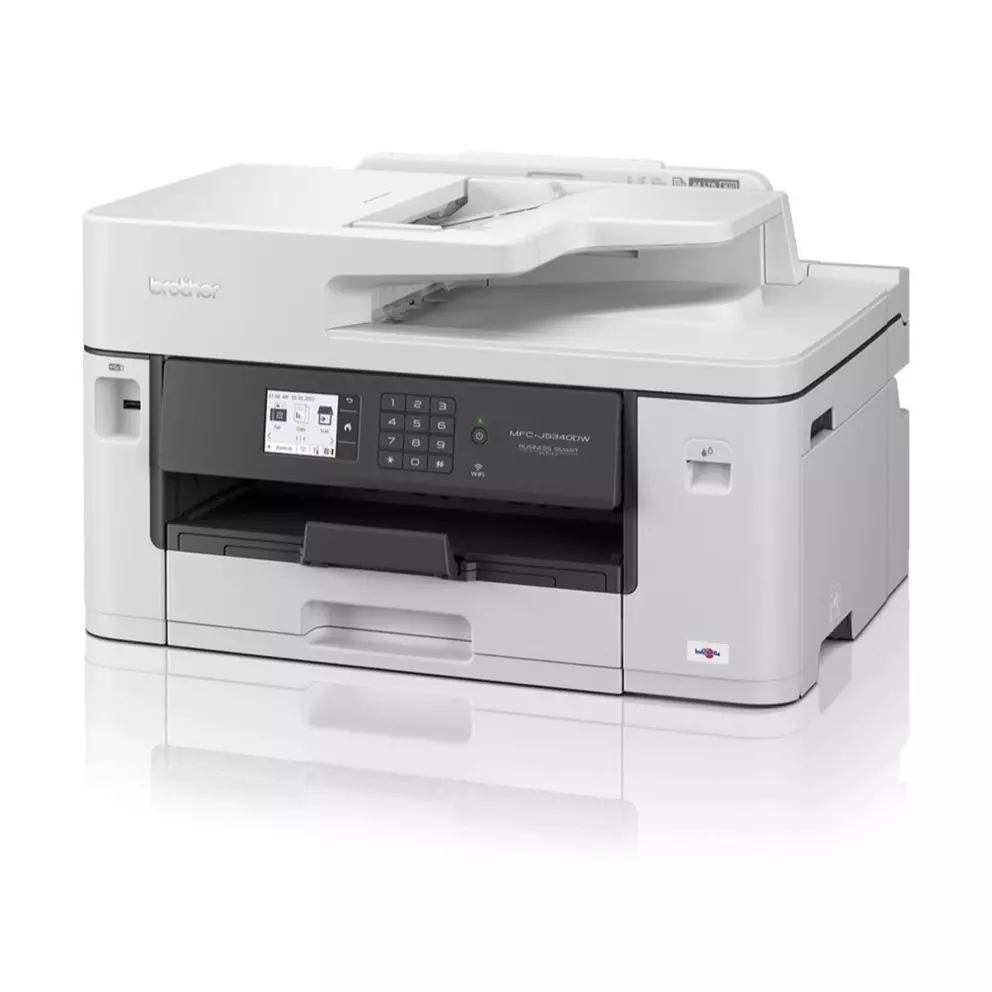
Effortlessly manage all your office printing, scanning, and copying needs with the Brother MFC-J5740DW A3 Inkjet. This all-in-one device streamlines your workflow, ensuring you can focus on what matters most.
Optimise your office efficiency
Streamline your office tasks with a single device that handles printing, scanning, and copying. This printer reduces clutter and simplifies your workspace, making it perfect for busy environments.
Experience lightning-fast printing
Get your documents done quickly with print speeds of up to 28 pages per minute for both mono and colour documents. Whether you’re printing reports or presentations, the Brother MFC-J5740DW ensures you never have to wait long.
Avoid paper jams and save time
Never run out of paper with 2 x 250 sheet A3 paper trays and a 100 sheet A3 multi-purpose tray. This setup is ideal for busy offices, reducing the need to constantly refill and eliminating paper jams.
Reduce paper usage with duplex printing
Print and scan documents on both sides automatically, helping you save paper and reduce waste. The Brother MFC-J5740DW’s duplex feature ensures your office stays eco-friendly without compromising on productivity.
Stay connected with ease
Stay connected with wired and wireless options, including WiFi and LAN. The Brother Mobile Connect app makes it simple to print from your mobile device, ensuring you can work seamlessly from anywhere in the office.
Navigate settings with a touch
Manage your printer settings and tasks effortlessly with the large 8.8cm colour touchscreen. The intuitive interface makes it easy to adjust settings and monitor print jobs, saving you time and frustration.
Key features
- Print in A3 and A4 for expanded business opportunities.
- Get ultra-fast, durable, precision printing with patented MAXIDRIVE print chip.
- Achieve vibrant, professional colour prints and accurate digital documents every time.
- Remote print function lets you send jobs from anywhere using the Brother Mobile Connect app.
- Set up job completion notifications to stay informed while you’re on the go.
- Personalise frequently used printer functions for a more efficient workflow.
- Check ink levels and order supplies directly from your mobile device for hassle-free management.