  1. Home
  2. Computing
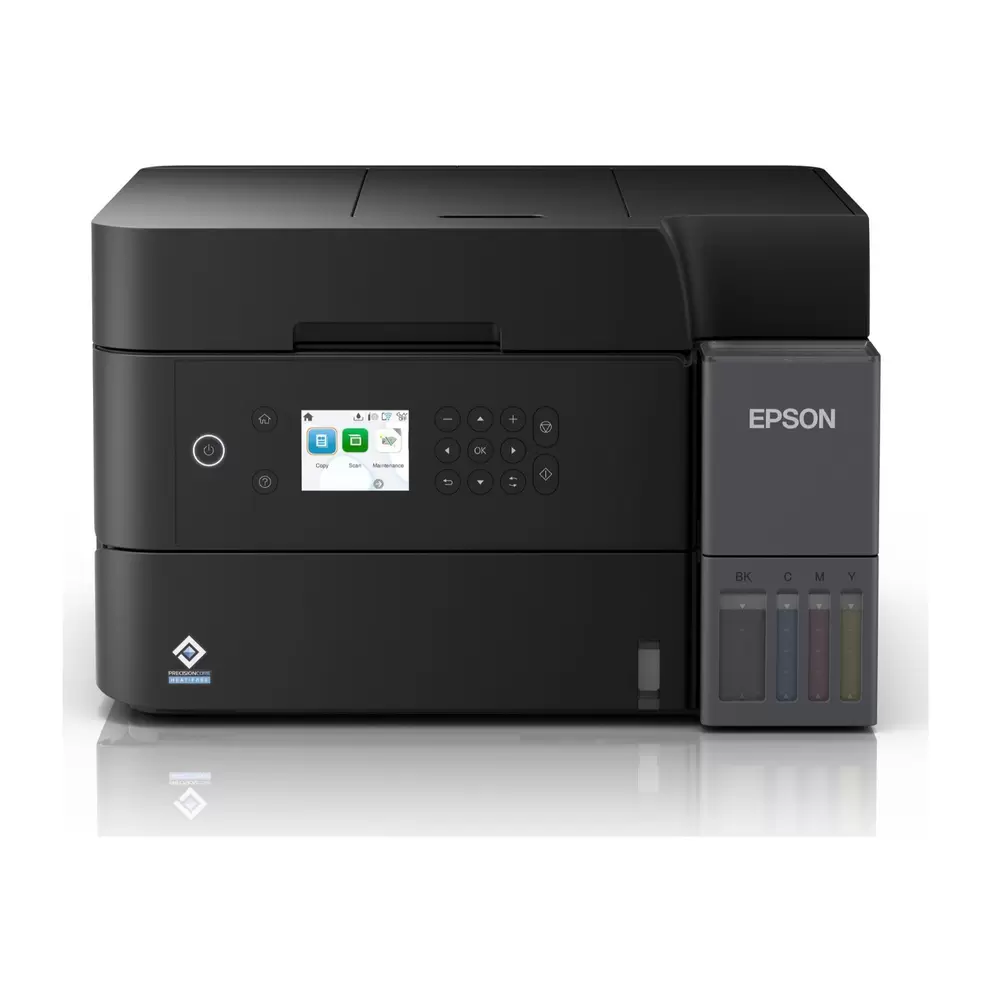
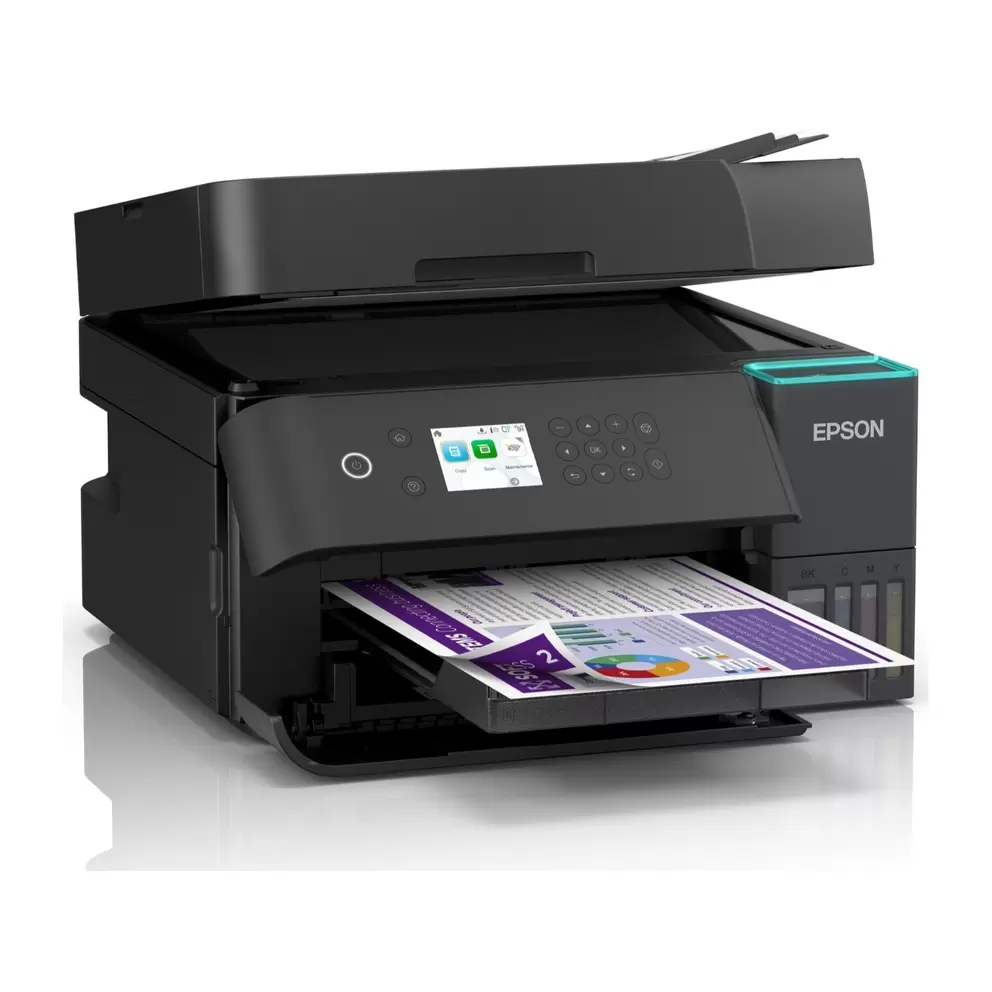
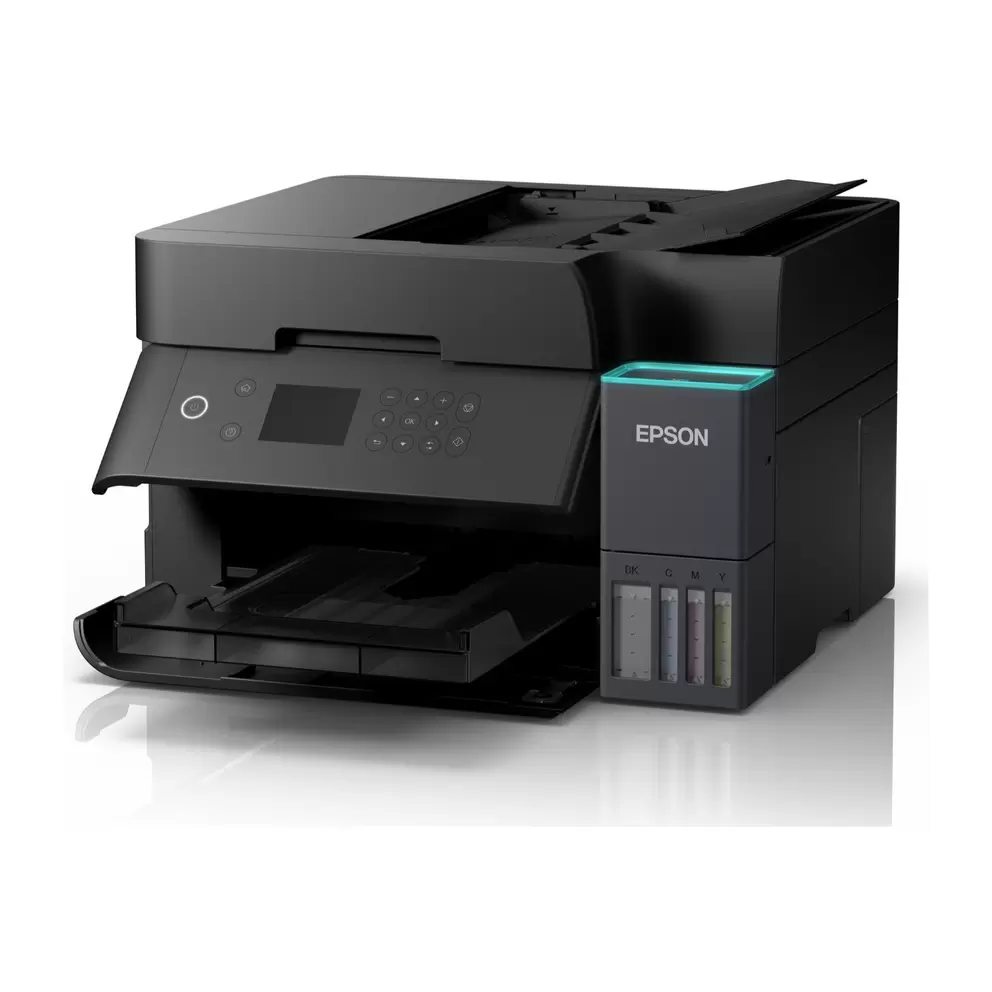
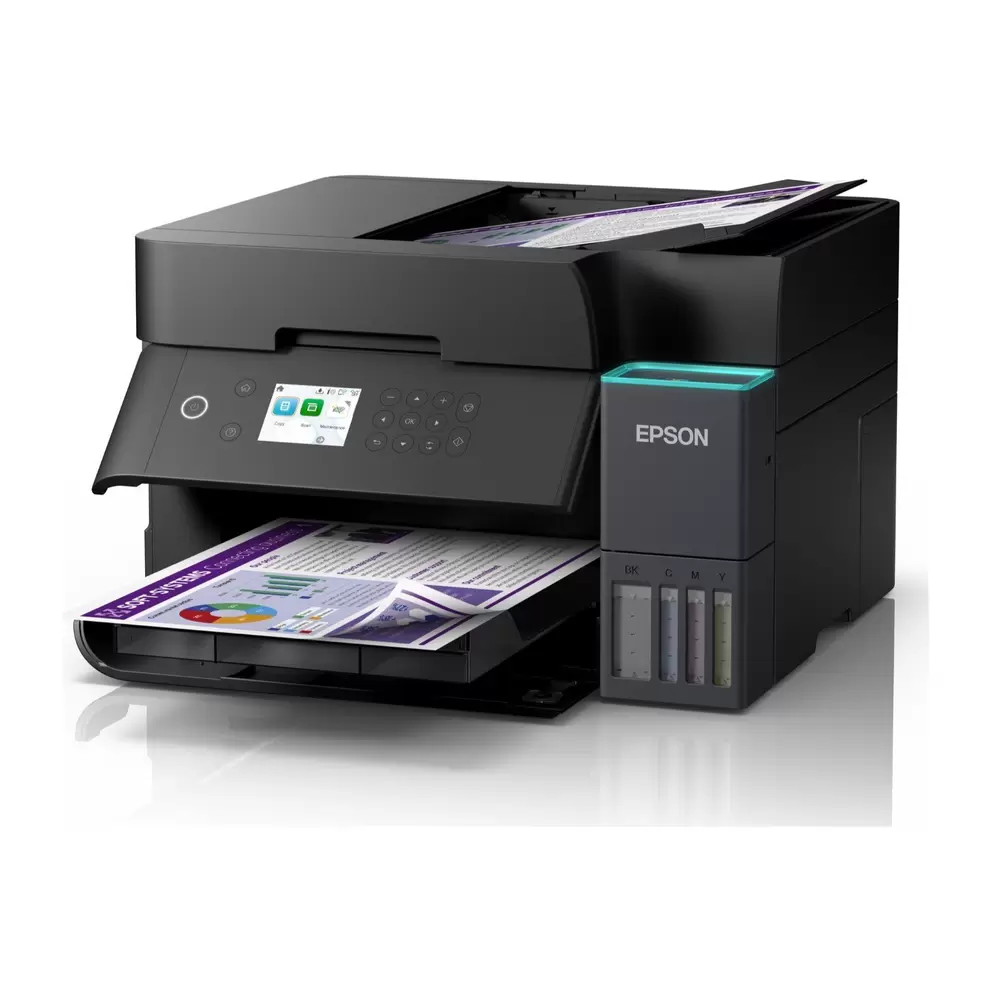
  3. Epson EcoTank ET-3950 All-in-One Inkjet Printer
loading
1 / 9
e5d118d630996b7b78cfa3e5e05694bdf1fc2ff8
dbab4936d63d62a43405b7cf6ecc3f689f9208ad
acd0f9ea20a60ac33fea8fe2803a553316888e39
32b5a60db7074522caab0d9a03d1005493a8a118
1bdafd8b9a4c04130de51b0f5f222d18732a2e9e
75c2eeff6c3b982c1b301c46e057fb3d1f7f3580
355f8b9dfdaa8560efe82d4be6ddbfa906e56369
9cd2cbcf63e6b822df600c99e37be0d6bbce314b
a44d100d27edc673f0aa7816d147dca7c51e7dce

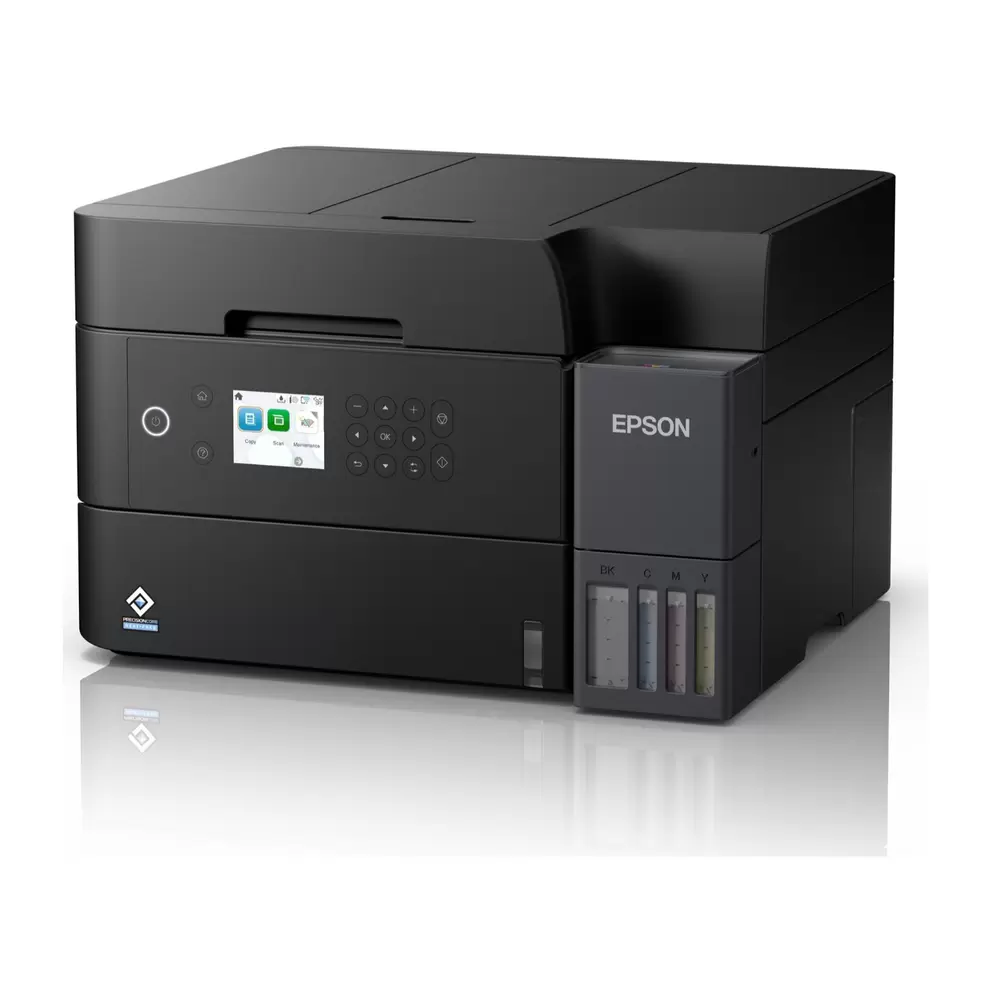
Epson EcoTank ET-3950 All-in-One Inkjet Printer

£389.99£389.99
 
loading
Product details


Specifications


FAQs


Reviews


Product details

Key features

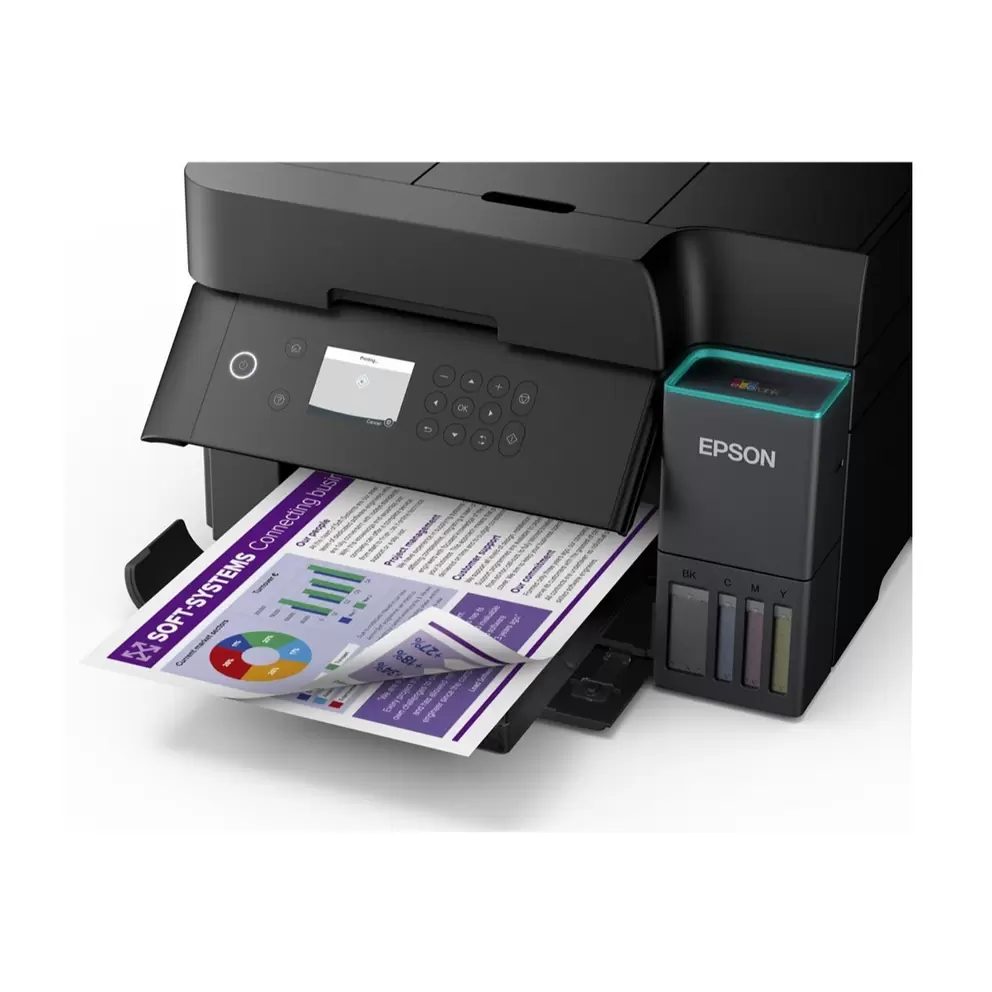
  • Save significantly on ink costs with refillable EcoTank technology, with included bottles delivering approximately 4,500 pages in black and 7,500 pages in colour, equivalent to around 90 cartridges.
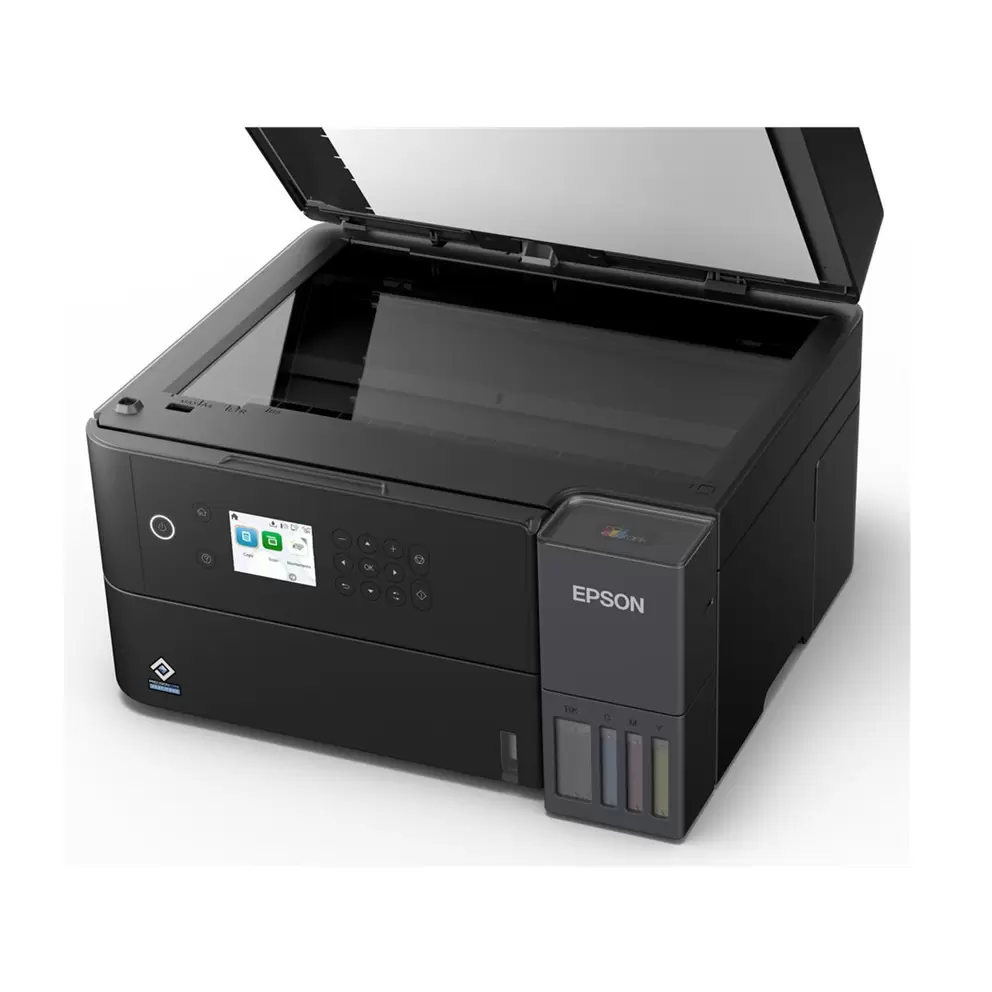
  • Save time on multi-page tasks with a 30-page reversing Automatic Document Feeder for hands-free scanning, copying and faxing.
  • Print more without constant tray refills, with a generous 250-sheet front-loading paper tray designed for busy everyday use.
  • Cut paper consumption with automatic two-sided duplex printing, ideal for reports, presentations and professional documents.
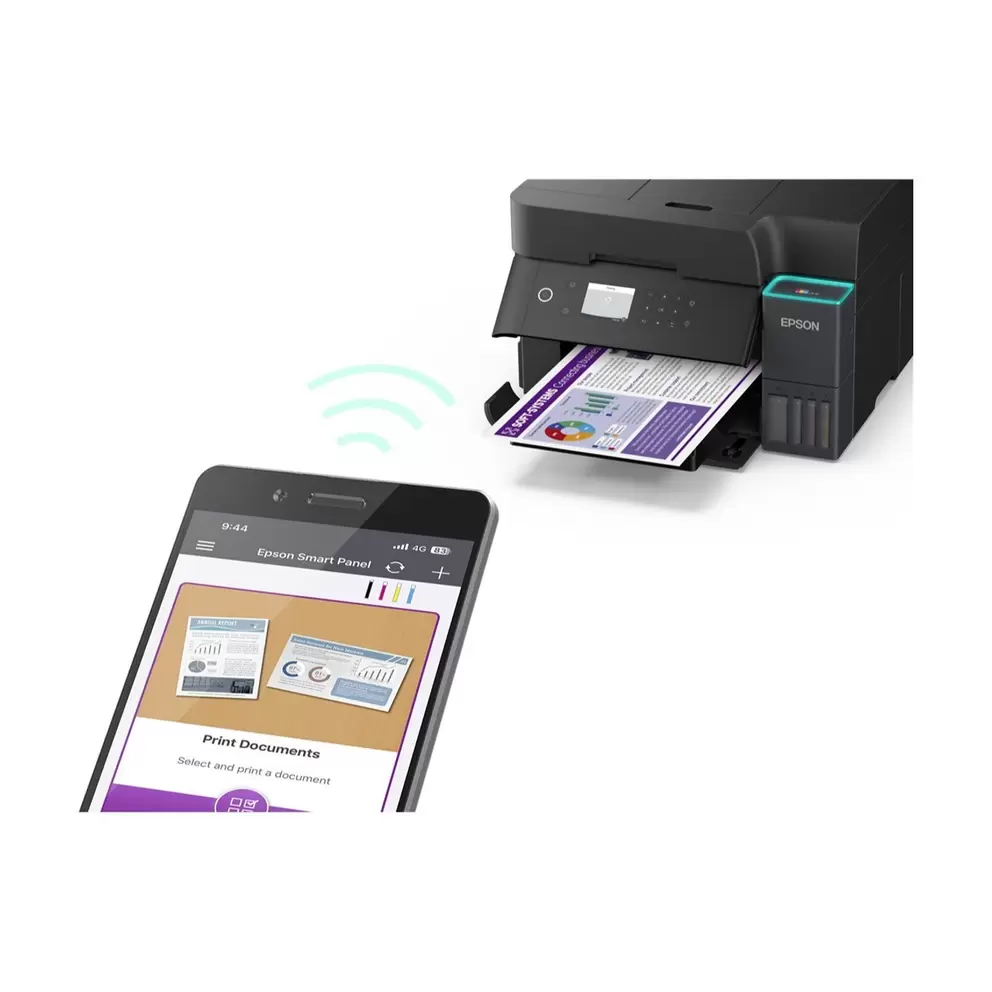
  • Print wirelessly from any device on your network with WiFi and WiFi Direct, plus remote printing via Epson Connect from anywhere.
  • Get documents turned around quickly with print speeds of up to 15 pages per minute in black and up to 8 pages per minute in colour.
In more detail

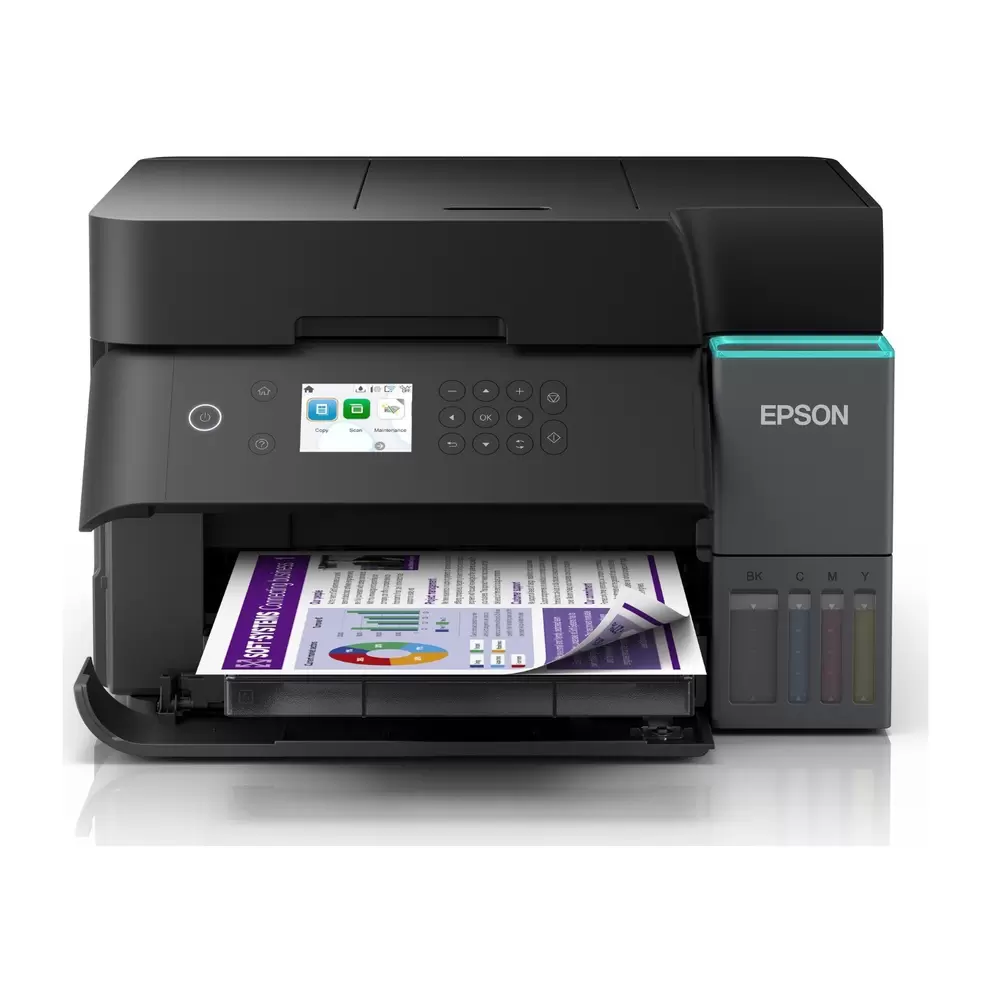
Cut the long-term cost of printing without slowing down your workflow, with the Epson EcoTank ET-3950 All-in-One Inkjet Printer combining refillable ink tanks, a 250-sheet front-loading paper tray, a 30-page automatic document feeder and automatic duplex printing in one capable, connected package. The included ink bottles deliver approximately 4,500 pages in black and 7,500 pages in colour straight out of the box, equivalent to around 90 cartridges, making it an outstanding choice for busy home offices and small businesses that print regularly.

A smarter way to manage ink costs

Save significantly on printing costs over time by replacing expensive cartridges with high-capacity refillable ink tanks that cost a fraction of the price per page. The ink included in the box gets you started with approximately 4,500 pages in black and 7,500 pages in colour, so most users will go a very long time before needing to restock.

Handle multi-page documents without the hassle

Speed up your everyday scanning, copying and faxing with a 30-page reversing Automatic Document Feeder that feeds multi-page documents through automatically without you having to turn each page by hand. It's a genuinely time-saving feature for anyone who regularly deals with reports, contracts or multi-page correspondence.

High-capacity paper tray for uninterrupted printing

Keep printing without constant tray refills, with a 250-sheet front-loading paper tray giving you a generous supply of paper for busy print runs. The front-loading design makes it easy to position the printer on a shelf or cabinet and top up paper without moving the unit at all.

Automatic duplex printing to save paper

Print on both sides of the page automatically without any manual intervention, with built-in duplex printing reducing paper consumption and keeping documents looking clean and professional. It's particularly useful for reports, presentations and booklets where double-sided output is the standard.

Wireless connectivity for the whole office

Print from any device on your network without plugging in a single cable, with WiFi connectivity covering smartphones, tablets, laptops and desktop computers across your home or office. WiFi Direct adds further flexibility by allowing printing from devices that aren't connected to the same network and Epson Connect lets you send jobs to the printer remotely via email from anywhere.

Built-in fax for complete office functionality

Handle every communication task from a single device with a built-in fax function that keeps the ET-3950 useful in environments where faxing is still part of the daily routine. Combined with fast print speeds of up to 15 pages per minute in black and up to 8 pages per minute in colour, it covers everything a small office needs without requiring multiple devices.

Specifications

BrandEpson
TypeInk-jet Multifunction printer
PageA4 (210 x 297 mm), A5 (148 x 210 mm), A6 (105 x 148 mm), ANSI A (Letter) (216 x 279 mm), B5 (176 x 250 mm), B6 (125 x 176 mm), 100 x 150 mm, 130 x 180 mm
Compatible4 individual ink tanks (Cyan, Magenta, Yellow, Black)
PortsUSB, LAN
ConnectivityWi-Fi, AirPrint Enable
What's2 x ink bottle (black) - up to 15100 pages; 1 x ink bottle (cyan) - up to 5500 pages; 1 x ink bottle (magenta) - up to 5500 pages; 1 x ink bottle (yellow) - up to 5500 pages
Product Dimenstions (H/W/D)Height: 24 cm, Width: 37.5 cm, Depth: 34.7 cm
Weight7.2 kg
Manufacturer Part Number (MPN)C11CL43401
EE Article CodeC11CL43401-000000000400022028

FAQs

The Epson EcoTank ET-3950 is a high-performance wireless all-in-one printer built for busy home offices and small businesses. It uses refillable ink tanks to keep running costs low and includes an automatic document feeder, high-capacity paper tray and fast print speeds for productive everyday use.

Like all EcoTank printers, the ET-3950 uses refillable ink tanks rather than cartridges. The included ink bottles print approximately 4,500 pages in black and 7,500 pages in colour, equivalent to around 90 cartridges, so you can save significantly compared to buying replacement cartridges regularly.

Yes. The ET-3950 includes a 30-page reversing Automatic Document Feeder. This means you can automatically scan, copy or fax multi-page documents without manually turning each page, saving considerable time on routine office tasks.

The ET-3950 features a 250-sheet front-loading paper tray, ideal if you print frequently and want to avoid constantly refilling the tray. The front-loading design also makes it easy to place on a shelf or cabinet and access paper without pulling the printer out.

Yes. The ET-3950 supports automatic two-sided duplex printing. This is a convenient feature that saves paper and is particularly useful when printing reports, presentations or booklets.

Yes, the ET-3950 includes a built-in fax function. This makes it suitable for businesses that still need to send and receive faxes alongside standard printing and scanning.

The ET-3950 prints at up to 15 pages per minute in black and up to 8 pages per minute in colour. These speeds are well suited to a busy small office environment where documents need to be turned around quickly.

The ET-3950 connects via WiFi, WiFi Direct and USB. WiFi lets you print wirelessly from any device on your home or office network, while WiFi Direct allows printing from devices that are not on a network without needing a router.

Yes. The ET-3950 works with Epson Connect, which includes Epson Email Print and Remote Print Driver. You can send print jobs to the printer from anywhere using its unique email address, which is useful when you need to print something while away from the office.

The ET-3950 is the more powerful of the 2 models. It offers a larger 250-sheet front tray compared to the ET-2950's 100-sheet rear tray, adds a 30-page ADF for multi-page scanning and copying, supports automatic duplex printing and includes a fax function. If you print more frequently or need to handle multi-page documents, the ET-3950 is the better choice.

Reviews

                                                                                                                                                                                                                                                                                                                                                                                                       
loading
loading

Choose colour

Out of stock
Sorry, this one’s gone for now.
VisaMasterAmerican expressGoogle payPaypal
loading
loading
loading
loading
loading
loading
loading
loading
loading
loading
loading
loading
loading
loading
loading
loading
loading
loading
loading
loading
loading
loading
loading
loading
loading
loading
loading
loading
loading
loading
loading
loading
loading
loading
loading
loading