  1. Home
  2. Computing
  3. HP Deskjet 2910 All-in-One Colour Printer
loading
1 / 8
e614fe8be86b0c58d41653f0e6690efc3ba891ca
8aaebb6af0ff111b7cbc4af07faf1c7263d2d9f0
670123a1ed7fd842f4f966bca8191924a9506ba6
11b21d8c7a1091bff9f2b54636558097592e1958
a373bafaa91b416749e2122f10fbe07eb3d3de20
312106cf5bee15671dd2505e11b03bba6027453c
e6119bf68a00439b6b111892f7413d928c1057f5
9cb798937efaf238e2ee3ca53d80f90c76e0971c

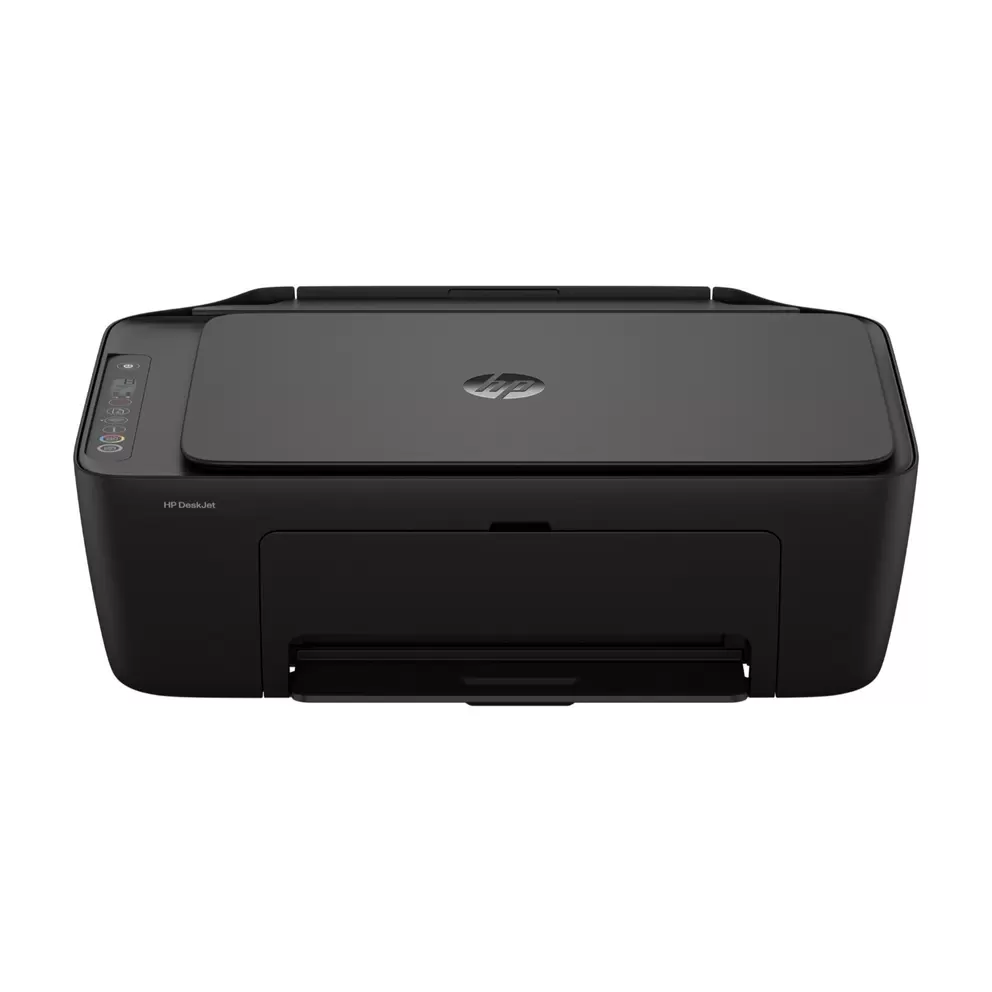
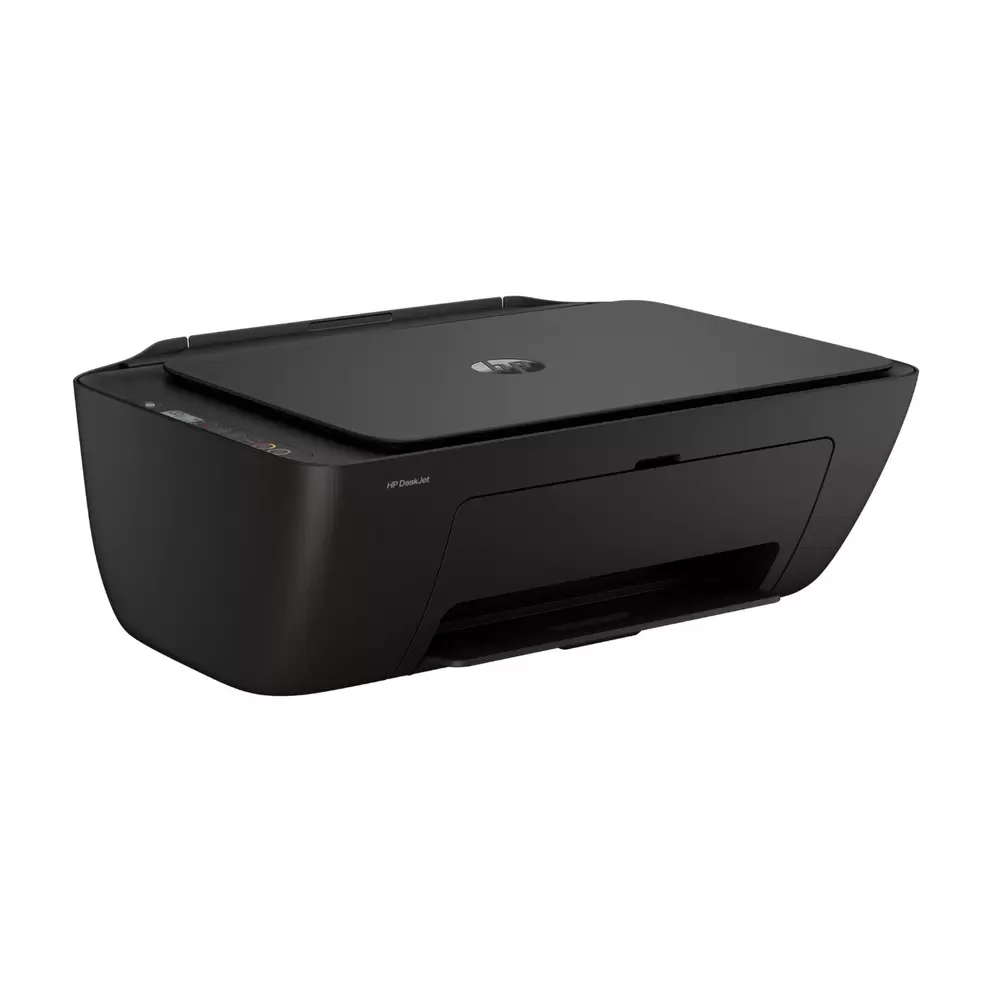
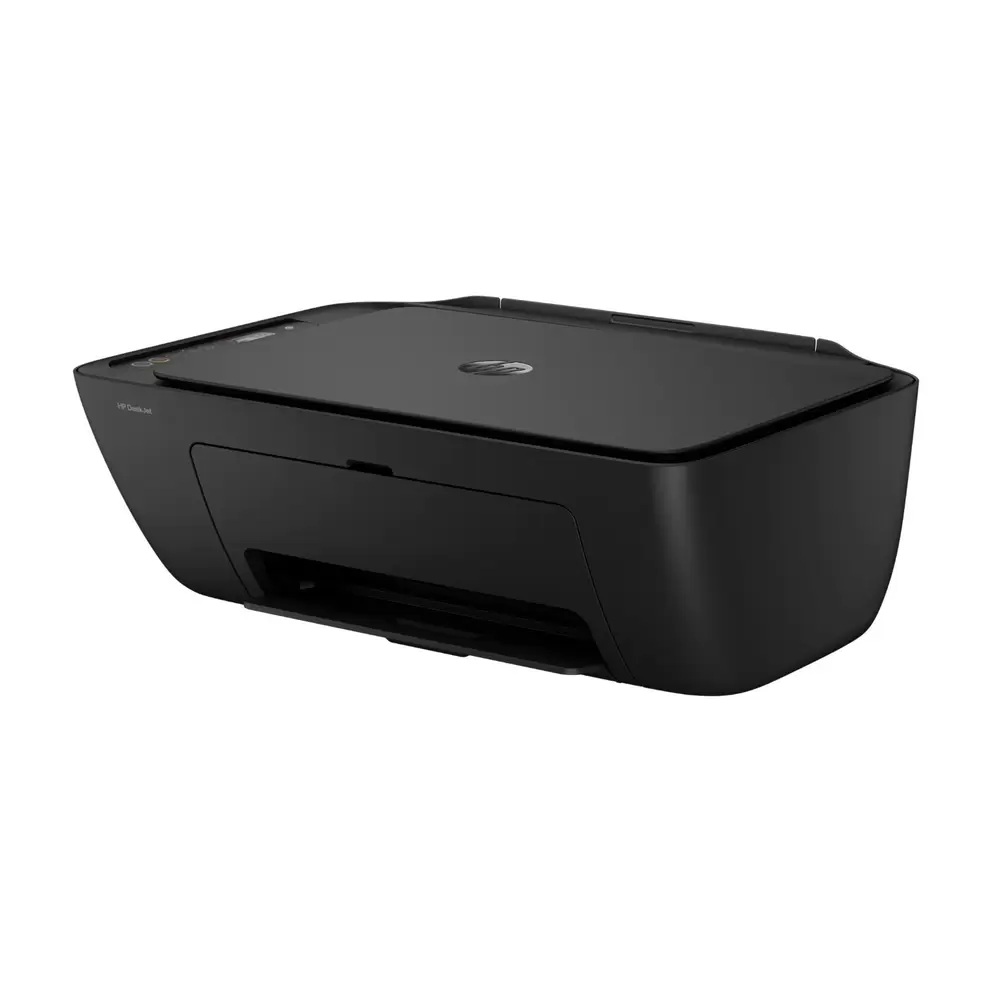
HP Deskjet 2910 All-in-One Colour Printer

£59.99£59.99
 
loading
Product details


Specifications


FAQs


Reviews


Product details

Key features

  • Handle everyday home tasks from one compact machine that prints, scans and copies, so return labels and schoolwork stay simple.
  • Print wirelessly from anywhere in your home with dual-band WiFi covering 2.4GHz and 5GHz.
  • Send documents straight from your phone or tablet using the HP app, Apple AirPrint and Mopria for effortless mobile printing.
  • Get quick results with print speeds up to 7.5 pages a minute in black and the first page out in as little as 16 seconds.
  • Scan and copy in 1 place with a flatbed scanner capturing up to 1200 x 1200 dpi and a copier producing up to 9 copies.
  • Feel good about your purchase with a stylish, compact design made from at least 70% recycled plastic that fits your space.
In more detail

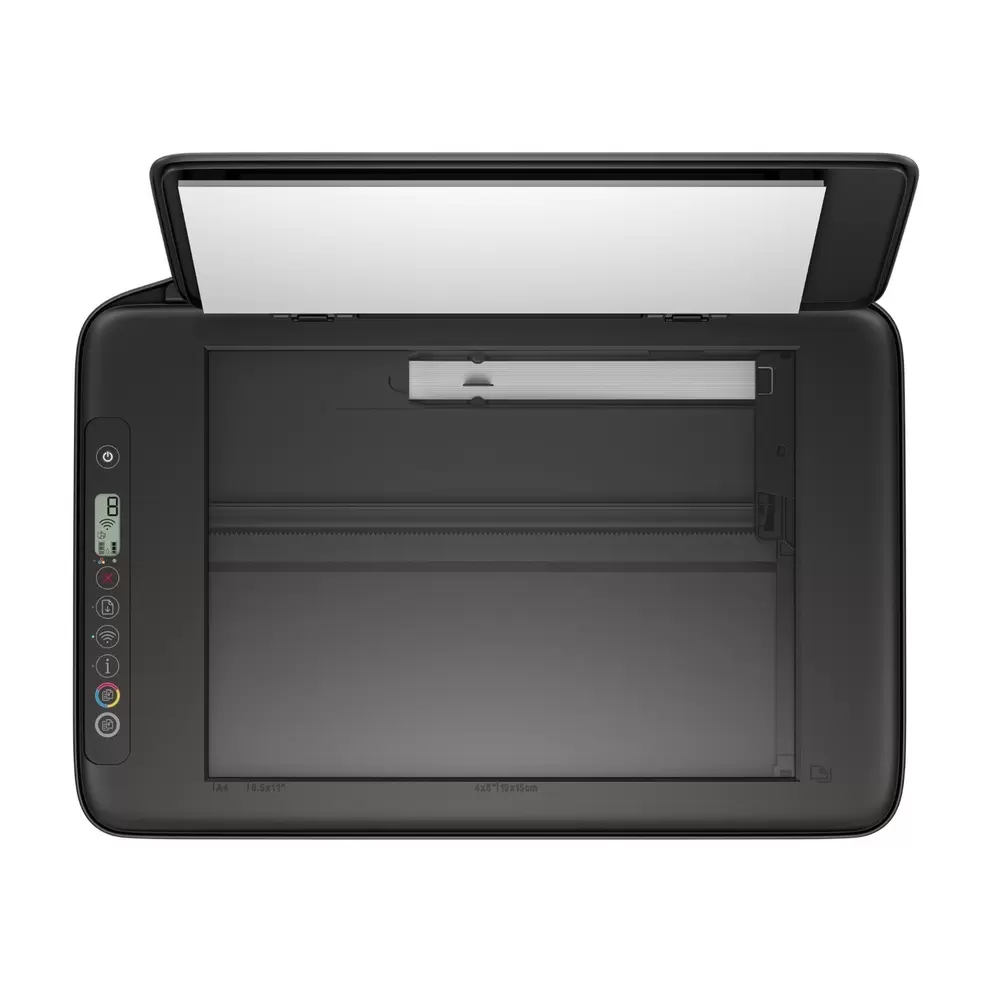
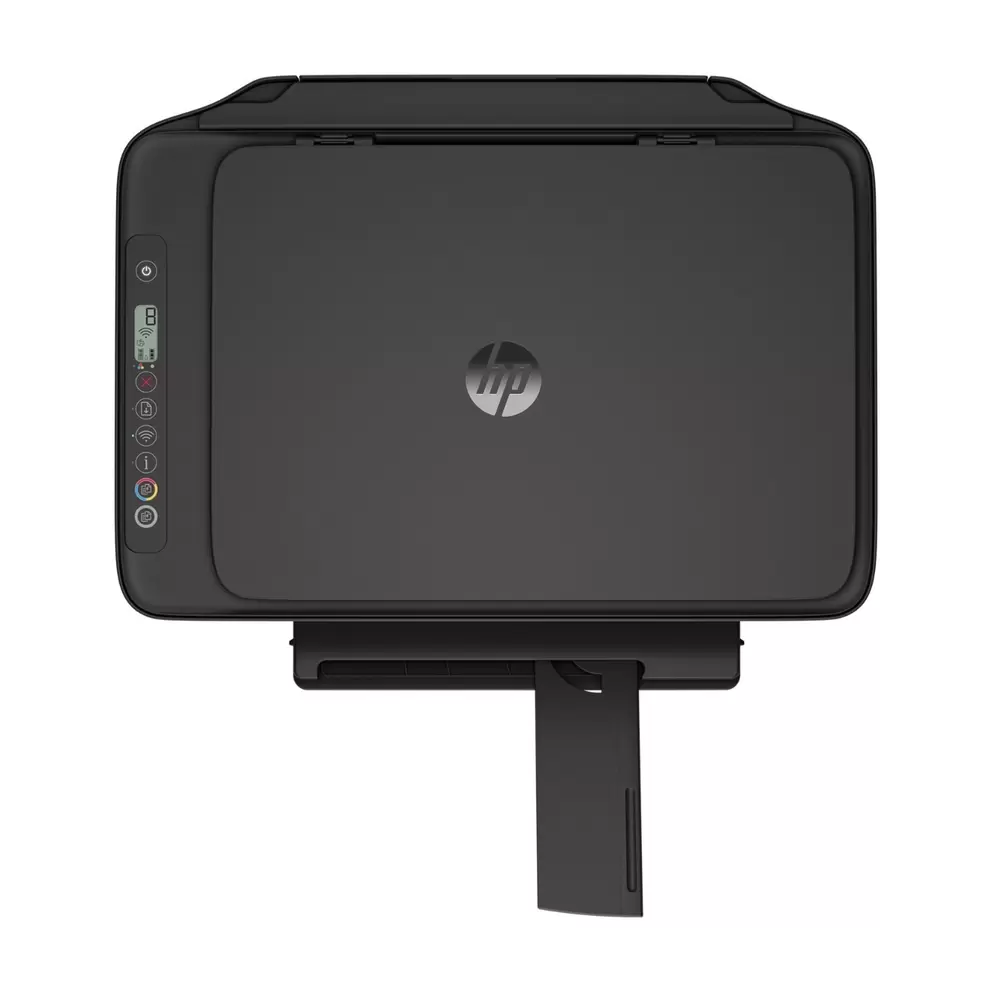
The HP DeskJet 2910 handles printing, scanning and copying from one compact machine, so you can tick off everyday home tasks without cluttering your desk. It's built for light home use, from return labels and schoolwork to the occasional photo.

Stay connected without the fuss

Print wirelessly from anywhere in your home thanks to dual-band WiFi covering 2.4GHz and 5GHz for a stable link. The connection reconnects automatically, so you're not left troubleshooting when the network blips.

Print from the device you already use

Send documents straight from your phone or tablet using the HP app, Apple AirPrint or Mopria. Setup takes minutes through HP's easiest-to-use print app, and an intuitive control panel with buttons keeps everyday printing straightforward.

Decent speeds for everyday jobs

Black pages print at up to 7.5 pages a minute and colour at up to 5.5, with the first black page out in as little as 16 seconds. Quick documents are ready when you need them, without keeping you waiting.

Scan and copy in one place

The flatbed scanner captures up to 1200 x 1200 dpi, so you can save documents as PDF, JPEG, TIFF or PNG files. The copier produces up to 9 copies at a time, handy for quick duplicates of letters or forms.

A greener, space-saving designWhat can the HP DeskJet 2910 do?|

The HP DeskJet 2910 is an all-in-one printer that prints, scans and copies, so it handles everyday home tasks from a single compact machine. It’s designed for light home use, such as printing return labels, school work and the occasional photo.|

Specifications

BrandHP
TypeInkjet
Page FormatA4, A5, A6, B5, Legal, Letter
Compatible CartridgesHP 308 Black, HP 308 Tri-colour
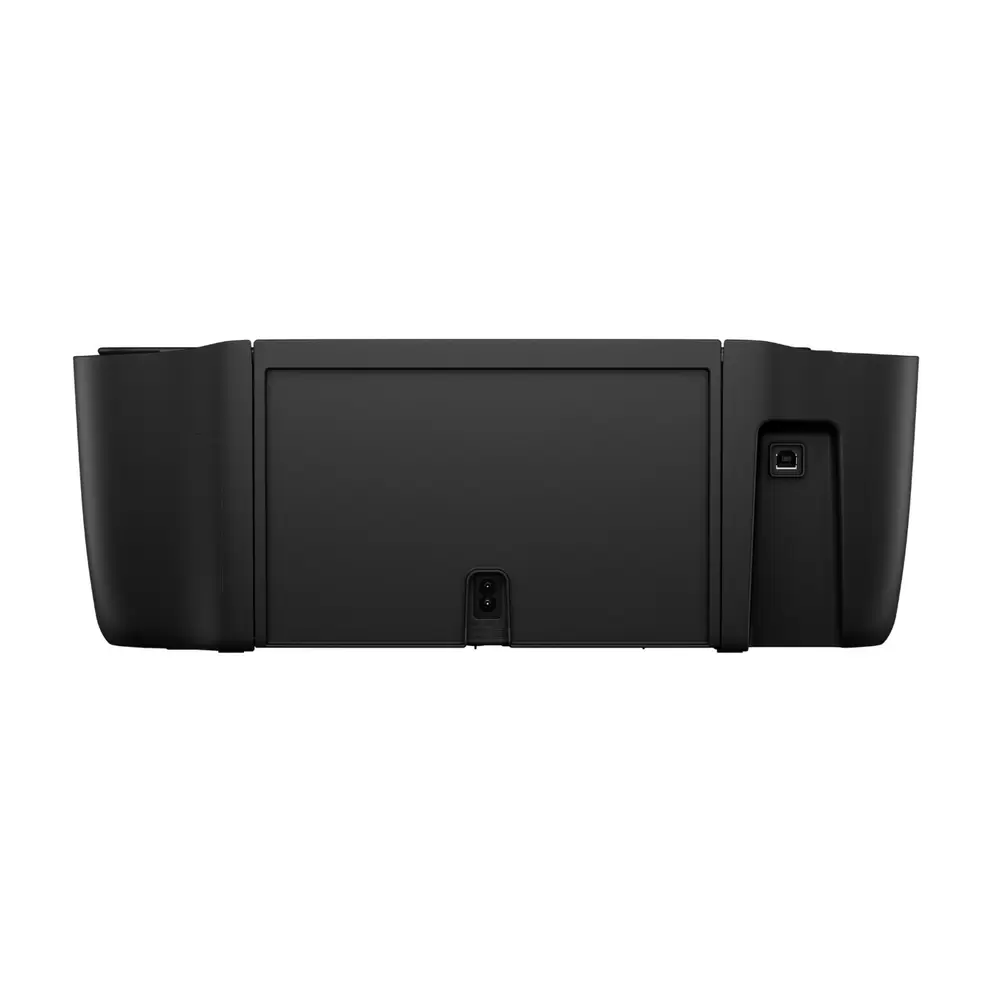
PortsUSB 2.0
ConnectivityWi-Fi
What's In The BoxHP 308 Black Ink Cartridge, HP 308 Tri-colour Ink Cartridge
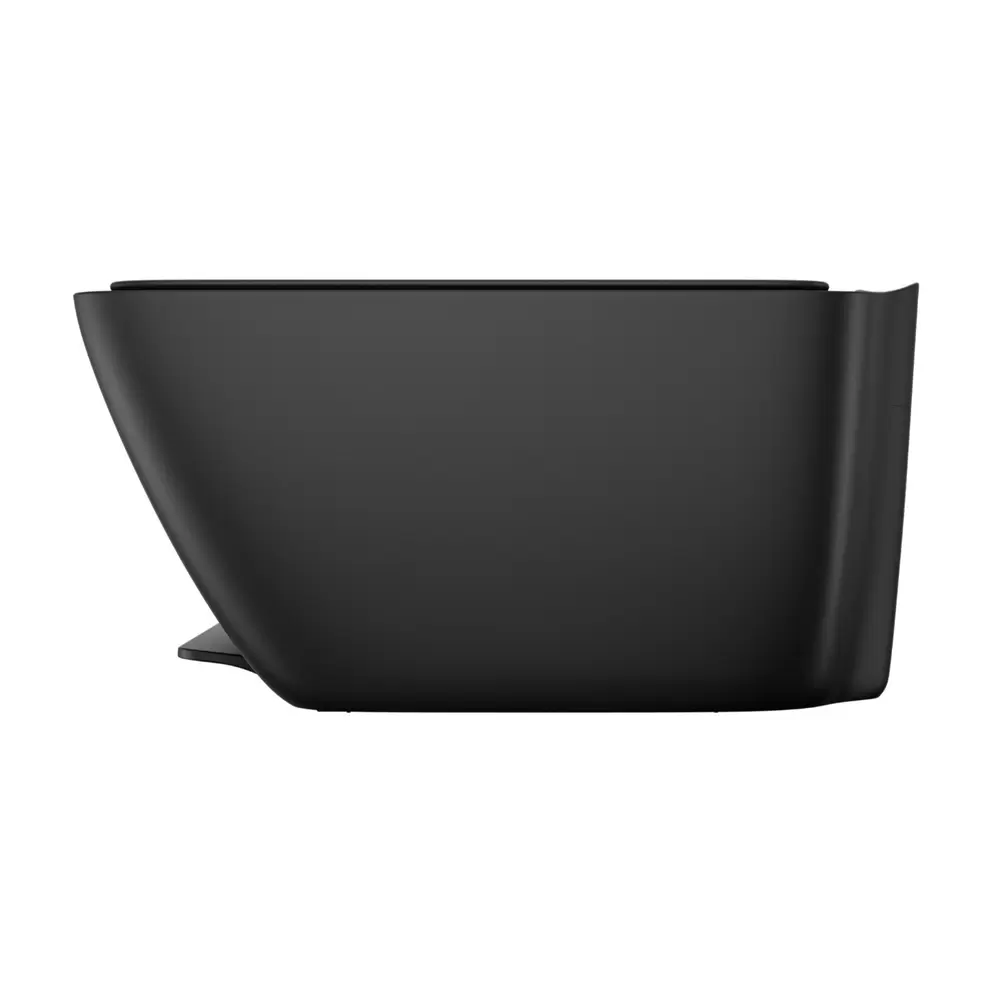
Product Dimensions (H/W/D)15.4 cm x 42.5 cm x 30.4 cm
Weight3.42 kg
Manufacturer Part Number (MPN)89F98B#687
EE Article Code89F98B#687-000000000400022028

FAQs

Print speeds reach up to 7.5 pages a minute in black and 5.5 pages a minute in colour, with the first black page out in as little as 16 seconds. Draft mode is faster still, so quick documents print without keeping you waiting.

Yes. The HP DeskJet 2910 works with the HP app, Apple AirPrint, Mopria print service and the HP Print Service Plugin for Android. Dual-band WiFi reconnects automatically, so you can print wirelessly from anywhere in your home.

It supports manual duplex printing, which means the printer prompts you to flip the paper over to print the second side. It’s a simple way to save paper, just without the convenience of fully automatic double-sided printing.

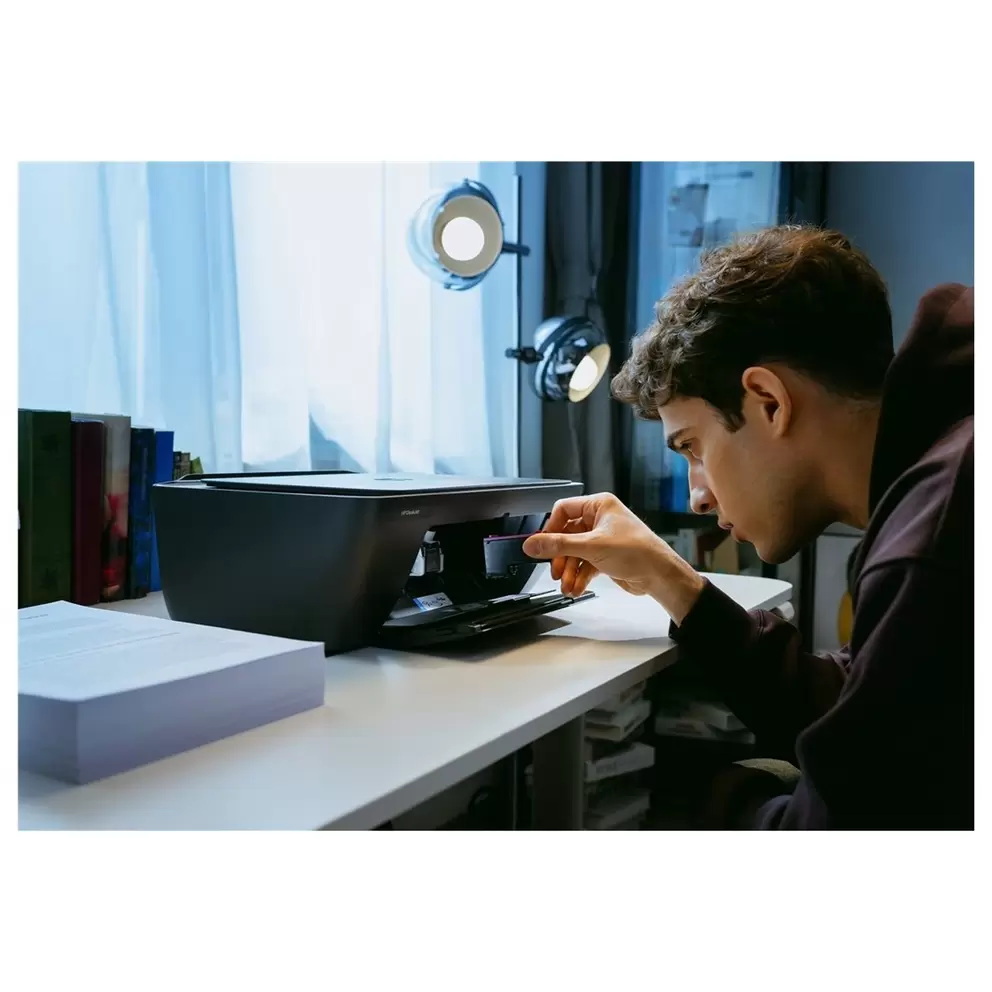
It uses HP 308 ink cartridges in black and tri-colour, with the black yielding around 160 pages and the tri-colour around 120 pages. The HP 308e EvoMore black cartridge doubles that to around 320 pages, and the printer is eligible for HP Instant Ink, which delivers replacements automatically when you’re running low.

Yes. It works with Macs running macOS 13 Ventura, macOS 14 Sonoma or macOS 15 Sequoia, and also works with Windows 11 and Windows 10. You’ll need 2GB of free hard disk space and an internet connection to get set up.

Both share the same print speeds, 60-sheet paper tray and 2-cartridge ink system, but the 2910 adds dual-band WiFi covering 2.4GHz and 5GHz for a more stable connection, whereas the 2810e uses single-band 802.11b/g/n WiFi. The 2910 is the newer, more future-proof choice if reliable wireless printing matters to you.

It has a monthly duty cycle of up to 1,000 pages, though HP recommends around 50 to 100 pages a month for the best long-term reliability. That makes it well suited to light, everyday home printing rather than heavy use.

No. It focuses on printing, scanning and copying for home use, so there’s no built-in fax. If faxing is essential, you’d need to look at a different model with fax hardware included.

Yes. The flatbed scanner has an optical resolution of up to 1200 x 1200 dpi, so you can scan to PDF, JPEG, TIFF or PNG files. The copier can produce up to 9 copies at a time at up to 300 x 300 dpi, handy for quick copies of letters or forms.

The compact styling fits your space and the body contains at least 70% recycled plastic. Manual duplex printing prompts you to flip the paper, helping you save paper without the cost of automatic double-sided hardware.

Reviews

                                                                                                                                                                                                                                                                                                                                                                                                       
loading
loading

Choose colour

Out of stock
Sorry, this one’s gone for now.
VisaMasterAmerican expressApple payGoogle payPaypal
loading
loading
loading
loading
loading
loading
loading
loading
loading
loading
loading
loading
loading
loading
loading
loading
loading
loading
loading
loading
loading
loading
loading
loading
loading
loading
loading
loading
loading
loading
loading
loading
loading
loading
loading
loading