

  1. Home
  2. Computing
  3. HP Deskjet 2922 All-in-One Colour Printer
loading
1 / 8
f837ba9b2c2368d607b3539b4fb78ebb8c751f44
2e66936ccc37c7d583fa795ca969260956744b0c
0377f1cbea1d7ccafd27413090821677ff6ee245
99708d59292ce61da45089cd842e4000ada47f86
e7b0f341364906c19281af23a9aa30ae5a997ba2
37e4e5a0d8a107d2a81dacf2a1034532f8e64dba
bf55088b763f4eb4bd314e74e85eb77adc01b5d0
2a33e34b81b3c7e95795c786fdf7b7ec28f00474

HP Deskjet 2922 All-in-One Colour Printer

£64.99£64.99
 
loading
Product details


Specifications


FAQs


Reviews


Product details

Key features

  • Handle everyday home tasks with one compact machine that prints, scans and copies, so you need fewer devices on your desk.
  • Stay connected with dual-band WiFi that automatically reconnects if the connection drops, for reliable wireless printing.
  • Print wirelessly from your phone or tablet using the HP app, Apple AirPrint or Mopria. You can also scan documents straight to your device.
  • Get crisp text and vibrant colour at up to 7.5 pages a minute in black and 5.5 in colour, making it ideal for light home use.
  • Save ink with HP Instant Ink, which automatically orders cartridges when you're running low, plus 3 months free included.
  • Choose a compact, stylish design made with at least 70% recycled plastic that fits neatly on a desk or shelf in your home.
In more detail

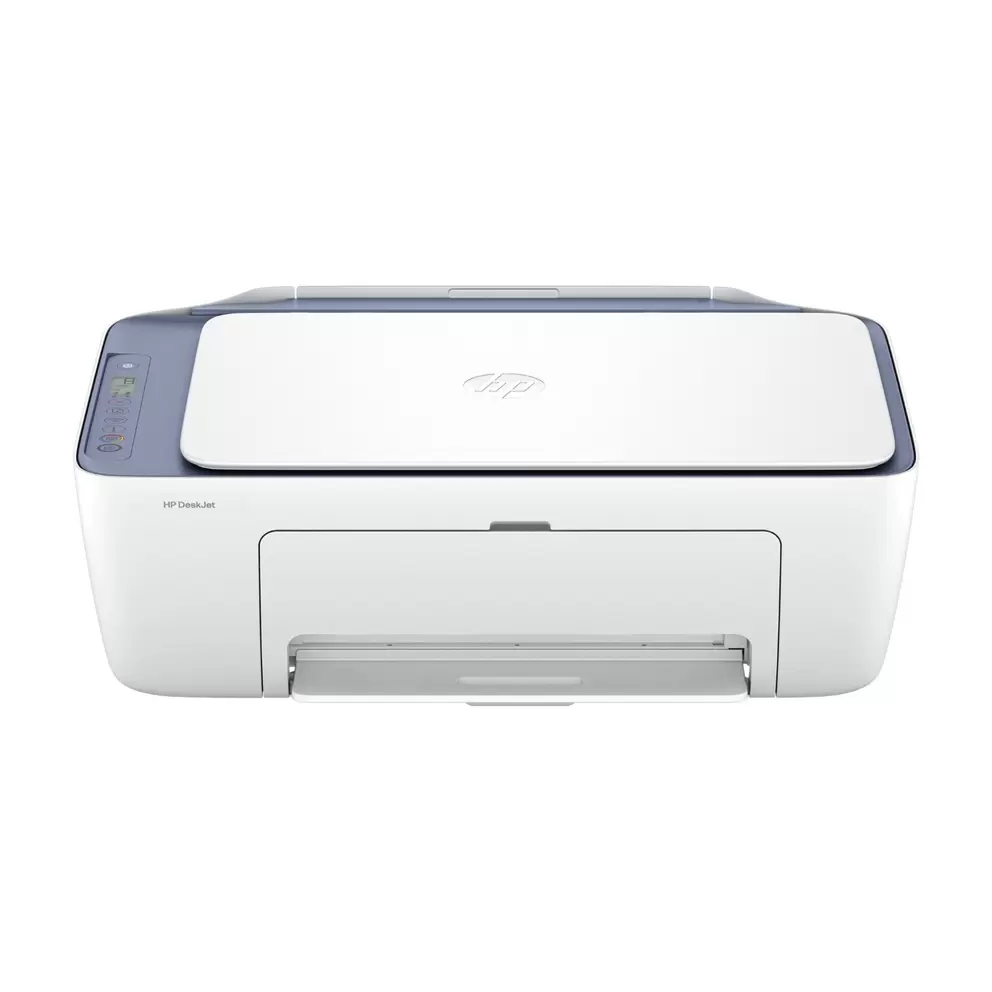
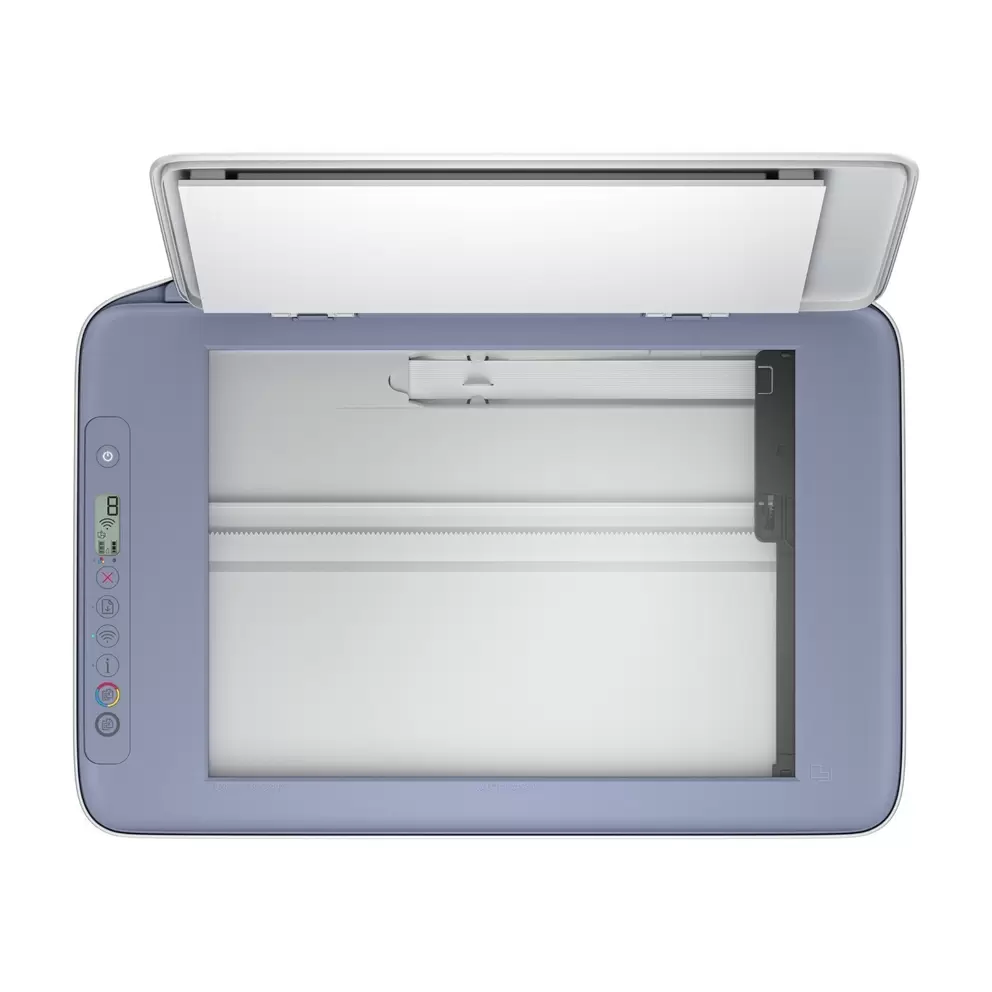
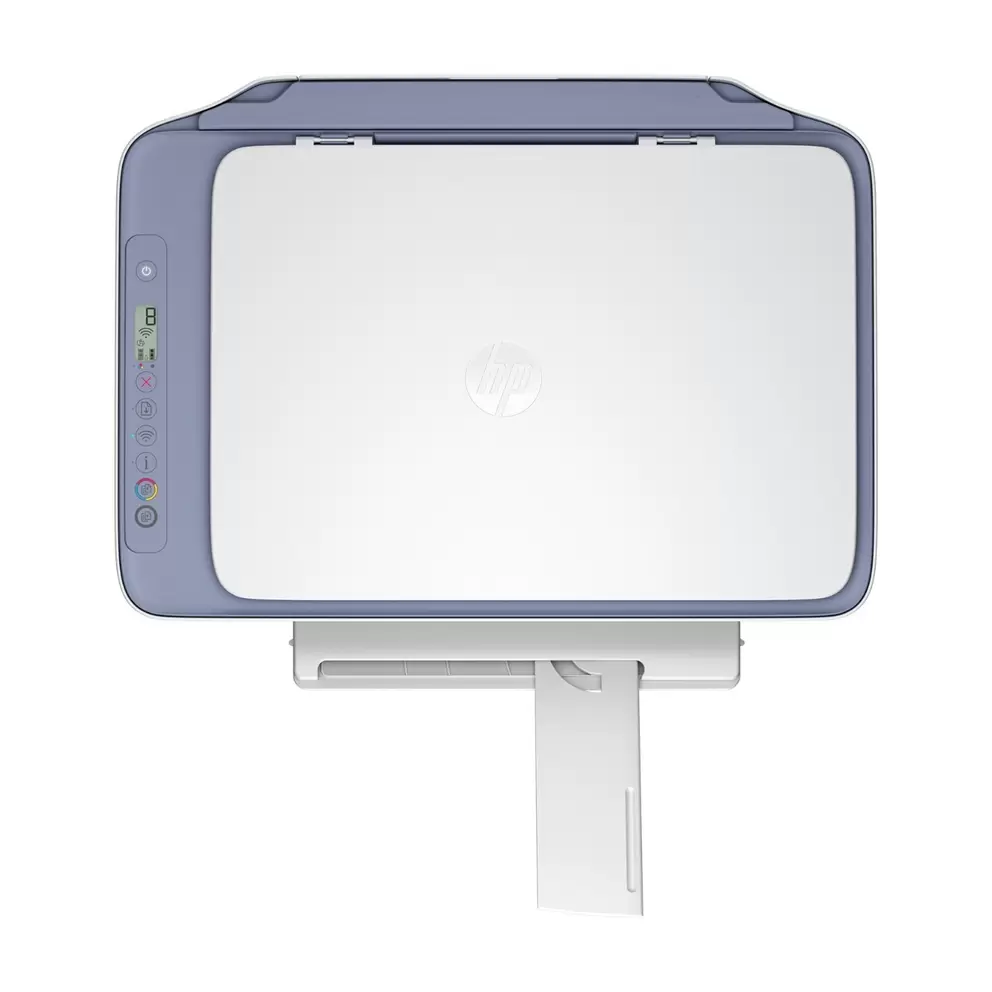
The HP DeskJet 2922 prints, scans and copies, so you can tackle everyday home jobs without crowding your desk with separate machines. Print return labels, scan documents to your phone and copy pages when you need a quick duplicate.

Print and scan straight from your phone

Stay wire-free with built-in dual-band WiFi that automatically reconnects if the connection drops. Print from your phone or tablet using the HP app, Apple AirPrint or Mopria. You can also scan documents straight to your device.

Get crisp results at home-friendly speeds

Enjoy sharp text and vibrant colour at up to 7.5 pages a minute in black and 5.5 in colour, with crisp detail up to 1200 x 1200 dpi. It's ideal for light home use rather than heavy daily printing.

Never run out of ink

Save the hassle with HP Instant Ink, which automatically orders cartridges when you're running low. The 2922 is Instant Ink eligible and comes with 3 months free, so you can print without watching the ink levels.

Choose a printer that fits your space and values

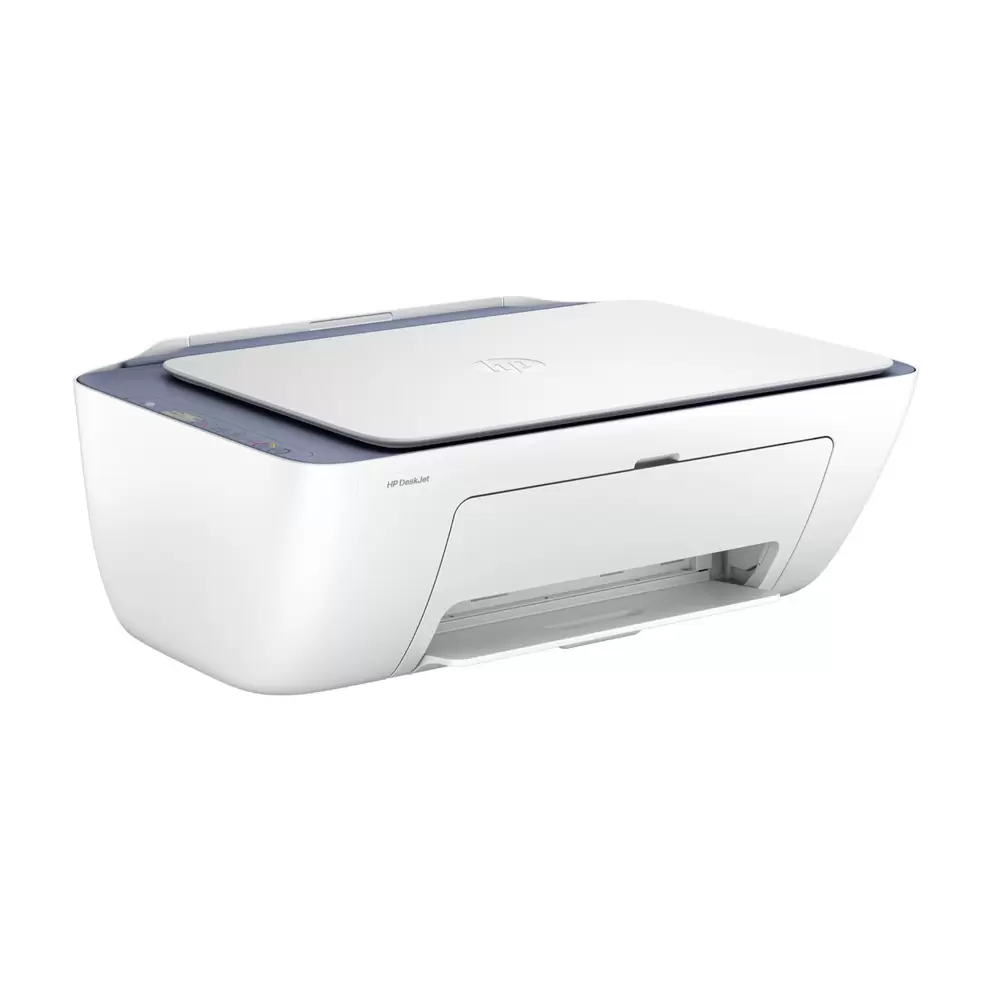
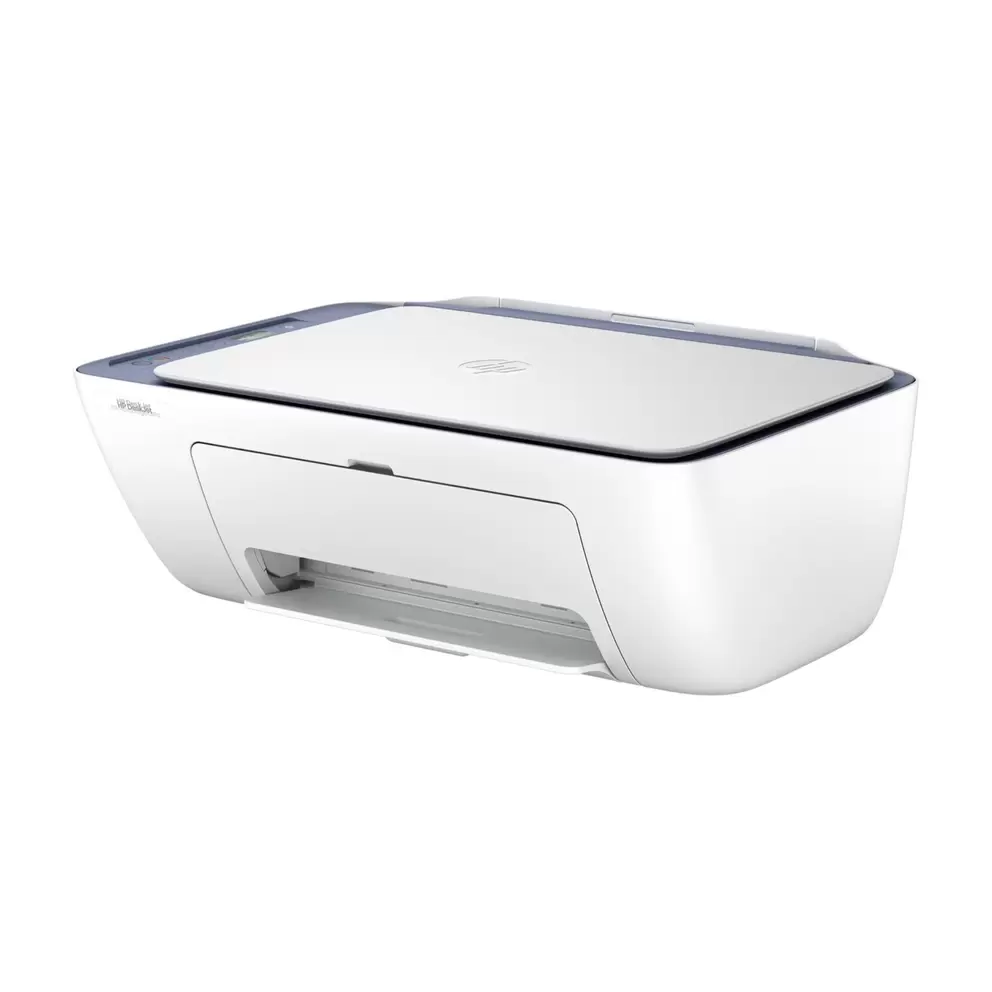
Match your home's style with a compact design that fits neatly on a desk or shelf, measuring 42.5 x 30.4 x 15.4cm and weighing 3.42kg. It contains at least 70% recycled plastic.

Specifications

BrandHP
TypeInkjet
Page FormatA4, A5, A6, B5, Letter, Legal
Compatible CartridgesHP 308 Black, HP 308 Tri-colour
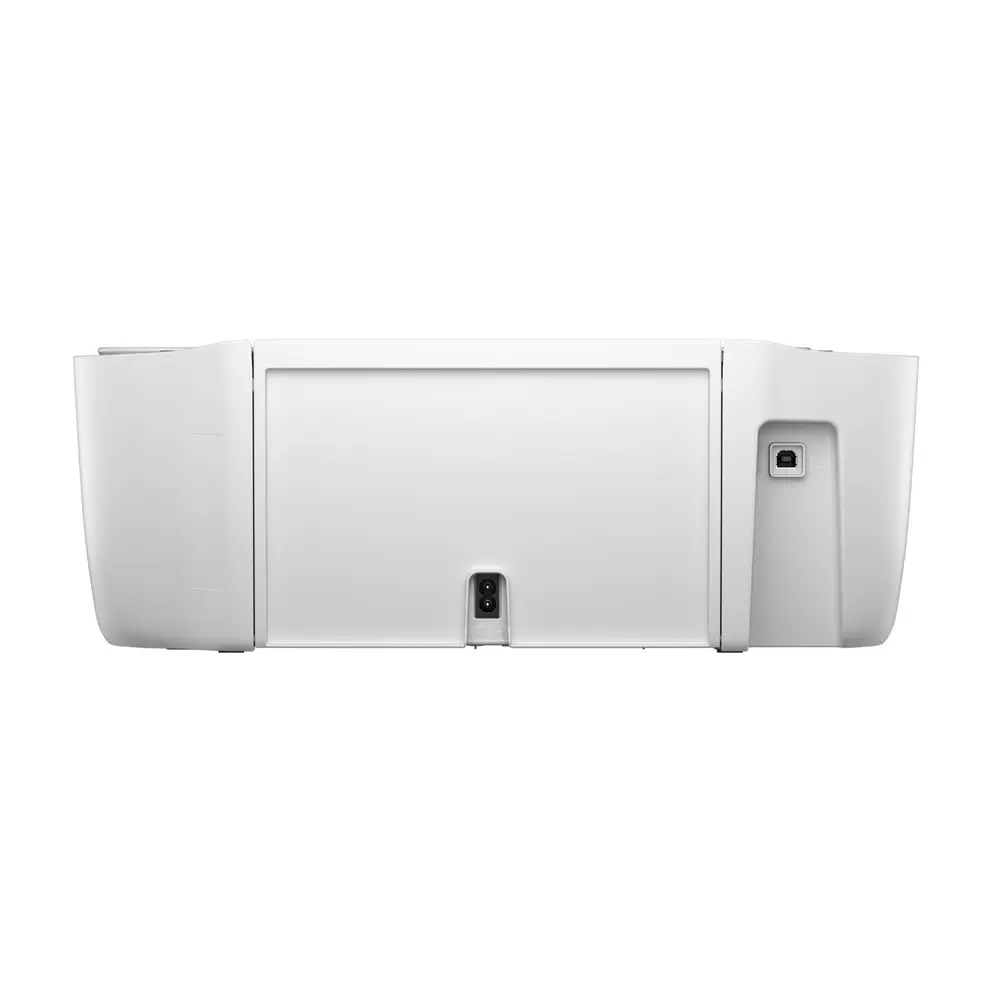
PortsUSB 2.0
ConnectivityWi-Fi
What's In The Box1 x HP 308 Black ink cartridge, 1 x HP 308 Tri-colour ink cartridge
Product Dimensions (H/W/D)15.4 cm x 42.5 cm x 30.4 cm
Weight3.42 kg
Manufacturer Part Number (MPN)A24HVB#687
EE Article CodeA24HVB#687-000000000400022028

FAQs

It prints, scans and copies, so you can handle everyday home tasks without needing separate machines. Print return labels, scan documents to your phone and copy pages when you need a quick duplicate.

You get speeds of up to 7.5 pages a minute in black and 5.5 in colour, with crisp text up to 1200 x 1200 dpi. It’s ideal for light home use rather than heavy printing.

Yes. With built-in dual-band WiFi, you can print wirelessly from your phone or tablet using the HP app, Apple AirPrint or Mopria. You can also scan documents straight to your phone.

Yes, but it’s manual duplex, so you turn the paper over yourself. This keeps the printer compact and affordable for everyday home use.

It uses HP 308 ink cartridges in black and tri-colour. You can also choose the HP 308e EvoMore black cartridge, which gives you double the yield at around 320 pages.

Yes, it’s Instant Ink eligible and comes with 3 months of free Instant Ink. Cartridges are automatically ordered when you’re running low, so you never run out of ink.

Both print at up to 7.5 pages a minute in black and 5.5 in colour, but the 2922 upgrades to dual-band WiFi that automatically reconnects if the signal drops.

Yes. It works with Windows 11 and Windows 10, plus macOS 13 Ventura, macOS 14 Sonoma and macOS 15 Sequoia. You’ll need 2GB of free hard disk space to install the software.

It has a 60-sheet input tray, which suits light home printing rather than busy office workflows. The maximum duty cycle is up to 1,000 pages a month.

It’s compact at 42.5 x 30.4 x 15.4cm and weighs 3.42kg, so it fits neatly on a desk or shelf. It comes with a 1-year manufacturer’s guarantee and ink cartridges to start printing straight away.

Reviews

                                                                                                                                                                                                                                                                                                                                                                                                       
loading
loading

Choose colour

Make it a bundle

Get this product on its own or with extras.

loading
loading
loading
loading
Last few left
Free Standard delivery in 1-3 working days
See delivery and returns info
VisaMasterAmerican expressGoogle payPaypal
loading
loading
loading
loading
loading
loading
loading
loading
loading
loading
loading
loading
loading
loading
loading
loading
loading
loading
loading
loading
loading
loading
loading
loading
loading
loading
loading
loading
loading
loading
loading
loading
loading
loading
loading
loading