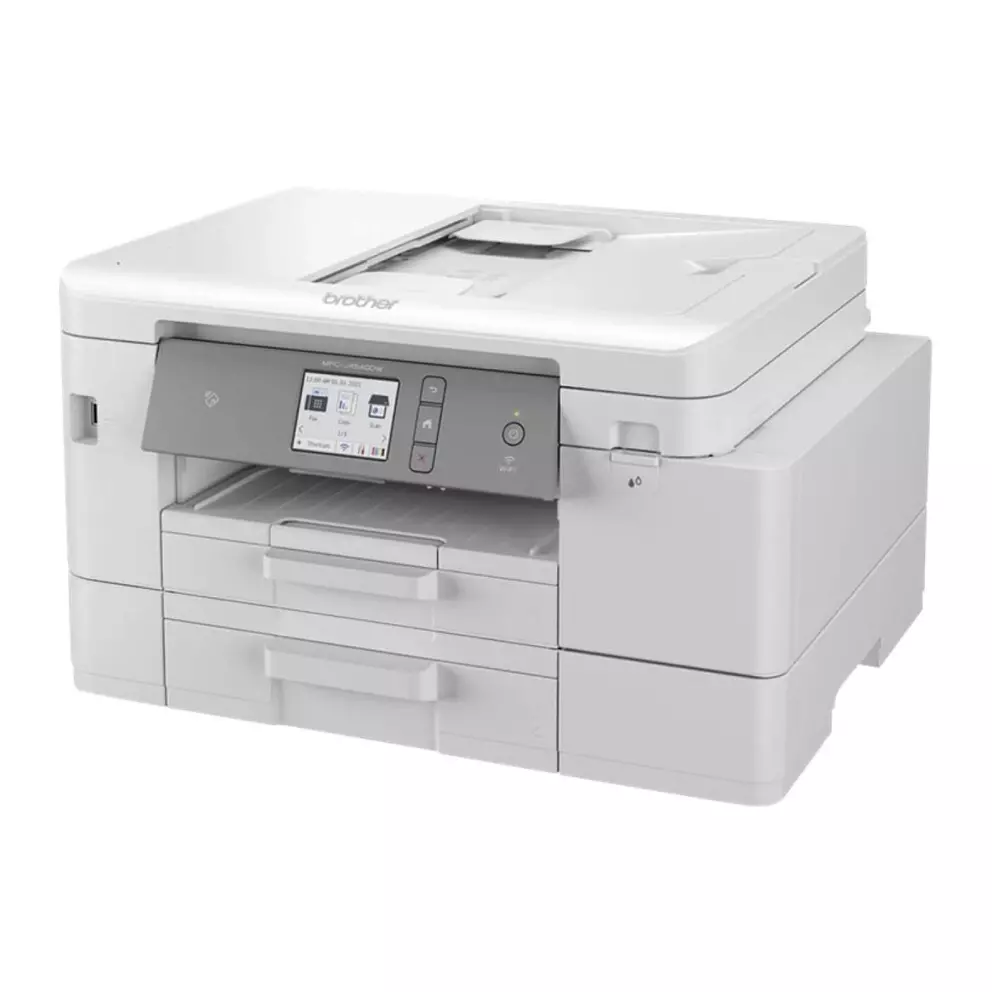
Product details
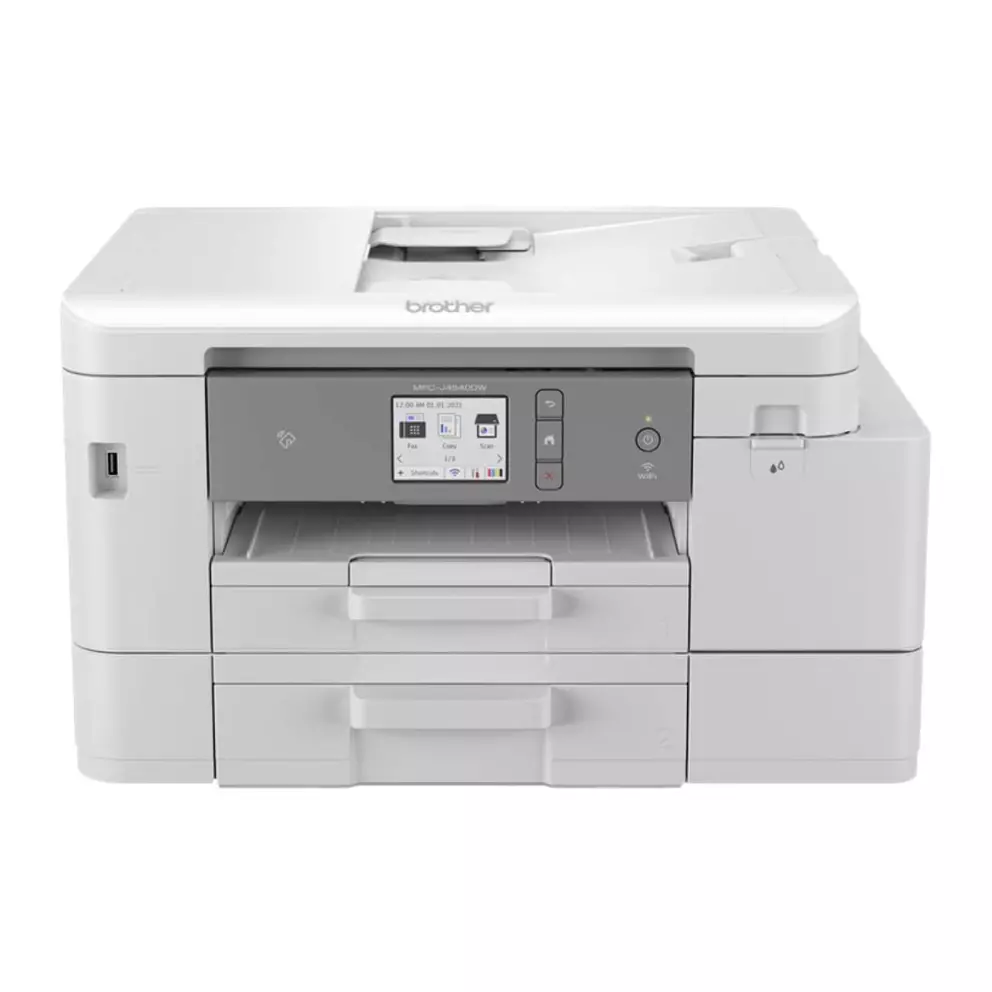
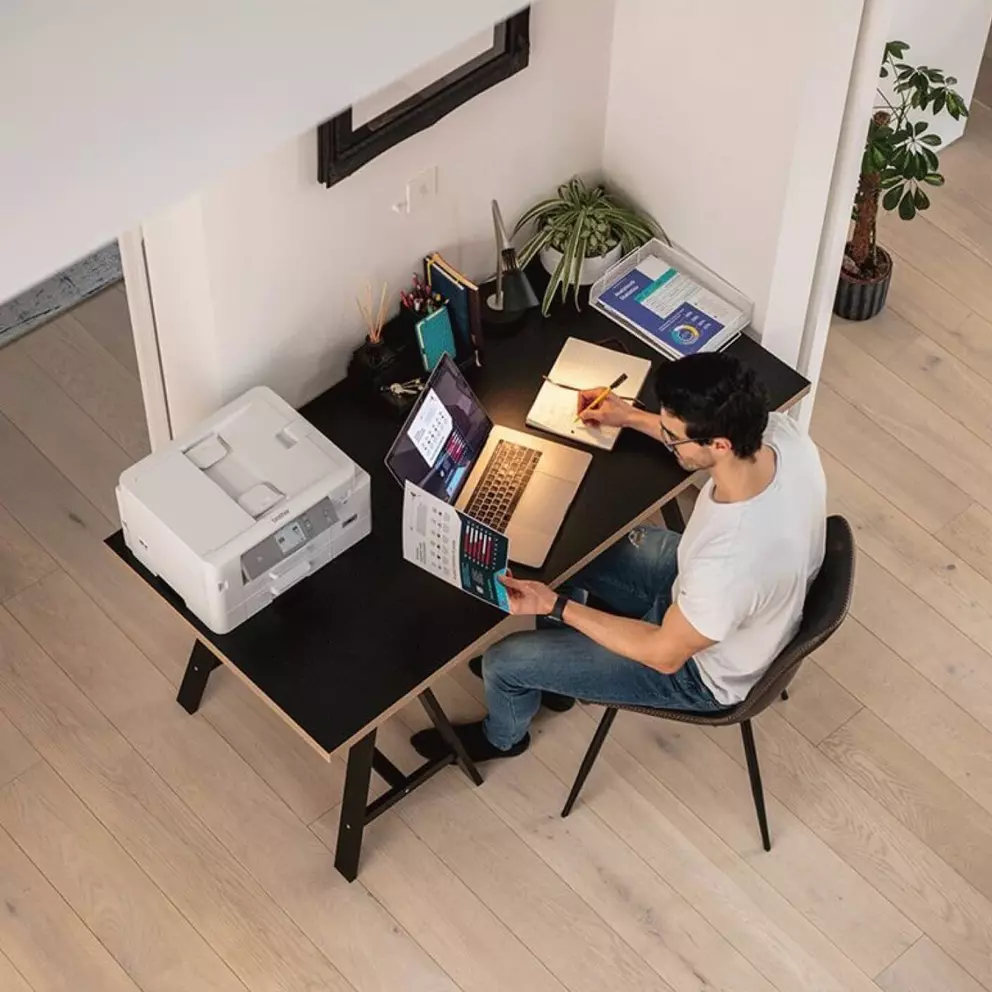
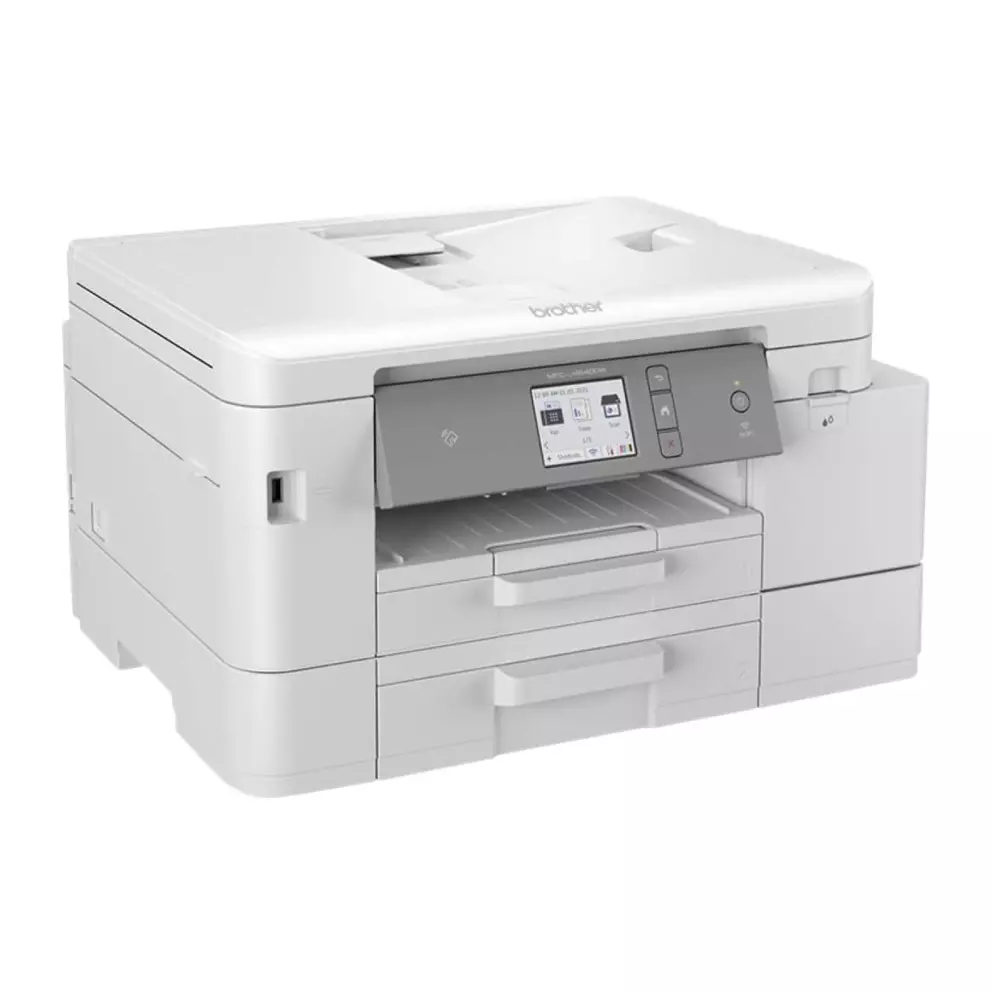
Upgrade your home office or personal printing with a powerful 4-in-1 colour inkjet printer that offers professional print quality and exceptional connectivity. This printer comes with long-lasting ink cartridges and a 3-year warranty, ensuring you can print for longer and with peace of mind.
Professional-quality printing at home
Enjoy high-quality prints, copies and scans without leaving your home. This printer is designed to deliver consistent, professional results, thanks to its advanced inkjet technology and 20 sheets per minute print speed.
Stay connected and in control
Print, scan and fax from anywhere in your home or office with the wireless connectivity options, allowing you to send print jobs and check ink levels remotely. This means you can stay productive without being tied to your desk.
Maximise productivity
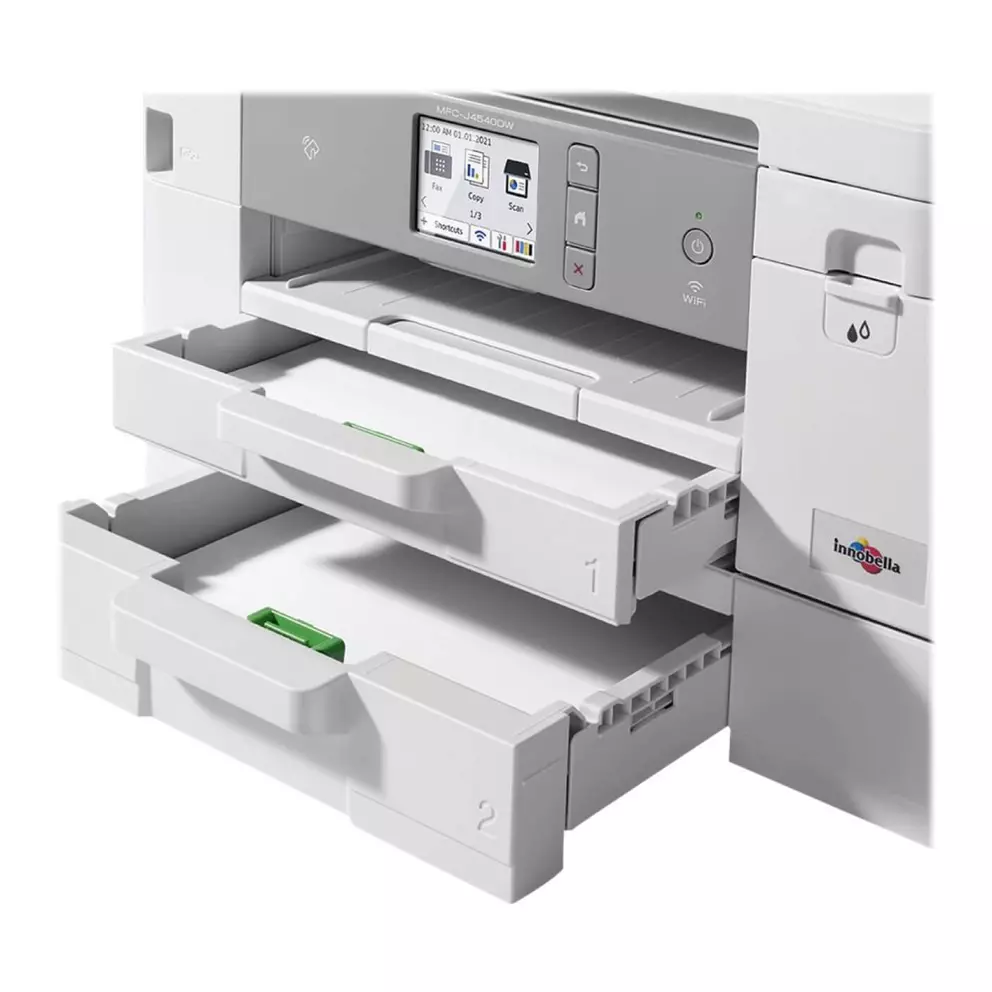
With a 400 sheet paper capacity, which means fewer interruptions to reload paper. The 20 sheet automatic document feeder (ADF) makes it easy to handle multiple pages at once, streamlining your workflow and saving you time.
Easily track your ink usage
Reduce the hassle of frequent ink replacements with super high-capacity ink cartridges. The included ink can print up to 6000 pages in black and 5000 pages in colour. The 6.8cm colour LCD touchscreen and ink page gauge feature make it simple to monitor and manage your ink levels.
Enhance your workflow
Boost your productivity with the fast and versatile scanning capabilities. You can scan documents in colour or black and white at high speeds and send them to various destinations, including email, file, OCR and image formats.
Key features
- Print more with less hassle thanks to reengineered cartridges and an internal ink tank.
- Maximise productivity with up to 6000 pages of black and 5000 pages of colour printing.
- Stay connected and in control with mobile printing via WiFi, NFC and the Brother Mobile Connect app.
- ackle tasks with ease using the 20 sheet automatic document feeder, fast print speeds and user-friendly 6.8 cm colour LCD touchscreen.
- Boost workflow with high-speed colour and mono scanning to multiple destinations, including image, file, OCR and email.
- Stay organised with a 400 sheet paper capacity.