a month
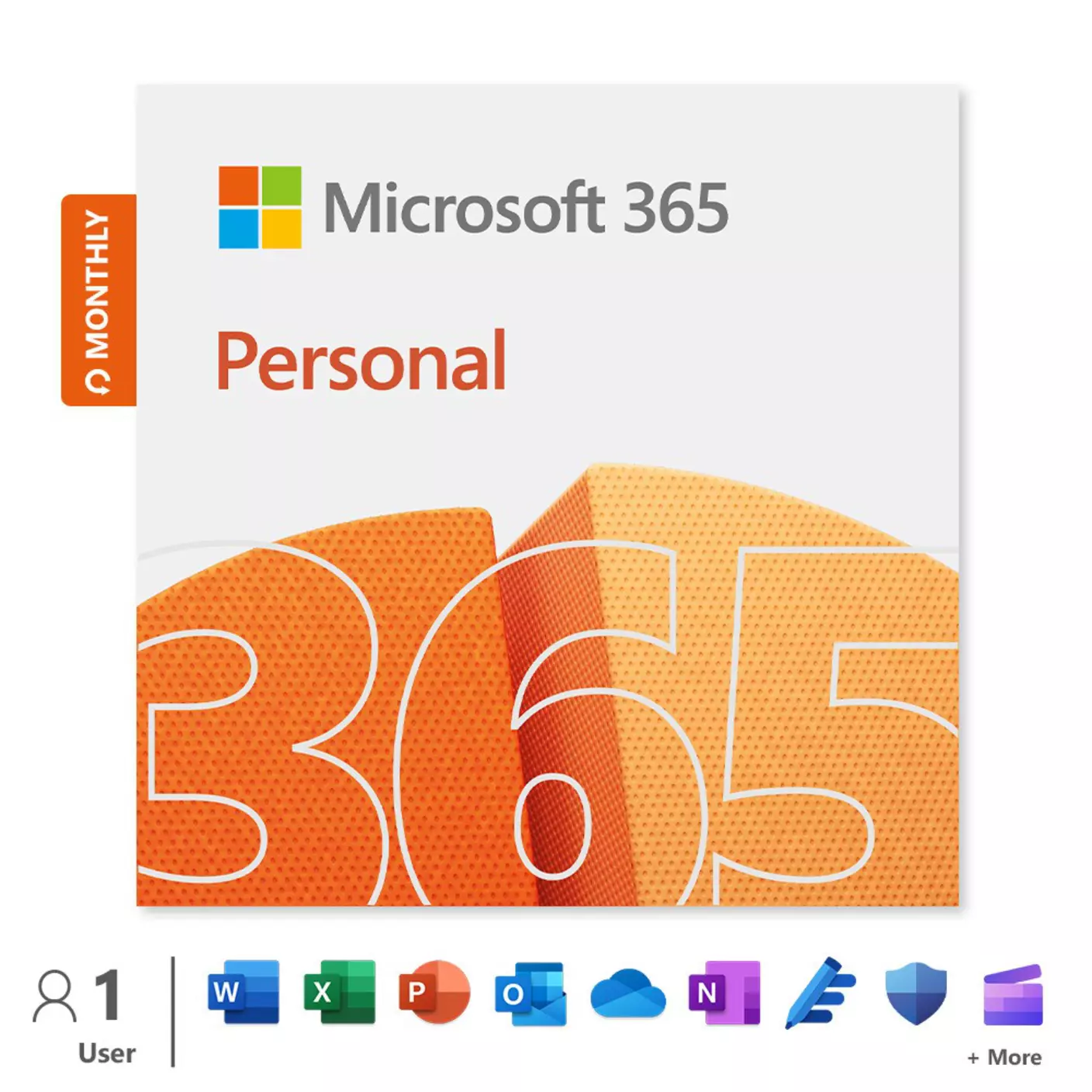
Microsoft 365 Personal
Get online protection, secure cloud storage and innovative apps all in one plan.
a month
Key features
- Premium apps
- 1 TB Cloud storage
- Across 5 devices
- Data and device security
Works on
- For PC, Mac, iPhone, iPad and Android phones and tablets.
- App availability varies by device/language. Features vary by platform.
- iOS and Android require separate app download.
- Microsoft 365 Personal or Family subscription required.
- Features apply to customers who have an @outlook.com, @hotmail.com, @live.com, or @msn.com account.
- Microsoft account; internet access; Windows 10/11 with 1.6GHz, 2-core processor/recent macOS.
Why EE
- Manage your subscriptions all in one place
- Switch up your payment methods as you need
- No fixed contract - cancel any time (services will continue until the final day of your billing cycle
What's included
- For one person and use on up to 5 devices simultaneously.
- Works on PC, Mac, iPhone, iPad, and Android phones and tablets.
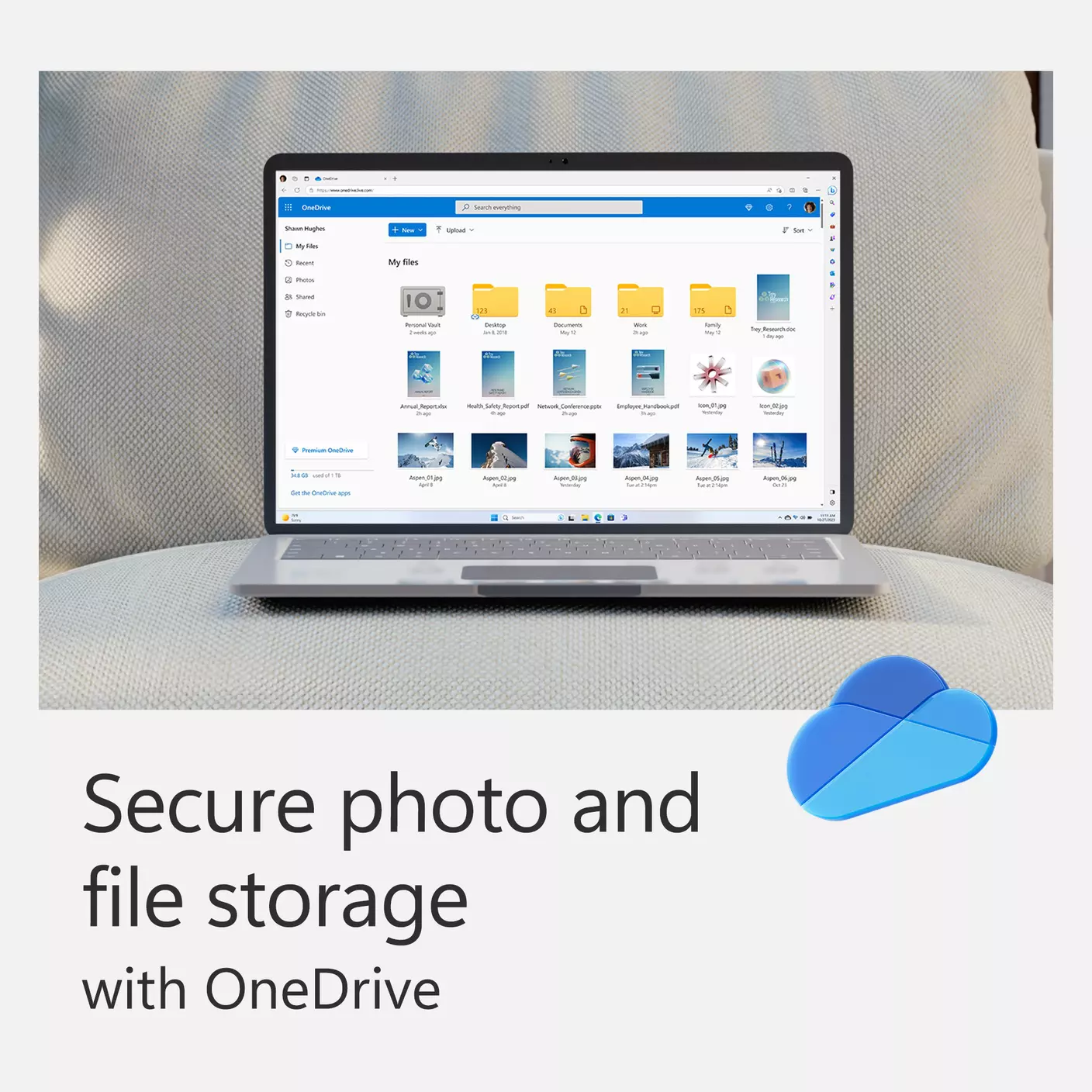
- 1TB (1,000GB) of secure cloud storage.
- Word, Excel, PowerPoint, and OneNote with offline access and premium features.
- Microsoft Defender advanced security for your personal data and devices.
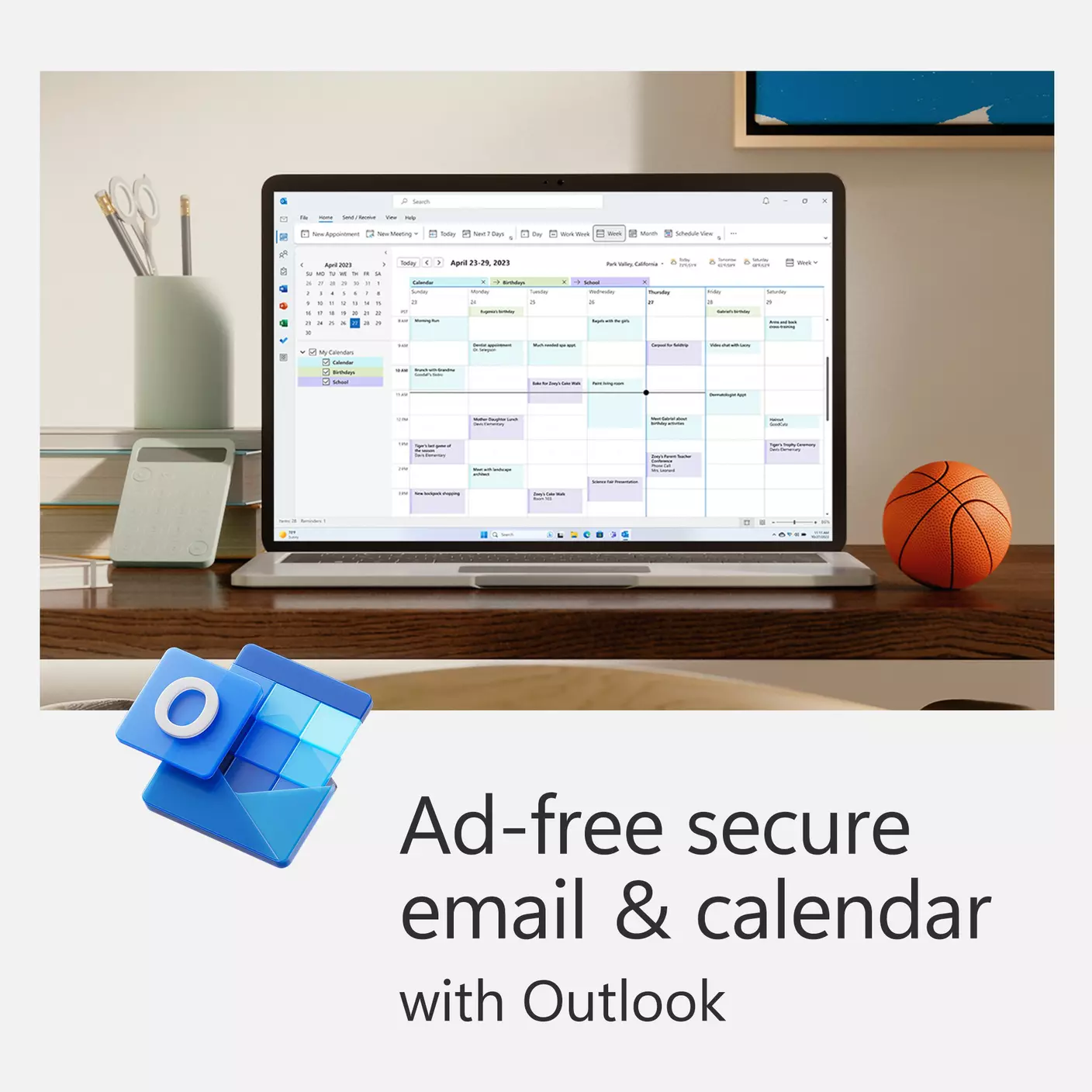
- Outlook ad-free secure email.
- Microsoft Editor advanced spelling, grammar, and writing assistance.
- Clipchamp video editor with premium filters and effects.
- Expanded content library of high-quality photos, icons, fonts, videos, audio.
- Contact support via chat or email to get help when you need it.
Subscriptions to third-party digital services are available to new and existing consumer customers who reside in the UK and visit the My EE App or the EE shop at ee.co.uk/shop and login or set up an EE ID. A UK payment card is required. Non-UK payment cards cannot be used. Age restrictions may apply. If you have an existing subscription with the third-party service provider you may need to cancel that directly with them to avoid continuing to be charged by the third-party provider.
After placing an order for a subscription, you will need to activate your subscription within 5 days or we will need to cancel it. Your subscription will not start and no subscription charges will be applied until you activate it. We will provide instructions and a link at the end of the order journey and in your initial order email explaining how to activate.
A subscription term (e.g. 7 days, 30 days, one year etc.) applies to all subscriptions and we will apply the subscription charges to your payment card. We will automatically renew your subscription until you cancel it. If you cancel during your subscription term, you will not receive a refund for the remainder of the subscription term and will still be able to use the subscription until the end of the subscription term, after which it will not renew. To view or cancel your subscription, visit EE Subscriptions Manager in the EE App.
If a free trial period (e.g. e.g. 7 days, 14 days etc.) is available on the subscription, the free trial period will apply first and then, once the free trial period ends, we will automatically renew your subscription unless you cancel it and the subscription term will apply and we will apply the subscription charges to your payment card.
As the subscription is digital content and is available immediately after purchase, you’ll need to waive your right to a 14-day cooling off period once you have accessed the subscription. This means that once you have purchased the subscription service and activated it, you’ll not be able to change your mind, cancel the service and receive a refund for the subscription.
The subscription is for your personal and non-commercial use only. It’s your responsibility to ensure that content accessed by under 18s is suitable for them. Content available via the subscription may change from time to time. Compatible device required for subscription, please visit the third party provider’s website for details. Account with the third-party provider required. Age restrictions may apply when setting up an account. Please visit the third party provider’s website to check.
Further EE terms apply, see https://ee.co.uk/help/terms-and-conditions/subscriptions
Microsoft’s terms also apply, see their website.
a month