  1. Home
  2. Smart Home
  3. TP-Link AC1200 Wi-Fi Range Extender
loading
loading
loading
loading
loading
loading
loading
loading
1 / 6
377e0b4946937f29694a4f8efd83b4328669ce5e
46e49a7119d0aeb724583208cf24ed7140383076
48560db14100c8a0555d95200ab573e8f776cbda
3b0c9a41501f90d3a51fff0cc85add357559576e
de2bfbd6bc29dca166a828944ed94b468e5df90b
a6760eb5ee9d9cdf6cb6c6ac4859482c3ae7b993

TP-Link AC1200 Wi-Fi Range Extender

£41.99£41.99
 
loading
Product details


Specifications


FAQs


Reviews


Product details

Key features

  • Stream and browse in every room without dropouts, thanks to boosted WiFi coverage reaching where your router simply can't.
  • Enjoy combined speeds up to 1200Mbps across dual bands for smooth streaming and downloads on multiple devices simultaneously.
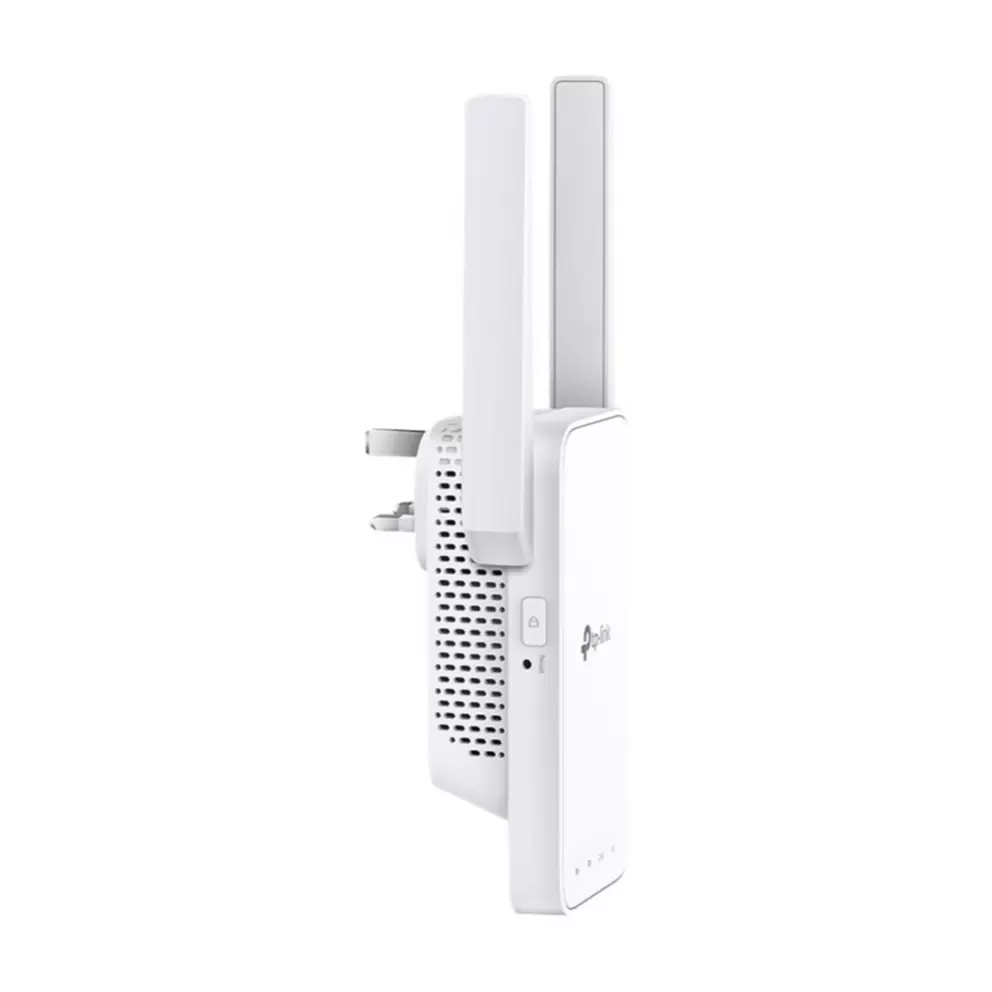
  • Connect in seconds using the WPS button, then manage everything from the TP-Link Tether app on your Android or iOS phone.
  • Keep your network running at top speed with Adaptive Path Selection, which automatically picks the fastest route to your router.
  • Stay protected with one-touch WPA/WPA2 encryption that secures your WiFi the moment you press the WPS button during setup.
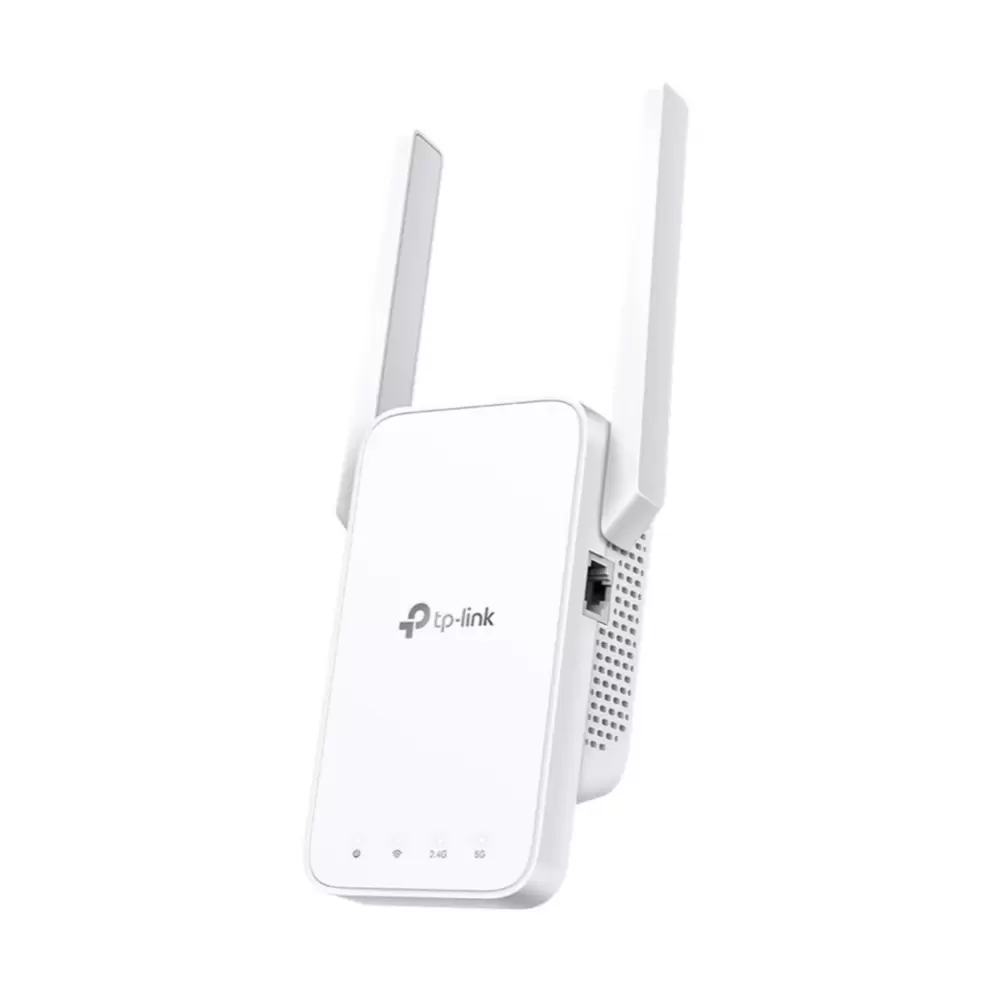
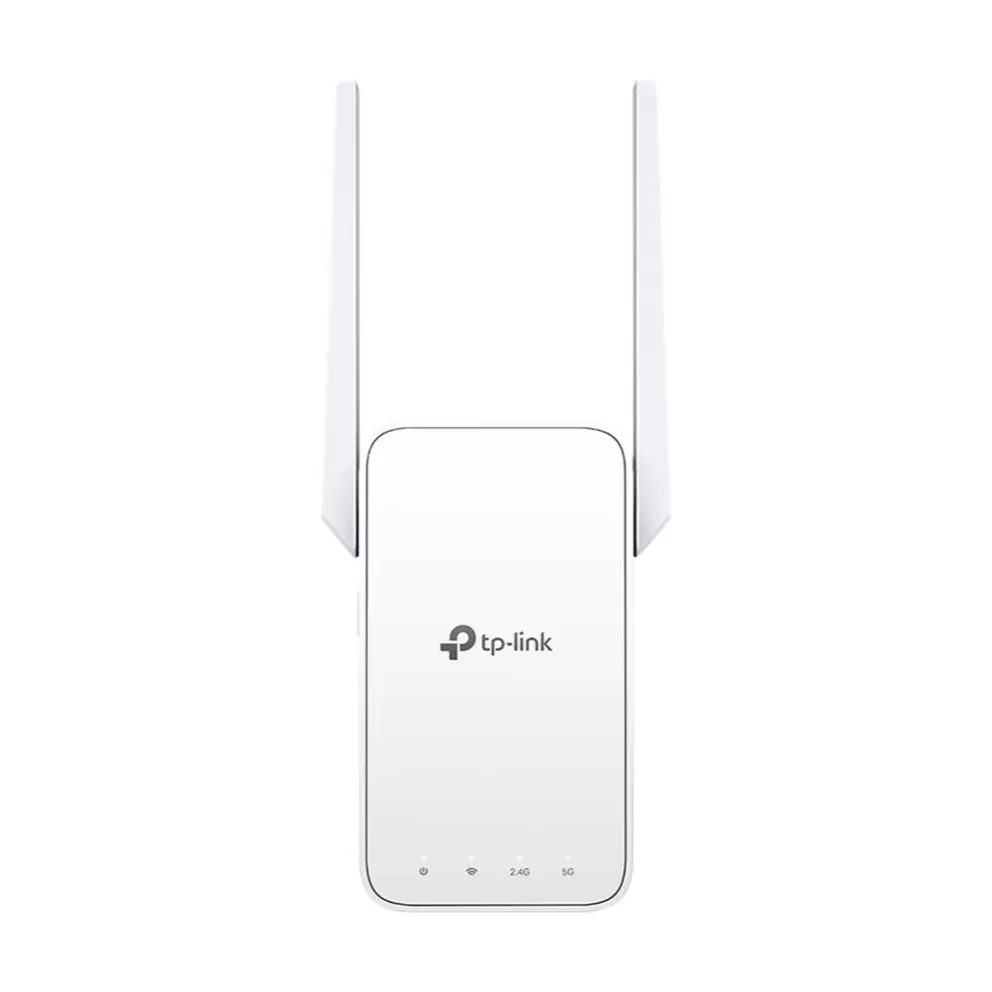
  • Get reliable wireless coverage from 2 external antennas that deliver a stronger, more stable connection throughout your home.
In more detail

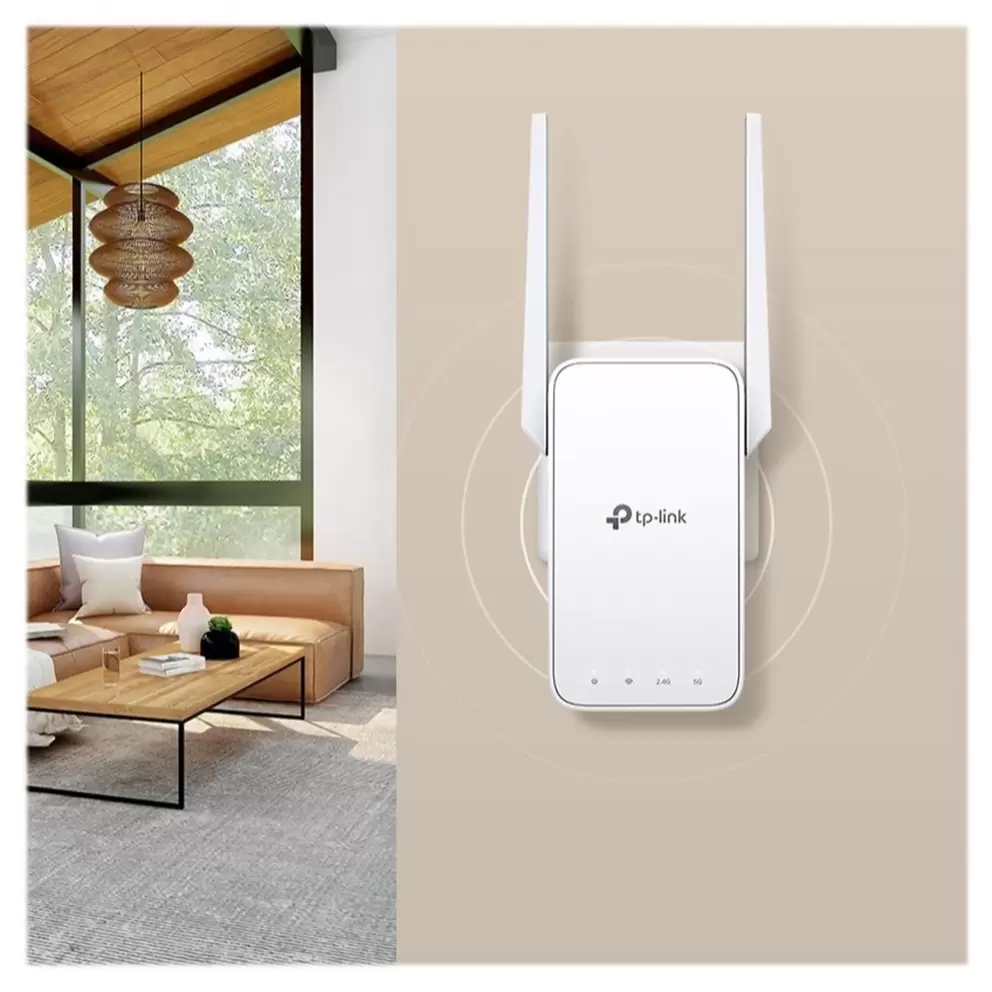
Stream, browse and game in every corner of your home without frustrating dropouts. The TP-Link AC1200 WiFi Range Extender RE315 boosts your existing WiFi so you stay connected in every room, even those where the connection used to drop.

Fast speeds on two bands
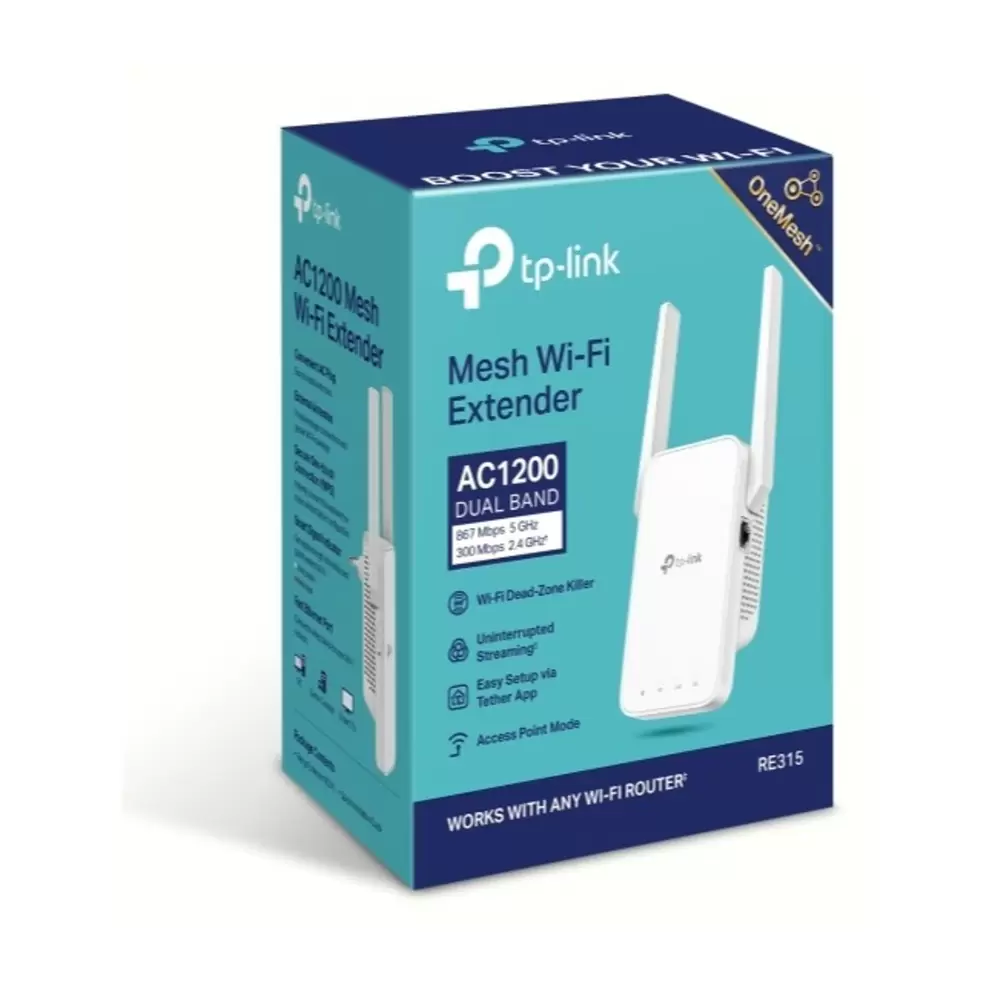
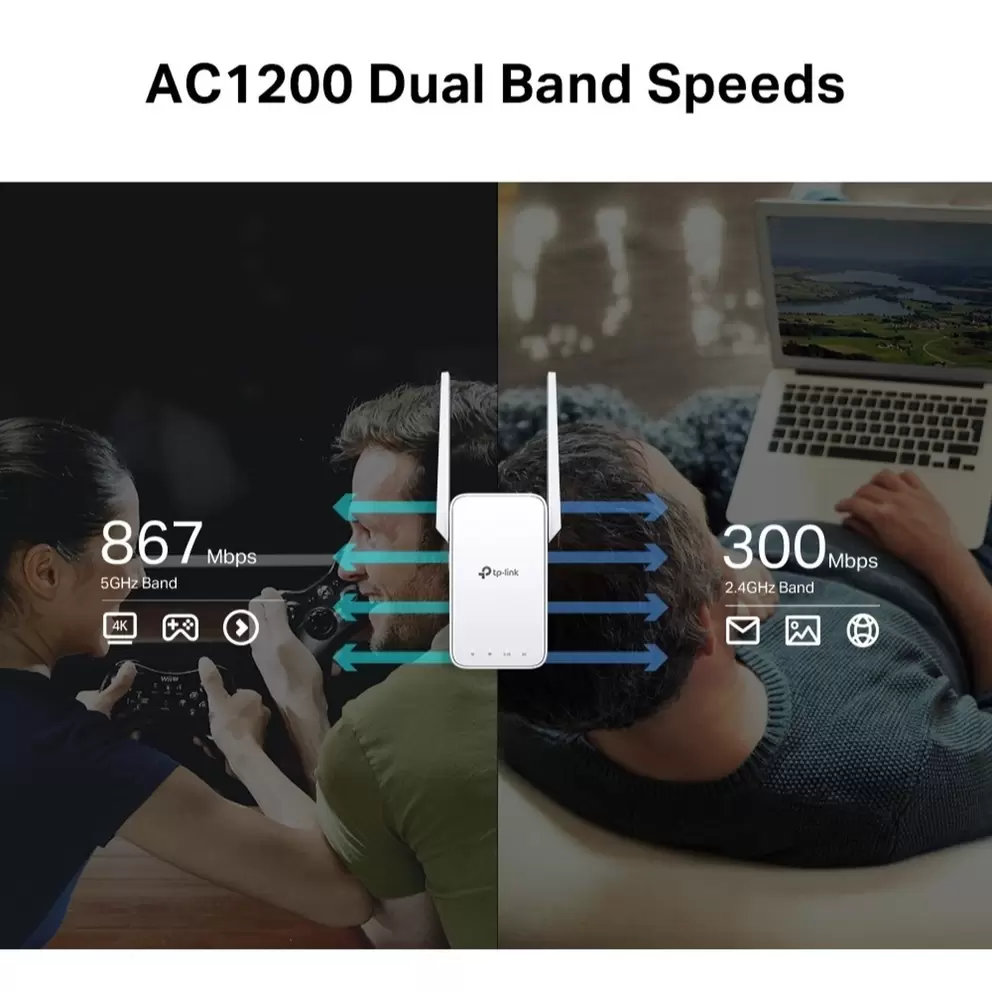
Enjoy combined speeds of up to 1200Mbps across dual bands, with 300Mbps on 2.4GHz for everyday browsing and 867Mbps on 5GHz for streaming and downloads. Dual-band WiFi means two separate frequency bands, so more devices can connect without performance taking a hit.

Smart connection routing
Your extender automatically picks the fastest connection path back to your router, keeping your network running at top speed. Adaptive Path Selection means you don't have to manually tweak settings to get the best performance.

Quick setup with one button
Press the WPS button on your router and the extender to connect in seconds. The TP-Link Tether app, available on Android and iOS, lets you manage your network, check firmware updates and adjust settings from your phone.

Secure and reliable coverage
Get reliable WiFi throughout your home with 2 external antennas designed to deliver strong, consistent coverage. With one-touch WPA/WPA2 security, you can protect your network in seconds and enjoy peace of mind from the moment you set up.

Specifications

TypeWi-Fi Extender
BrandTP-Link
Form FactorIn-wall mountable
Connectivity TechnologyWireless, wired
Data Transfer Rate1.2 Gbps
Data Link ProtocolEthernet, Fast Ethernet, IEEE 802.11b, IEEE 802.11a, IEEE 802.11g, IEEE 802.11n, IEEE 802.11ac
Frequency Band2.4 GHz, 5 GHz
PerformanceMaximum data rate (2.4 GHz): 300 Mbps, Maximum data rate (5 GHz): 867 Mbps
Wi-Fi RatingAC1200
Status IndicatorsStatus
FeaturesFirmware upgradable, Wi-Fi Protected Setup (WPS), reset button, integrated power plug, dual band, Smart Roaming, 2x2 MIMO technology, OneMesh support, Wi-Fi Smart Signal Indicator
Encryption Algorithm128-bit WEP, 64-bit WEP, WPA2-Personal, WPA-Personal
Antenna Qty2
AntennaExternal integrated
ConnectivityInterfaces
OS RequiredUNIX, Apple MacOS, Novell NetWare, Linux, Microsoft Windows 98SE/2000/NT/XP/Vista/7/8/8.1/10
Dimensions (W/D/H)8.9 cm x 3.5 cm x 12.41 cm
Manufacturer Part Number (MPN)RE315
EE Article CodeRE315-000000000400022034

FAQs

Yes, the RE315 works with any WiFi router, so you don't need a TP-Link router to use it. Mesh features like OneMesh and EasyMesh need a TP-Link router that supports them for seamless roaming throughout your home.

Yes, the RE315 supports both OneMesh and EasyMesh. When paired with a compatible TP-Link router, it creates a single network. Your tech stays connected seamlessly between rooms without needing to switch networks manually.

Yes, the RE315 has 1 Ethernet port that lets you connect smart TVs, games consoles and other wired tech for a stable internet connection. The port supports speeds up to 100Mbps, which is enough for most streaming and browsing needs.

The RE315 is quick and easy to set up. Press the WPS button on your router, then press the WPS button on the extender within 2 minutes to connect. If your router doesn't support WPS, you can set up the extender using the TP-Link Tether app on your phone or through a web browser.

Place the RE315 about halfway between your router and the WiFi dead zone, making sure it's still within range of your router. The smart signal indicator light helps you find the best spot. A solid white light means strong coverage, while a red light means you need to move it closer to the router.

The RE315 delivers combined speeds of up to 1200Mbps across 2 bands, with 300Mbps on the 2.4GHz band for everyday browsing and 867Mbps on the 5GHz band for streaming and downloads. Actual speeds will vary depending on your router, internet connection and placement.

Yes, the RE315 is suitable for casual online gaming, especially on the 5GHz band, which delivers faster speeds at shorter range. For competitive or heavy gaming, a wired connection through the Ethernet port or a dedicated mesh system may give you more consistent performance.

The RE315 delivers faster speeds than the RE220, with up to 1200Mbps compared to 750Mbps. It also has 2 external antennas for stronger coverage, while the RE220 uses internal antennas and has lower power consumption, making it a more basic option for smaller spaces.

Yes, the RE315 can work as an access point, transforming your existing wired network into a wireless network. Simply plug an Ethernet cable into the port and switch to Access Point mode through the Tether app or web management page.

Some speed loss is normal because a range extender receives data from your router and then forwards it to your connected tech. To get the best performance, place the extender close enough to your router for strong coverage, use the 5GHz band for demanding tasks and keep the firmware updated.

Reviews

                                                                                                                                                                                                                                                                                                                                                                                                       
loading
loading

Choose colour

Out of stock
Sorry, this one’s gone for now.
VisaMasterAmerican expressGoogle payPaypal
loading
loading
loading
loading
loading
loading
loading
loading
loading
loading
loading
loading
loading
loading
loading
loading
loading
loading
loading
loading
loading
loading
loading
loading
loading
loading
loading
loading