Product details
Key features
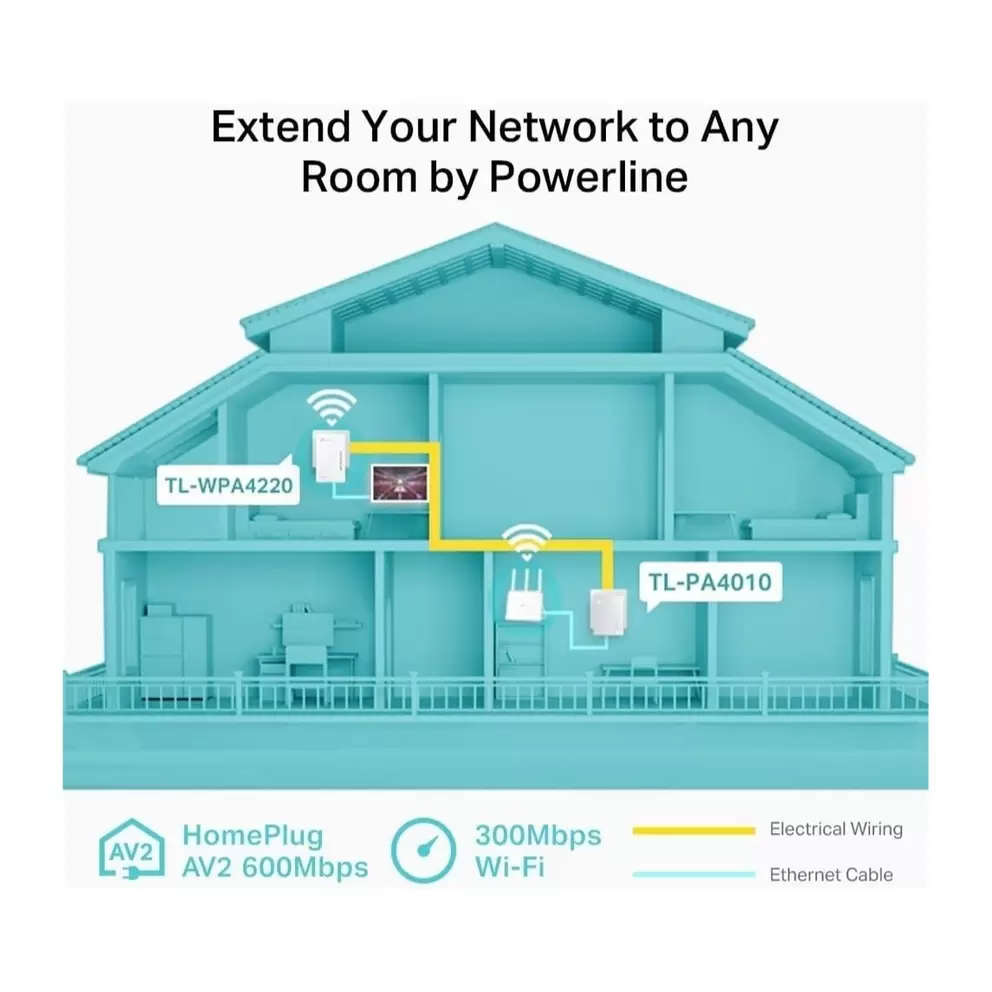
- Extend your internet to any room using your home's existing electrical wiring, giving you a stable connection without running new cables.
- Get online in seconds with simple plug-and-play setup that needs no technical know-how, no software and no configuration.
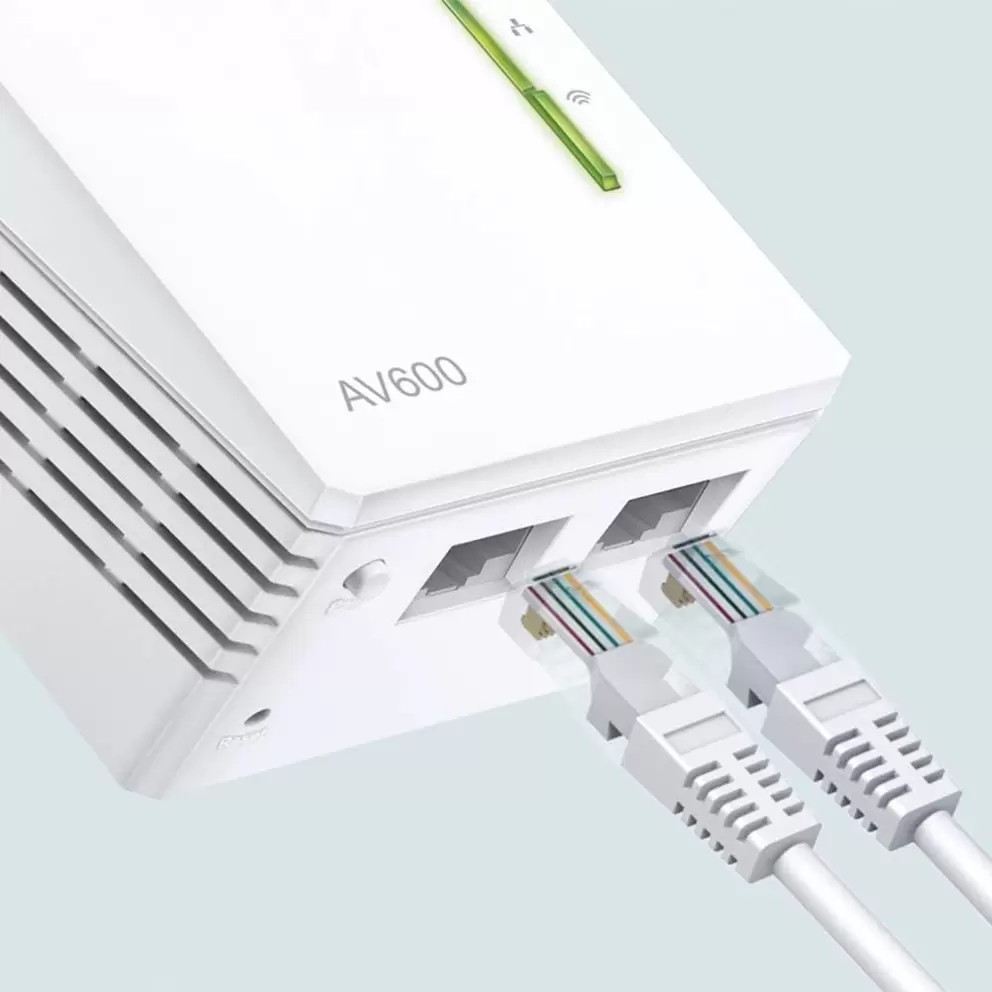
- Enjoy both wired and wireless access with 2 Ethernet ports and WiFi speeds of up to 300Mbps for phones, laptops and TVs.
- Roam seamlessly across your home with the WiFi clone button that copies your router's network name and password instantly.
- Stay connected over long distances with HomePlug AV technology delivering data transfer rates of up to 500Mbps over 300m.
- Keep your network private with 128-bit AES encryption that protects your data as it travels through your electrical wiring.
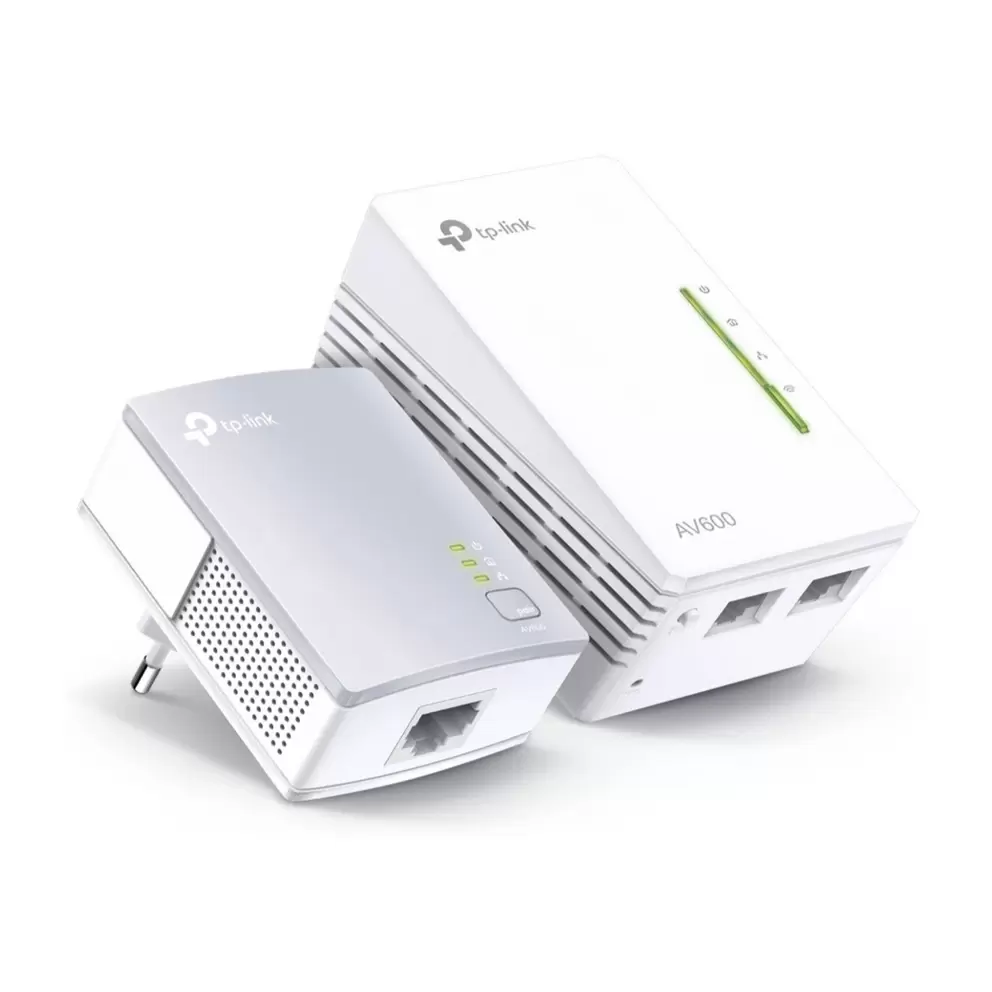
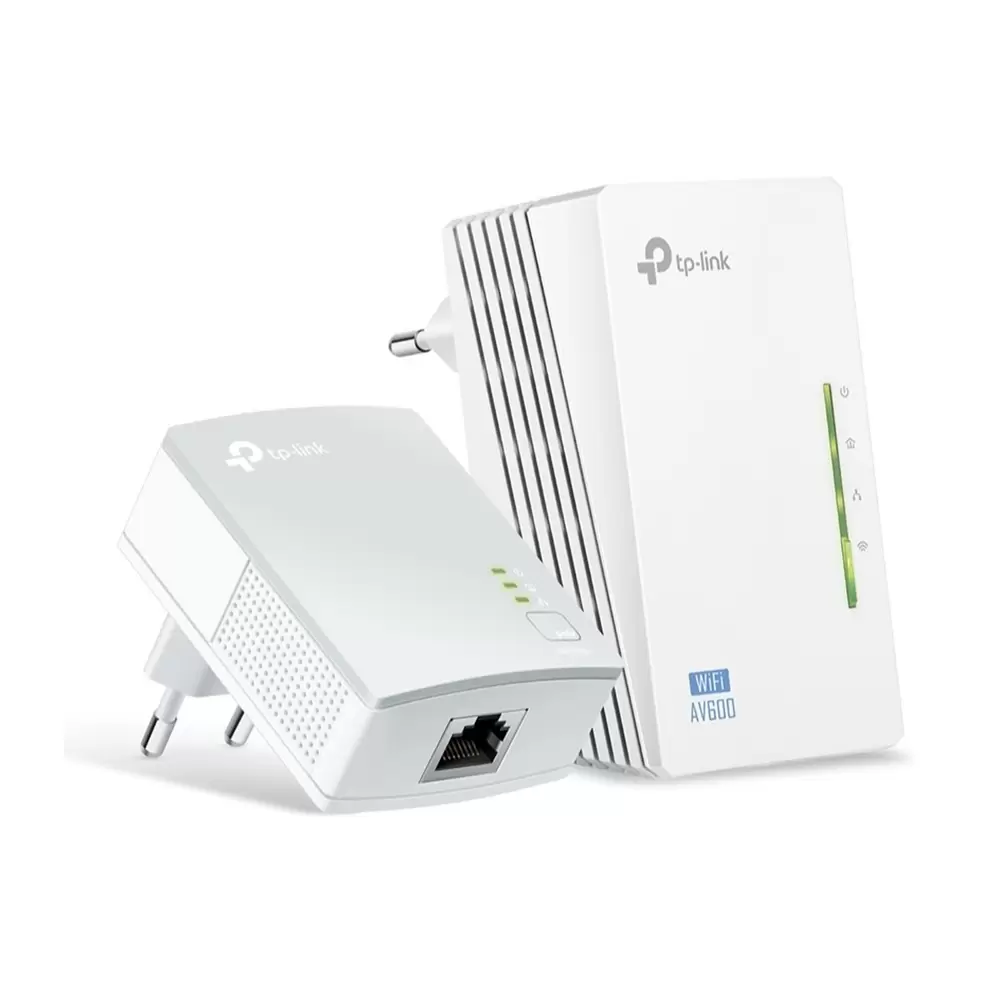
The TP-Link AV600 WiFi Powerline Adapter Kit brings fast, reliable internet to areas your router can't reach. It uses your home's existing electrical wiring to create a stable network, so you get online without running new cables or struggling with weak WiFi.
Get online in seconds
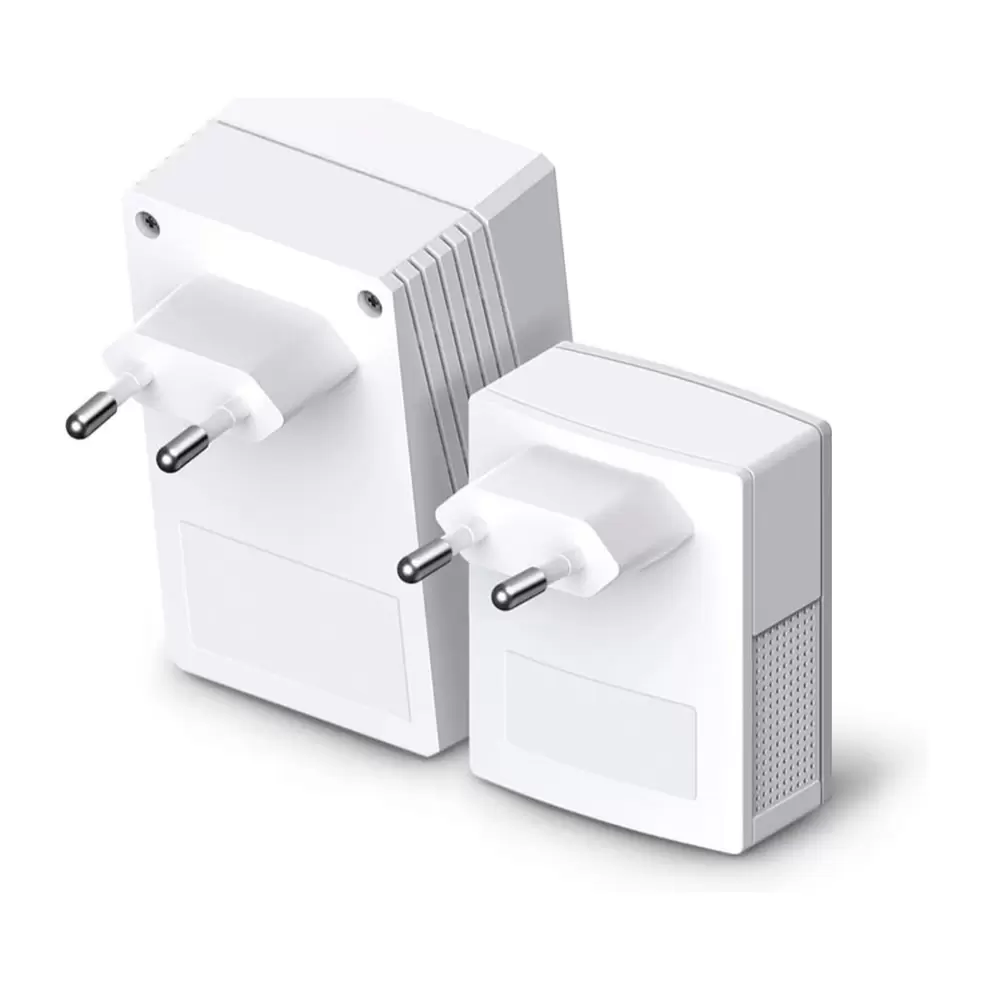
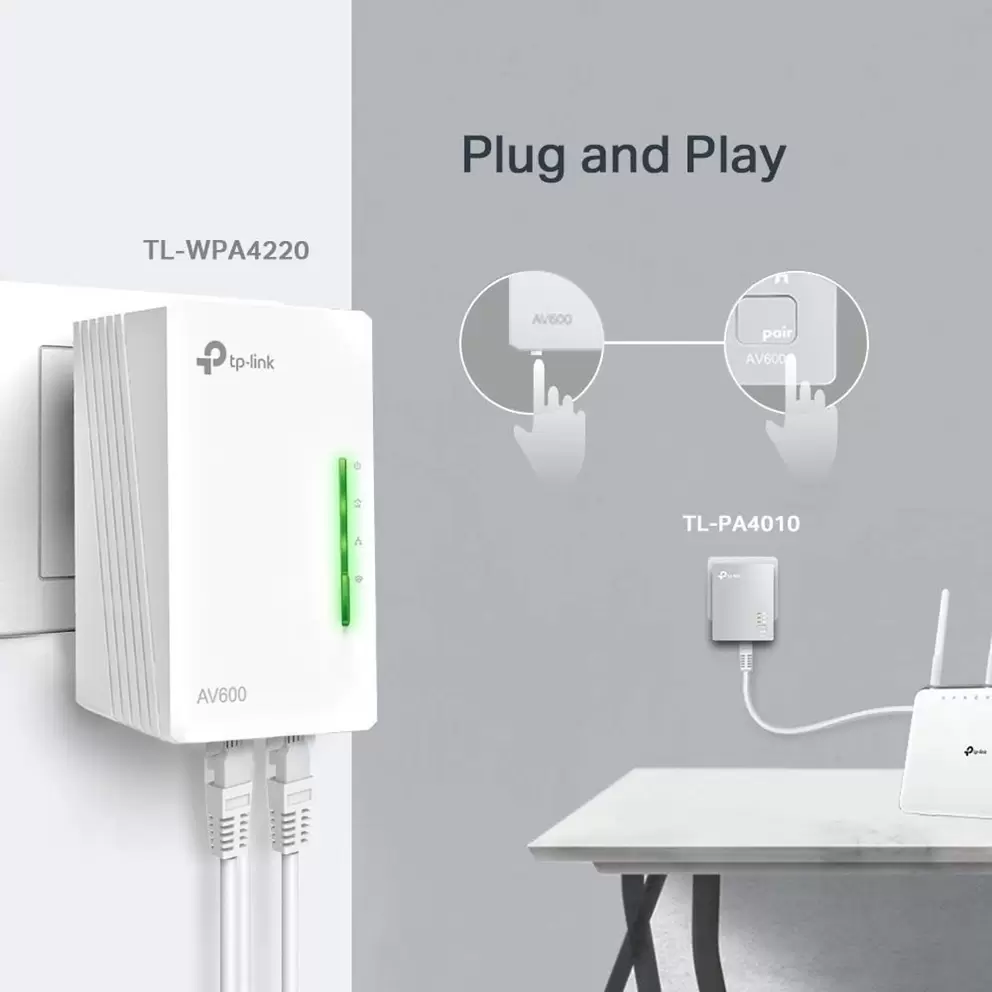
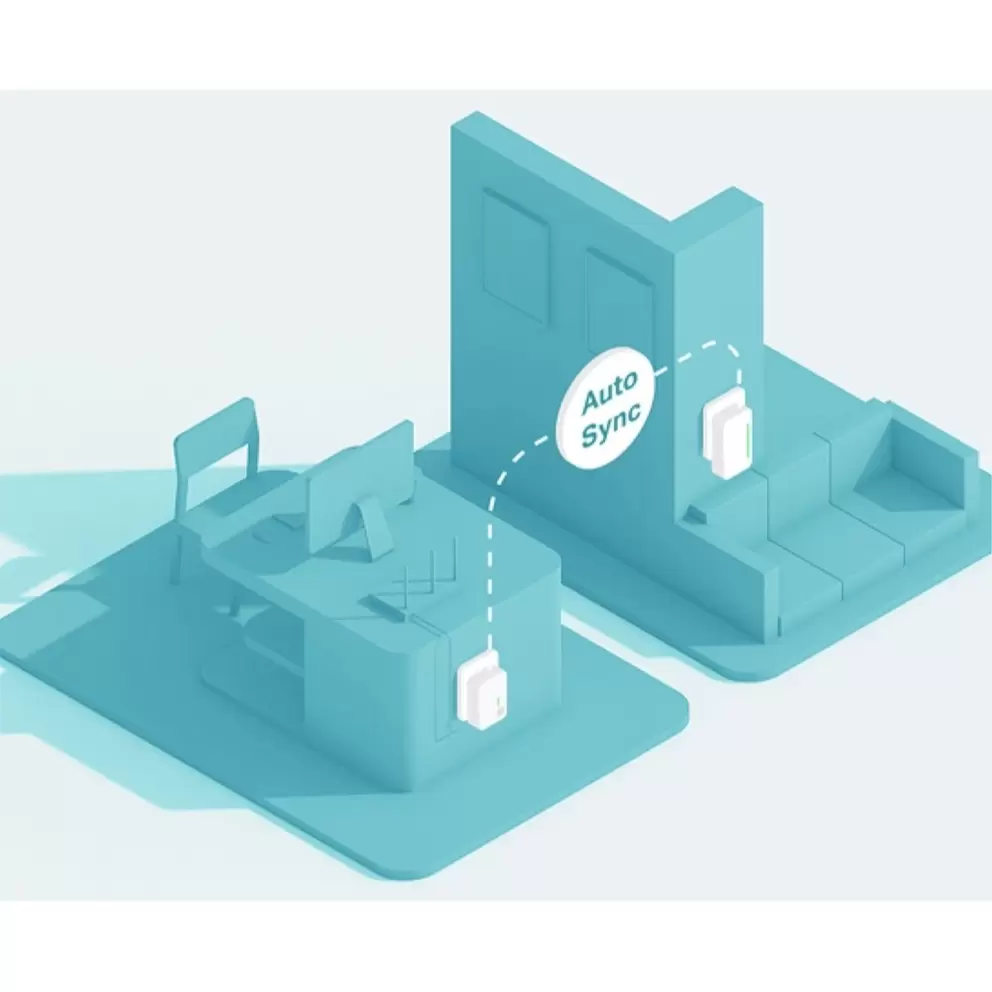
Setting up is simple. Plug one adapter into a wall socket near your router and connect them with an Ethernet cable. Place the second adapter anywhere you need internet, and you're ready to go. No technical know-how required.
Enjoy both wired and wireless connections
The extender gives you 2 Ethernet ports for devices that need a cable, like a smart TV or games console. It also broadcasts WiFi at up to 300Mbps, so your phone, tablet and laptop connect wirelessly in another room.
Roam seamlessly across your home
The WiFi clone button copies your router's network name and password automatically. Your devices connect to the extender without you re-entering any details, making the transition effortless across your home.
Stay connected with secure, high-speed data
HomePlug AV technology delivers stable data transfer rates of up to 500Mbps over distances of up to 300m. 128-bit AES encryption keeps your network private, so you can browse, stream and game with confidence.