Apple MacBooks


BLACK FRIDAY SALE
Spread the cost with EE Finance
You could pay for new tech over 3 to 48 months, with finance options ranging from 0% to 19.9% APR.
Subject to status and order value. Not keeping up with payments could affect your credit score and future borrowing.

Learn More about MacBooks
Apple’s MacBook range has earned its reputation by doing one thing exceptionally well: pairing effortless, premium design with the kind of day-to-day reliability that keeps people coming back. Whether you are a student typing essays between lectures, a creative professional rendering 4K video or a commuter who needs a full workday’s battery on a single charge, there is a MacBook engineered for the way you live and work.
At EE, we bring together the complete Apple laptop lineup. From the newly introduced MacBook Neo, Apple’s first budget laptop and the ultra-portable MacBook Air, to the powerhouse MacBook Pro in M5, M5 Pro and M5 Max configurations. And because we know a great laptop deserves a great connection, every MacBook we sell is backed by the UK’s best mobile network. EE has been named the country’s top network for a record 11th consecutive year by Umlaut Connect, with our 5G+ service now reaching 73% of the population, more than 50 million people across over 610 towns and cities. That is the technical expertise and connectivity backbone you can rely on when your work, studies and entertainment depend on staying online.
Things to consider before buying an Apple MacBook
Buying a MacBook is an investment, so it pays to match the machine to the way you actually use it rather than defaulting to the most powerful model. Here are the most important factors to weigh before you commit.
1. Which chip tier do you really need?
Apple’s laptop chips scale across four tiers and the gap between them is larger than the price tags suggest:
- A18 Pro (MacBook Neo): The same chip that powers the iPhone 16 Pro and Apple’s first laptop chip designed for budget-conscious buyers. It breezes through everyday browsing, streaming, photo editing and on-device AI tasks and is up to 50% faster than a comparable Intel-based PC for everyday web work.
- M5 (MacBook Air and entry Pro): The sweet spot for most people, balancing speed and battery efficiency.
- M5 Pro: Step up here only if your work involves sustained video exports, large code compilations or heavy multitasking.
- M5 Max: Reserve this for studio-grade rendering, massive datasets and local AI workloads.
If you cannot name a task that needs a higher tier, the lower one is almost certainly enough.
2. How much memory (RAM) is enough?
Memory is the spec most buyers under-buy and later regret:
- 8GB (MacBook Neo): Fine for web, email, documents and light photo editing. It is the only configuration available on the Neo, so it is worth confirming 8GB covers your needs before choosing this model.
- 16GB (Air and base Pro): Comfortably handles multitasking, browser-heavy workflows and light creative apps.
- 24GB or 48GB (Pro tiers): Choose this if you keep dozens of apps open, edit high-resolution video or run virtual machines.
Unlike storage, memory cannot be upgraded later, so buy what you will need over the next 3 to 5 years, not just today.
3. Storage: now or later?
MacBook storage is soldered and non-upgradable, so your choice at purchase is final:
- 256GB: Suits light users who live in the cloud. This is the standard configuration on the MacBook Neo.
- 512GB: The practical minimum for most people, giving room for apps, photos and a media library. On the Neo, stepping up to 512GB also unlocks Touch ID for fingerprint login, so the upgrade buys both space and convenience.
- 1TB: Wise for creatives and anyone working with video.
- 2TB and above: For professionals who carry large project files locally.
Cloud storage helps, but it does not replace local space for working files, so err on the generous side.
4. Screen size and portability
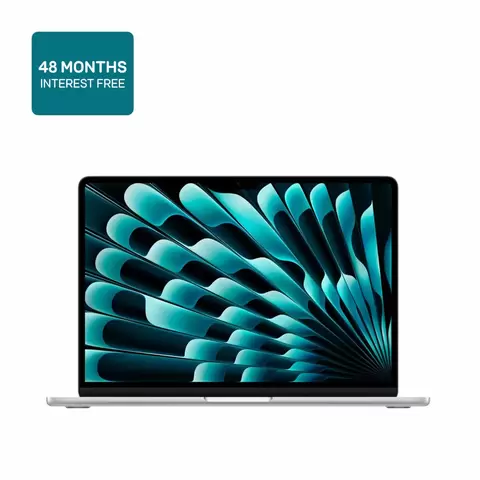
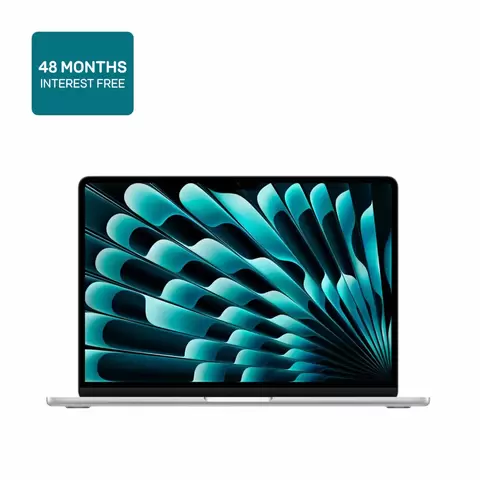
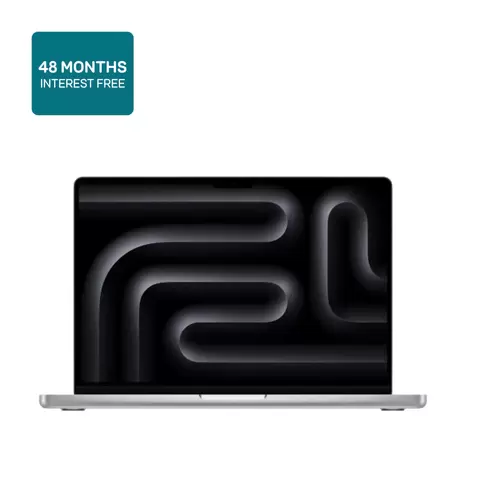
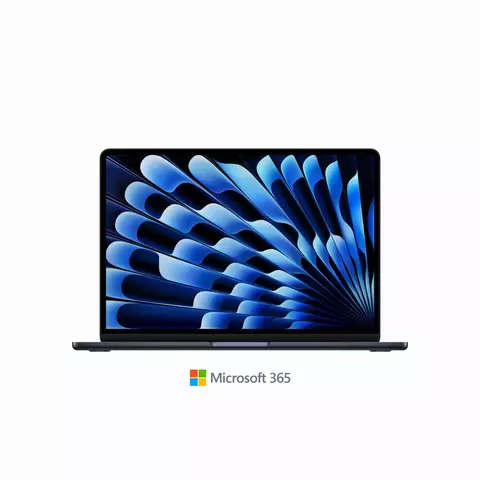
The 13-inch Air and Neo are the commuters’ choice, light enough to carry all day and small enough for a tray table or lecture-hall desk. The Neo weighs just 1.23kg and comes in four finishes: Indigo, Silver, Citrus and Blush. It is as much a style statement as a work tool. The 14-inch Pro adds a brighter Liquid Retina XDR display and more ports without much extra bulk. The 16-inch Pro is a desktop replacement with screen real estate for editing timelines and spreadsheets, but it is noticeably heavier and less travel-friendly. Match the size to where you will actually use it, not where you imagine you might.
5. Battery life vs sustained performance
The fanless Air and Neo are silent and sip power, delivering all-day battery for typical work. The Pro models add active cooling, which lets them sustain high performance for longer without throttling, at the cost of some battery life and occasional fan noise. If your work is bursty (documents, browsing, calls), the Air’s battery advantage matters more. If your work is sustained (rendering, compiling, exporting), the Pro’s cooling is what keeps it fast.
6. New or “good as new”?
EE’s “good as new” MacBooks are devices returned within the 14-day cooling-off period, lightly used and never repaired for a fault. They come in original packaging, are free from scratches and carry the same return rights as a new device. For budget-conscious buyers, a good as new Neo or Air can deliver the full MacBook experience at a meaningful discount, with the same macOS longevity as a brand-new unit.
7. How will you pay?
A MacBook ranges from around £549 to £4,999 at EE and there are flexible ways to spread the cost. EE Finance lets you spread the cost at 0% APR over 12 to 48 months. A £1,999 Pro works out to roughly £40.60 a month, turning a large upfront cost into a predictable payment. The MacBook Neo also offers a simpler option: £39 today plus £60 a month for 11 months, with no fees, no interest and no credit check, added straight to your EE mobile bill. Consider whether spreading the cost monthly suits you better than paying upfront. Remember that representative APR ranges from 0% to 19.9% and terms apply.
8. Connectivity and the EE advantage
A great laptop deserves a great connection. EE has been named the UK’s best mobile network for a record 11th consecutive year by Umlaut Connect, with 5G+ coverage now reaching 73% of the population, more than 50 million people across 610+ towns and cities. When your MacBook leaves the house, that is the network backing your video calls, downloads and streaming.
Frequently Asked Questions
Everything you need to know about the MacBook range at EE, from the budget-friendly MacBook Neo to the powerful MacBook Pro.
Q1. What is 0% APR finance and how does EE Finance work for MacBooks?
0% APR finance means you pay no interest on the cost of your MacBook. With EE Finance, you can spread the cost of an Apple laptop over 12 to 48 months at 0% APR, so a premium machine becomes a manageable monthly payment instead of a single upfront cost. For example, a MacBook Pro M5 priced at £1,999 can work out to around £40.60 a month at 0% APR. Representative APR ranges from 0% to 19.9% and terms apply. Not keeping up with payments could affect your credit rating and make future borrowing harder.
Q2. What does “good as new” mean?
A “good as new” MacBook is a device that was returned to EE within the 14-day cooling-off period, usually because a customer changed their mind shortly after purchase. These devices have been used very little and are close to new condition. Unlike refurbished products, they have never been repaired for a fault. A good as new MacBook is free from scratches and visible marks, has been checked to make sure all features work as expected and comes in its original packaging.
Q3. MacBook Neo, MacBook Air or MacBook Pro: which should I buy?
The MacBook Neo is the best choice if keeping costs down is your priority. At £699 new or around £549 good as new, it covers everyday browsing, streaming, email, documents and light photo editing, with up to 16 hours of battery and a 13-inch display. The MacBook Air is the better choice for most other people. It is thinner, lighter, silent and fast enough for everyday tasks like browsing, email, documents, streaming, schoolwork and light creative projects, with more memory and a faster M5 chip than the Neo. The MacBook Pro is the better tool for people who regularly push their laptop past casual work. Choose the Pro if your work is colour-critical, if you run long video exports daily or if you need the brighter Liquid Retina XDR display, an SDXC card slot and sustained performance that the Air’s fanless design cannot match. As a simple rule: if you are asking whether you need the Pro, buy the Air. If you are asking whether you need the Air, the Neo may be enough.
Q4. What is the difference between the A18 Pro, M5, M5 Pro and M5 Max chips?
- A18 Pro (MacBook Neo): A 6-core CPU with 2 performance cores and 4 efficiency cores, a 5-core GPU and a 16-core Neural Engine, with 8GB of unified memory and 60GB/s of memory bandwidth. Built for everyday tasks and on-device AI.
- M5 (MacBook Air and entry Pro): The standard chip, built for everyday performance and efficiency. It has a 10-core CPU and up to a 10-core GPU with 16GB of unified memory and 153GB/s of memory bandwidth.
- M5 Pro: Steps up to a 15-core or 18-core CPU and up to a 20-core GPU, with up to 64GB of unified memory and 307GB/s of bandwidth. Suited to demanding creative and development workloads.
- M5 Max: The most powerful, pairing an 18-core CPU with up to a 40-core GPU, up to 128GB of unified memory and up to 614GB/s of bandwidth, with 2 media encode and decode engines for studio-grade rendering, massive datasets and large local AI models.
Q5. What is the MacBook Neo and who is it for?
The MacBook Neo is Apple’s first budget laptop, powered by the A18 Pro chip, the same processor used in the iPhone 16 Pro. It features a 13-inch Liquid Retina display with support for 1 billion colours and 500 nits of brightness, 8GB of unified memory and a choice of 256GB or 512GB storage. It is built for everyday tasks like web browsing, streaming, photo editing and exploring creative hobbies, with up to 16 hours of battery life on a single charge. Weighing just 1.23kg, it comes in four colour finishes: Indigo, Silver, Citrus and Blush. It includes Wi-Fi 6E, Bluetooth 6, two USB-C ports and a 3.5mm headphone jack. Stepping up to the 512GB configuration also adds Touch ID for fingerprint login. The Neo is ideal for students, budget-conscious buyers and anyone who wants the MacBook experience at a lower price point, starting at around £549 for a good as new model or £699 new at EE, where you can also spread the cost with no credit check via your EE mobile bill.
Q6. How long does the MacBook battery last?
Battery life varies by model and how you use it:
- MacBook Air M5: Up to 18 hours of video streaming and up to 15 hours of wireless web browsing on a single charge, enough to get through a full work or school day.
- MacBook Neo: Up to 16 hours of video streaming and up to 11 hours of wireless web.
- MacBook Pro M5: With a larger 72.4 watt-hour battery, it can run for over 18 hours.
All models support fast charging, with the Air reaching up to 50% charge in about 30 minutes. Real-world results depend on screen brightness, the apps you run and your configuration.
Q7. Is a MacBook good for students and commuting?
Yes. The MacBook Air and MacBook Neo are both excellent for students and commuters because they are lightweight, portable and deliver all-day battery life. The 13-inch Air slips easily into a bag and handles note-taking, research, coding and light creative work without breaking a sweat. The Neo is an even more affordable entry point for budget-conscious students. For students whose coursework involves sustained video production, 3D rendering or professional creative software, a MacBook Pro with an M5 Pro or M5 Max chip is the better fit. For everyone else, the Air is the smarter, more portable choice.
Q8. What is Apple Silicon and why does macOS matter?
Apple Silicon is the family of chips, including the A18 Pro, M5, M5 Pro and M5 Max, that Apple designs in-house to power its Macs. These chips combine the CPU, GPU and memory into a single system, delivering fast performance, low power consumption and long battery life. The A18 Pro in the MacBook Neo even shares its DNA with the iPhone 16 Pro, bringing console-class graphics and a 16-core Neural Engine to a budget laptop.
macOS is the operating system built specifically for Apple Silicon, so it runs smoothly and responsively across every MacBook. macOS also includes Apple Intelligence, which brings on-device AI features to everyday apps and works seamlessly with other Apple devices through features like AirDrop, Handoff and Universal Clipboard. Together, Apple Silicon and macOS make MacBooks efficient, reliable and easy to use.
EE Limited (Registered no. 0238216), registered at 1 Braham Street, London E1 8EE, United Kingdom, acts as credit broker and not lender, and is authorised and regulated by the Financial Conduct Authority (FRN 715183).
Glow Financial Services Limited (Registered no. 09127663), registered at 71 Queen Victoria Street, London EC4V 4BE, authorised and regulated by the Financial Conduct Authority (FRN 751308), acting as lender, under brand licence as EE Finance (powered by Glow) through EE Limited.
The register can be accessed through FCA website.