Apple iPads

Spread the cost with EE Finance
You could pay for new tech over 3 to 48 months, with finance options ranging from 0% to 19.9% APR.
Subject to status and order value. Not keeping up with payments could affect your credit score and future borrowing.
Learn more about iPads and Apple tablets
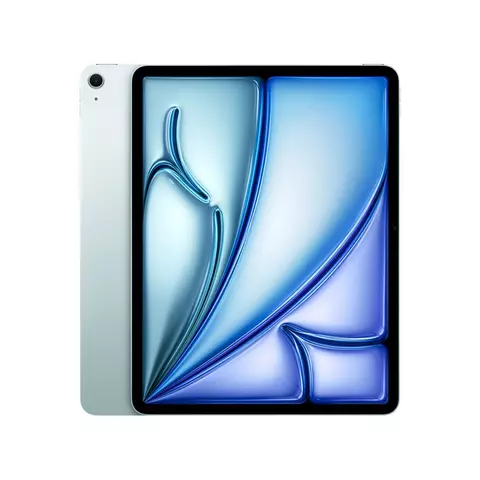
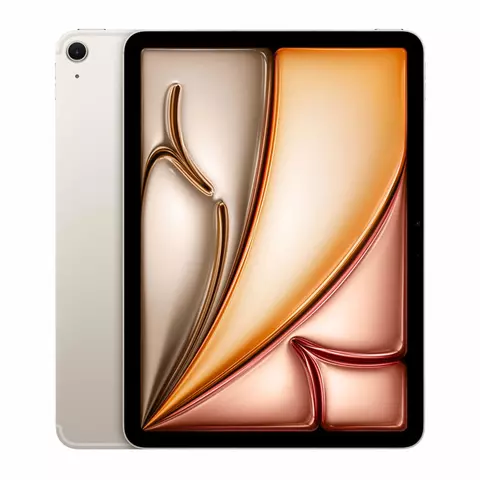
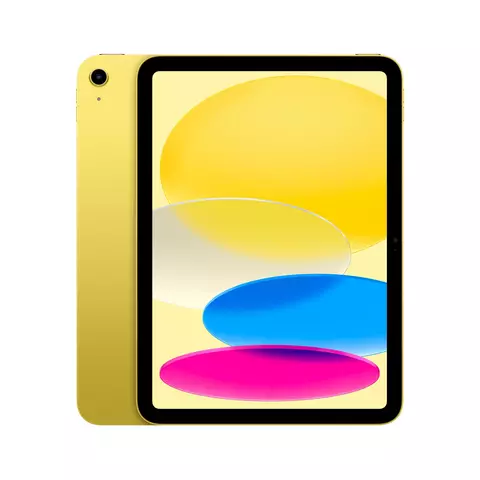
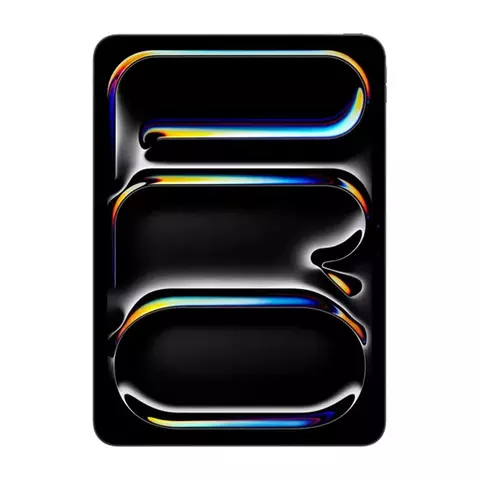
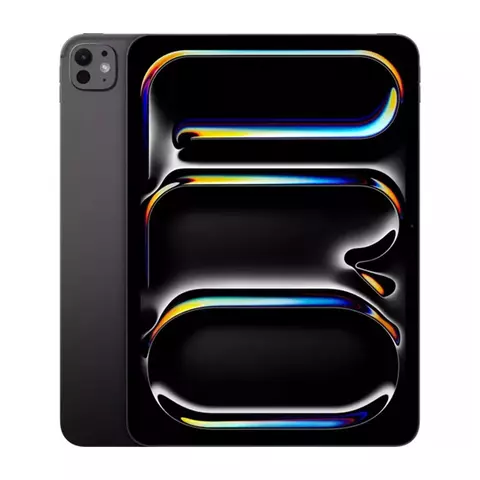
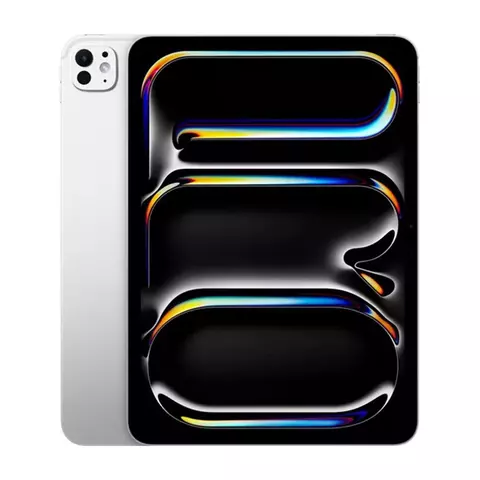
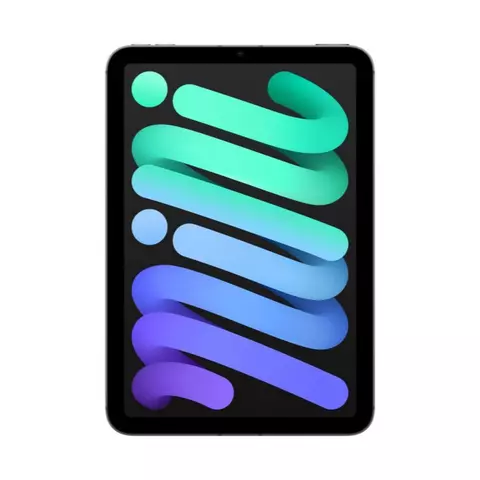
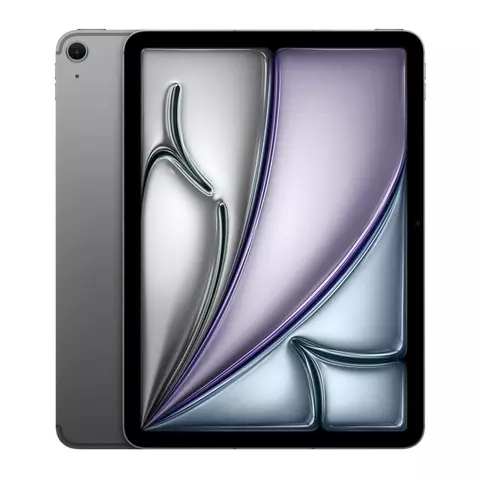
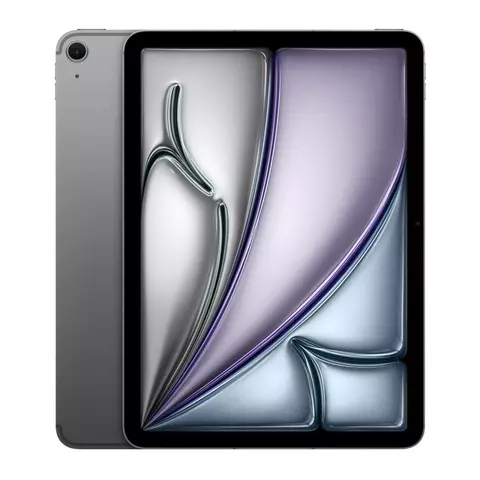
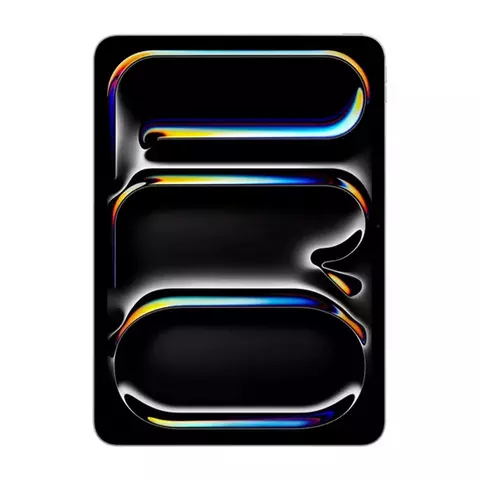
Discover the full range of Apple iPad and Apple tablets at EE, where the iconic iPad family offers something for everyone, from the ultra-portable iPad mini and the perfectly balanced iPad Air to the powerhouse iPad Pro with its advanced M-series chip and stunning Liquid Retina display. Whether it's for taking notes as a student, designing on the go as a professional, streaming favourite shows on the commute or staying connected on frequent travels, there's an Apple tablet to match any lifestyle - all running on the intuitive iPadOS with access to millions of apps for productivity, creativity and entertainment.
Pair an iPad with a WiFi + Cellular plan and stay connected on EE's award-winning network, the UK's number one network, delivering the best 5G experience with the highest average 5G download speeds and 5G coverage reaching more than 87% of the population.
With EE iPad deals across the range, expert in-store and online guidance and flexible data plans built around how you actually use your tablet, it's never been easier to find the right Apple tablet and keep it connected wherever life takes you.
Things to consider
Before choosing your Apple tablet, it helps to think about how you'll actually use it day to day. Here are the key factors to weigh up:
• How you'll use it
Your main use case should guide your choice. For everyday browsing, streaming and email, the standard iPad is a fantastic, great-value option. If portability is your priority, the compact iPad mini slips into a jacket pocket and is ideal for reading and travel. Students and professionals who want a balance of power and value will find the iPad Air hits the sweet spot. Creatives and power users who need uncompromising performance for video editing, 3D design or heavy multitasking should look to the iPad Pro.
• Performance and processor
The chip inside your iPad determines how fast and smoothly it runs. The standard iPad uses the A-series chip for solid everyday performance. The iPad Air steps up to the M-series chip for more demanding apps, while the iPad Pro packs the latest M4 chip for laptop-level power. If you'll be editing video, running pro apps or keeping dozens of apps open at once, a more powerful chip makes a real difference.
• Display size and type
Screen size affects both portability and productivity. The iPad mini's 8.3" display is the most portable, while the iPad Air and iPad Pro offer larger 11" and 13" options for more workspace. The iPad Pro's tandem OLED display with ProMotion delivers the richest colours and smoothest scrolling, while the iPad Air's Liquid Retina LCD display is bright and sharp for most users.
• Storage capacity
iPad storage is not expandable, so it's important to choose enough from the start. If you mainly browse, stream and use a handful of apps, 128GB is plenty. If you plan to download lots of apps, games, movies or use it for creative work with large files, 256GB or more is recommended. Think about how your storage needs might grow over the life of the tablet.
• Connectivity: WiFi or WiFi + Cellular
Decide whether you need mobile data on the go. WiFi-only models connect to the internet through WiFi alone. WiFi + Cellular models add a built-in mobile data connection and GPS, so you can get online anywhere with network coverage. Pair a cellular iPad with an EE data plan and you can stay connected on the UK's number one network, with 5G coverage reaching over 87% of the population.
• Apple Pencil and accessories
If you want to draw, take handwritten notes or mark up documents, check which Apple Pencil your chosen iPad supports. The iPad Pro and iPad Air work with Apple Pencil Pro, while the standard iPad and iPad mini support Apple Pencil (USB-C). Also consider a keyboard if you plan to type a lot, as the iPad Air and iPad Pro are both compatible with Apple keyboards for a laptop-like experience.
• Budget and deals
Think about how you want to pay. EE offers iPad deals with flexible data plans and you can spread the cost with EE Finance over 3 to 48 months. Compare the total cost across models and storage options and look out for deals that bundle a data plan with your tablet.
Frequently asked questions
Category FAQs
• What is the difference between an iPad and an Apple tablet?
An iPad is Apple's specific line of tablets, so every iPad is an Apple tablet. When you see "Apple tablets" at EE, it refers to the full iPad family, which includes the iPad, iPad mini, iPad Air and iPad Pro. They all run on iPadOS and give you access to millions of apps for productivity, creativity and entertainment.
• What iPad deals are available at EE?
EE offers a range of iPad deals with flexible data plans to suit how you use your tablet. You can spread the cost with EE Finance over 3 to 48 months and choose a data allowance that matches your needs, whether you mostly use WiFi or need plenty of mobile data on the go. Check the latest deals on the Apple tablets category page.
• Why buy an EE iPad?
Buying your iPad from EE means you can pair it with a data plan on the UK's number one network. EE delivers the best 5G experience in the UK, with the highest average 5G download speeds and 5G coverage reaching over 87% of the population. A WiFi + Cellular iPad on EE keeps you connected wherever you go, with expert guidance in store and online to help you choose the right model and plan.
• Can an iPad replace a laptop?
For many users, yes. With the power of iPadOS, an iPad Pro or iPad Air can handle tasks like word processing, video editing and multitasking. Add a keyboard and you have a laptop-like set-up. However, if you rely on specialist desktop software, a laptop may still be needed alongside your iPad.
• What is iPadOS?
iPadOS is the operating system built specifically for iPad, designed to make the most of the large touchscreen. It includes multitasking features, easy app switching, Apple Pencil support and access to millions of apps on the App Store. All iPads at EE run iPadOS, giving you a smooth, intuitive experience whether you're browsing, working or creating.
• What does WiFi + Cellular mean?
WiFi + Cellular means the iPad can connect to mobile data networks as well as WiFi, so you can stay online when there's no WiFi available. Cellular iPads use an eSIM, so there's no physical SIM card to swap. Pair a WiFi + Cellular iPad with an EE data plan and you can browse, stream and work on the go, with 5G coverage reaching over 87% of the UK population.
• What does SIM-free mean?
SIM-free means the iPad is unlocked and ready to use on any network. Tablets aren't locked to networks, so you can choose the iPad you want and pay the way that suits you. Pay by card, PayPal or spread the cost with EE Finance over 3 to 48 months. Terms apply.
• Is iPad storage expandable?
No, iPad storage is not expandable, so it's important to choose enough when you buy. If you mainly browse and stream, 128GB is plenty. If you plan to download lots of apps, games, movies or use it for creative work with large files, 256GB or more is recommended. Think about how your storage needs might grow over the life of the tablet.
iPad (A16) FAQs
• What does SIM-free mean?
It means the iPad is unlocked and ready to use on any network. These days, tablets aren't locked to networks, so you can choose the iPad you want and pay the way that suits you. Pay by card, PayPal or spread the cost with EE Finance over 3 to 48 months. Terms apply.
• What is WiFi + Cellular?
WiFi + Cellular means the iPad can connect to mobile data networks as well as WiFi, so you can stay online when there's no WiFi available. The iPad (A16) supports fast 5G and Gigabit LTE via eSIM and with EE's 5G coverage reaching over 87% of the UK population, you can browse, stream and work on the go in more places.
• What is iPadOS?
iPadOS is the operating system built specifically for iPad, designed to make the most of the large display with features like multitasking, easy app switching and Apple Pencil support. The iPad (A16) runs iPadOS, giving you a smooth, intuitive experience whether you're browsing, working or creating.
• What's the difference between the iPad (A16) and the iPad (10th generation)?
The iPad (A16) is the newer model, with the faster A16 chip instead of the A14 for up to 30% better performance across everyday tasks, gaming and multitasking. You also get double the starting storage at 128GB compared with 64GB on the 10th generation, with options up to 512GB. Both share the same 11" Liquid Retina display, but the iPad (A16) adds Bluetooth 5.3, Smart HDR 4 photos and 5G via eSIM.
iPad Air FAQs
• What does WiFi + Cellular mean on the iPad Air?
WiFi + Cellular means the iPad Air can connect to fast 5G mobile data on EE's network when there's no WiFi available. It uses an eSIM, so there's no physical SIM card to swap, keeping you connected on the go.
• What is iPadOS?
iPadOS is the operating system built for iPad, designed to make the most of the large touchscreen and Apple Pencil. It includes multitasking, Apple Intelligence and seamless integration with your other Apple devices.
• What's the difference between the iPad Air and the iPad Pro?
The iPad Air gives you great value with the M3 chip, Liquid Retina display and Apple Pencil Pro support at a lower price. The iPad Pro adds a brighter OLED display for vibrant colours with ProMotion, Face ID and a more powerful chip, but most people will find the Air more than enough.
• Can you use the iPad Air for drawing and note-taking?
Yes. The iPad Air works with Apple Pencil Pro and Apple Pencil (USB-C) for drawing, note-taking and marking up documents. Combined with the M3 chip and Liquid Retina display, it's a great choice for sketching, studying and creative work.
iPad Pro FAQs
• What's the difference between WiFi and WiFi + Cellular iPad Pro models?
The WiFi model connects to the internet through WiFi only. The WiFi + Cellular model adds a built-in mobile data connection and GPS so you can get online anywhere. Pair it with an EE data plan and fast 5G, with 5G coverage reaching over 87% of the UK population, to download, stream and work on the go.
• How does the iPad Pro compare to the iPad Air?
The iPad Pro has a tandem OLED display for vibrant colours with ProMotion refresh rates up to 120Hz, the M4 chip and 4-speaker audio. The iPad Air uses an LCD display and a less powerful chip. Choose the iPad Pro for creative work like video editing and digital art or the iPad Air for everyday tasks and better value.
• What can you do with Apple Pencil Pro on iPad Pro?
Apple Pencil Pro adds a squeeze gesture to bring up tool palettes and barrel roll to rotate and preview brushes. Haptic feedback gives a natural drawing feel and Find My helps you locate it if misplaced. It's ideal for sketching, note-taking, annotating and detailed creative work.
• Is the iPad Pro worth upgrading to from an older model?
Yes, if you use your iPad for creative or professional work. The iPad Pro with the M4 chip is up to 50% faster than the M2 model and has a brighter tandem OLED display for vibrant colours instead of the older LCD screen. It's thinner and lighter too, but an M2 model still handles everyday tasks well.
iPad mini FAQs
• What does WiFi + Cellular mean on the iPad mini?
It means the iPad mini connects to mobile data networks as well as WiFi. The WiFi + Cellular model adds fast 5G, so you can stay online anywhere with network coverage. You'll need a data plan and EE's 5G coverage reaches over 87% of the population.
• What is Apple Intelligence on the iPad mini?
Apple Intelligence is Apple's personal intelligence system, built into iPadOS and powered by the A17 Pro chip. It helps you write, express yourself and get things done, with tools for writing, summarising and creating images, all while keeping your data private and secure.
• iPad mini versus iPad Air: which should I choose?
The iPad mini has an 8.3" display and A17 Pro chip, making it the most portable iPad for reading and travel. The iPad Air has a larger 11" or 13" display and an M-series chip, better for creative work like drawing and video editing. Choose the mini for portability or the Air for a bigger screen and more power.
• What is the iPad mini best for?
The iPad mini is best for anyone who wants full iPad power in a compact, easy-to-carry size. The 8.3" Liquid Retina display is great for reading, browsing and note taking, while the A17 Pro chip handles gaming and everyday tasks smoothly. With Apple Pencil Pro support, it's also a handy creative tool for sketching on the go.
Value-add content ideas
These content ideas deepen a user's understanding of Apple tablets and reinforce EE's position as a trusted expert:
1. Apple tablet technical glossary
A plain-English glossary of the key technical terms shoppers encounter when comparing iPads. Terms to include: Liquid Retina, ProMotion, tandem OLED, M-series chip, A-series chip, eSIM, Gigabit LTE, Apple Intelligence, Apple Pencil Pro, Smart HDR, LiDAR scanner, iPadOS, WiFi + Cellular and nits (display brightness). Each term gets a one to two sentence definition written in EE's customer-friendly voice. This helps demystify the specs and gives shoppers confidence in their choice, while positioning EE as the expert that explains technology clearly.
2. iPad model comparison guide
A side-by-side comparison table covering the iPad, iPad mini, iPad Air and iPad Pro, comparing display size and type, processor, storage options, Apple Pencil compatibility, connectivity, camera features and ideal use case. This builds directly on the "Things to Consider" section by giving shoppers a quick visual reference and it reinforces EE's authority by presenting the full range with clear, expert guidance on which model suits which lifestyle.
3. iPad connectivity and data plans explained
A dedicated guide explaining the difference between WiFi-only and WiFi + Cellular iPads, how eSIMs work, what 5G means for tablet users and how to choose the right EE data plan for your iPad. This content ties directly to the "EE iPad" keyword and reinforces EE's network authority, highlighting that EE is the UK's number one network with the best 5G experience and 5G coverage reaching over 87% of the population. It answers the practical question every cellular iPad buyer has: how do I keep my tablet connected on the go?
Recommended buying guide topics
These supporting buying guide topics capture top-of-funnel search behaviour around Apple tablets and the target keywords, drawing shoppers earlier in their journey toward the EE Apple tablets category page:
1. Which iPad is right for me? - A guide helping shoppers choose between the iPad, iPad mini, iPad Air and iPad Pro based on use case, budget and portability needs. Captures broad "which iPad" search intent and funnels to the category page.
2. Best iPad for students - A guide focused on note-taking, studying, productivity apps and value for money, recommending the iPad and iPad Air as top picks. Captures the large student audience searching for back-to-school technology.
3. Best iPad for drawing and creative work - A guide comparing Apple Pencil compatibility, display quality and processor power across models, positioning the iPad Pro and iPad Air as the top choices for artists and designers.
4. Best iPad for travel - A guide focused on portability, battery performance and cellular connectivity, highlighting the iPad mini as the ideal travel companion and the value of a WiFi + Cellular model on EE's network.
5. iPad versus laptop: which should you buy? - A guide exploring whether an iPad can replace a laptop for different user types, covering iPadOS multitasking, keyboard accessories and pro apps. Captures comparison search traffic and positions EE as the expert.
6. Best iPad deals and how to choose a data plan - A guide explaining EE's iPad deals, EE Finance options and how to pick the right data allowance, capturing price-sensitive "iPad deals" search traffic and driving it to the category page.
7. What is 5G and why does it matter for your iPad? - A guide explaining 5G technology, EE's 5G coverage and the benefits of a WiFi + Cellular iPad on the UK's number one network. Reinforces EE's network authority and supports the "EE iPad" keyword.
8. iPad storage guide: how much do you need? - A guide helping shoppers decide between 128GB, 256GB, 512GB and 1TB based on their usage habits, addressing the common question of non-expandable storage.
9. Best iPad accessories: Apple Pencil, keyboards and cases - A guide covering the key accessories that enhance the iPad experience, helping shoppers build a complete set-up and increasing basket value.
10. iPad for business and professional use - A guide targeting professionals and small business owners, covering multitasking, pro apps, security features and cellular connectivity for working on the go.
EE Limited (Registered no. 0238216), registered at 1 Braham Street, London E1 8EE, United Kingdom, acts as credit broker and not lender, and is authorised and regulated by the Financial Conduct Authority (FRN 715183).
Glow Financial Services Limited (Registered no. 09127663), registered at 71 Queen Victoria Street, London EC4V 4BE, authorised and regulated by the Financial Conduct Authority (FRN 751308), acting as lender, under brand licence as EE Finance (powered by Glow) through EE Limited.
The register can be accessed through FCA website.