Wireless setup
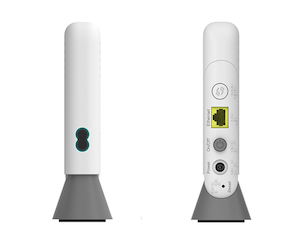
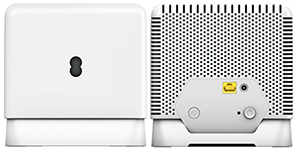
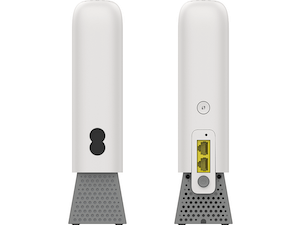
- Plug your WiFi Extender into a power socket near your Smart Hub and turn it on. The light will flash red.
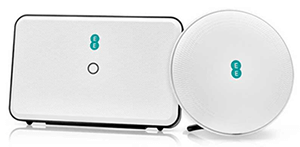
- Press the WPS button on your hub, then press the WPS button on the WiFi Extender within 2 minutes. It can take up to 5 minutes to connect.
- When the light turns solid aqua, it's working.
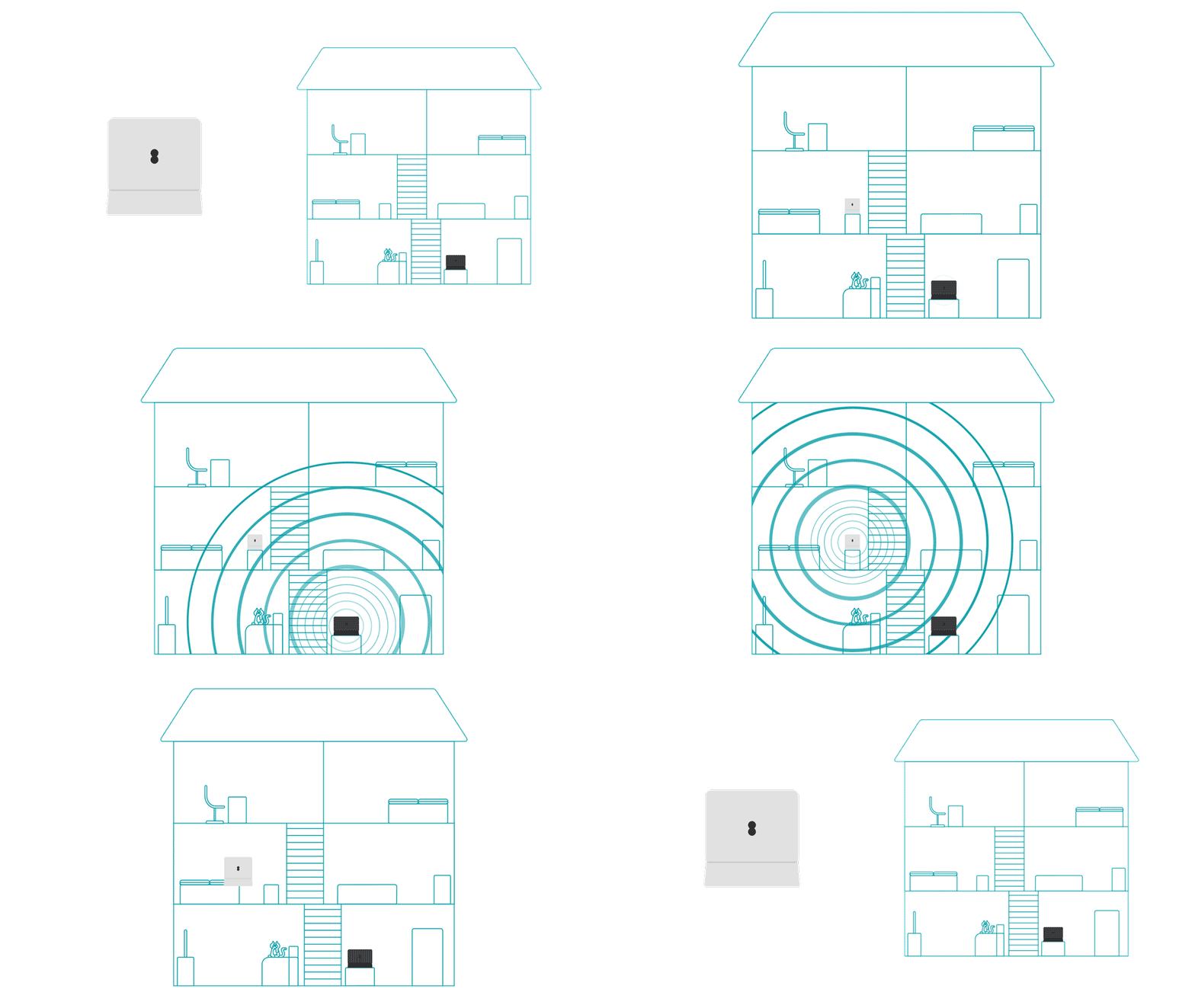
- Unplug your WiFi Extender and move it about halfway between your hub and the room where the WiFi is weak.
Wired setup
You'll find one ethernet cable in your router box and another in your WiFi Extender box.
- Plug one end of an ethernet cable into a yellow port on the back of the hub, and the other to your WiFi Extender.
- The light will flash and then become solid aqua.
- Unplug the cable. If the light flashes orange briefly before returning to aqua, you'e good to go.
- Unplug your WiFi Extender and move it about halfway between your hub and the room where the WiFi is weak.