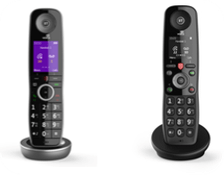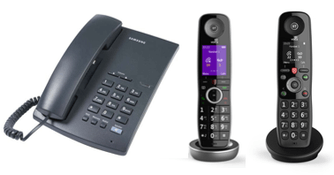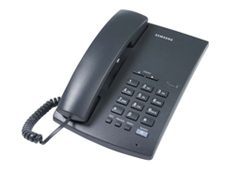
Follow these steps if you’re using your own phone. Most issues are fixed in a few minutes.
Check that your phone is connected correctly
Make sure your phone is plugged into the right place, either:
- the green phone port on the back of your hub
- a Digital Home Phone Adapter
If you’re unsure, follow our guide on how to set up your Digital Home Phone.
Restart your hub
This fixes most issues and takes 2 minutes to complete.
- Turn your hub off.
- Wait 2 minutes.
- Turn it on.
This refreshes your connection and updates your Digital Home Phone service.
Reconnect your Digital Home Phone Adapter
- Open a browser on a device connected to your hub.
- Enter 192.168.1.254 into the address bar.
- Select Phone.
- De-register any connected devices.
- Follow the steps to re-register your adapter.
If you need more help, learn how to set up and use a Digital Home Phone Adapter.
Restart your hub again
Turn your hub off for 2 full minutes, then back on. This helps your phone reconnect with the latest settings and reconnects your adapter.