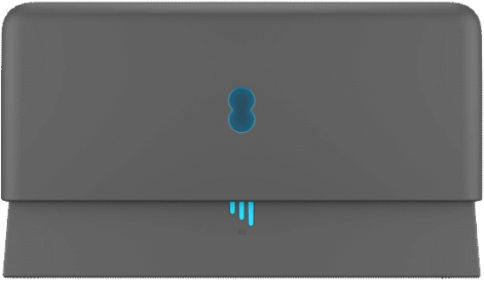
The lights on the Connectivity Backup will indicate when you’ve found a suitable spot.
The central light should be aqua, and the 4G signal bars aqua or white.
This means your Connectivity Backup device is connected to your Smart Hub using WiFi, and also to the mobile network. If the central light turns red then try another location and restart the device.
What's the light on your hub doing?
Central light
Central light - Solid green
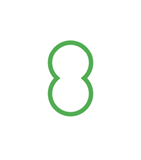 | Your Connectivity Backup is starting up. |
Central light - Solid orange
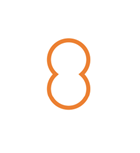 | Your device is too far from your hub. |
Central light - Solid aqua
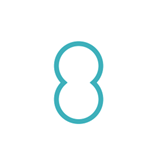 | Your device is paired with your hub. |
Central light - Solid red
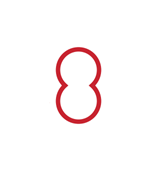 | There's a problem; please restart your Connectivity Backup. If it's still red, get in touch. |
Central light - Flashing green
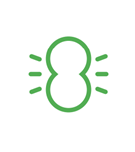 | Your Connectivity Backup device is not paired with your Smart Hub. Make sure the hub’s on and attached to your device. |
Central light - Flashing red
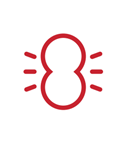 | Your device cannot connect to your hub. Try connecting with an Ethernet cable or moving the hub closer to the Connectivity Backup. |
Central light - Flashing aqua
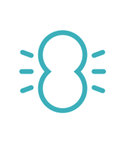 | Your device is pairing with the hub |
4G signal bar light - Flashing aqua
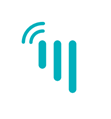 | Your device is connecting to the mobile network |
4G signal bar light - Solid aqua
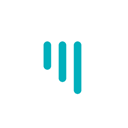 | Your device has a strong signal. Two or three bars are good. |
4G signal bar light - Partially aqua
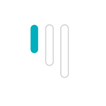 | One bar is ok but you may be able to improve it. |
4G signal bar light - Solid white
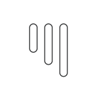 | Your device is using mobile data to support your broadband. Two or three bars are good. |
4G signal bar light - Partially white
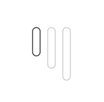 | One bar is ok but you may be able to improve it. |
4G signal bar light - Solid red
 | There’s a problem with your device. We’d like to help, so please get in touch |